ℹ️ Affiliate Disclosure: This article may contain affiliate links. We may earn a commission at no extra cost to you. Thanks for your support! ❤️
Discover versatile Christmas laser cut ideas bundle for unique holiday crafts
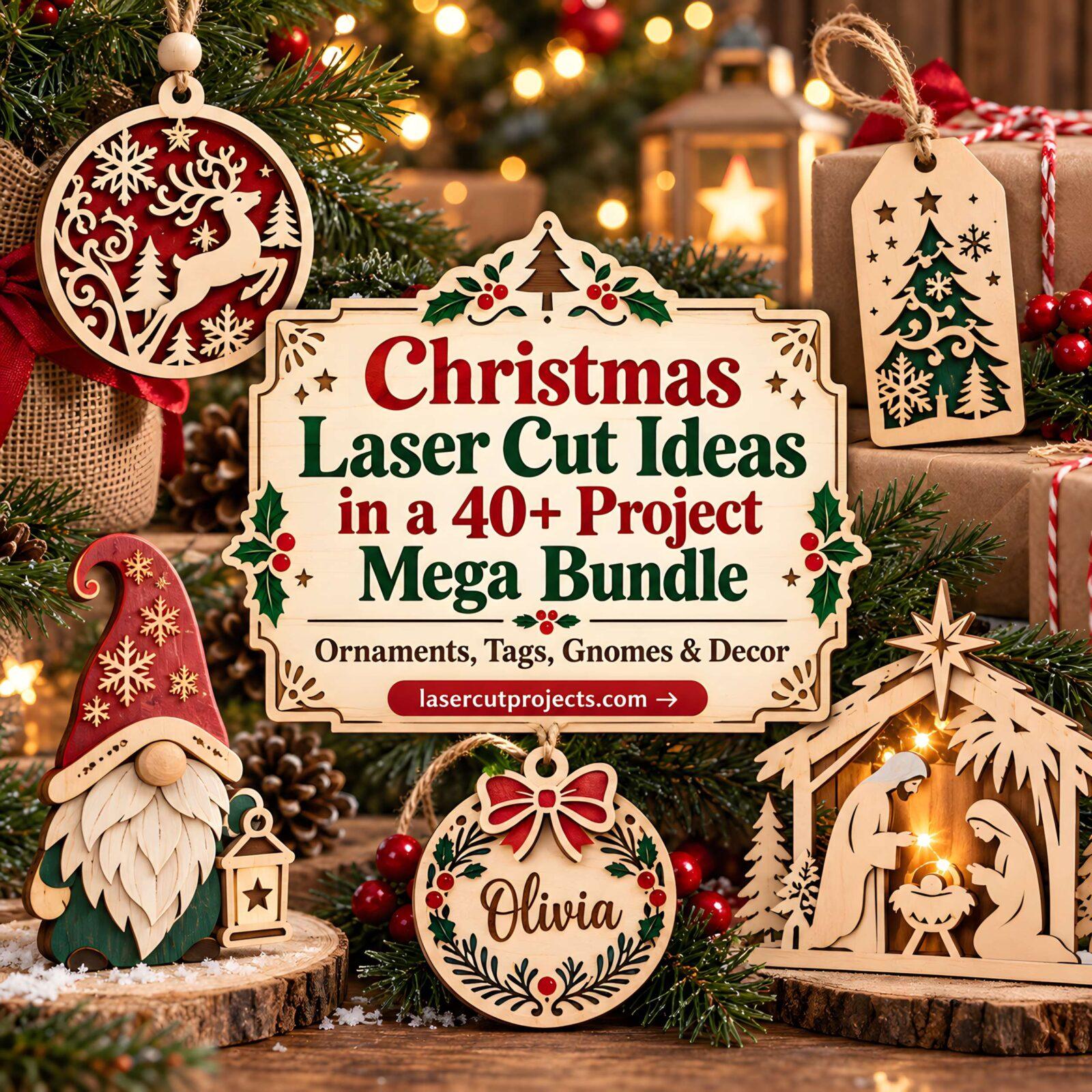
Most Christmas laser cut ideas bundles lean heavily on one format: twenty ornaments, a set of signs, or several versions of the same tree. This Christmas Craft Mega Bundle takes a different route. It groups more than 40 mini collections around noticeably different finished projects, from hanging ornaments and personalized name pieces to gift tags, plant stakes, photo frames, gnomes, nativity scenes, alphabet designs, and pet-themed decorations.
That variety is the main reason I would look at this file set. It makes more sense for someone planning several kinds of holiday projects than for a maker who only needs one very specific ornament. The useful question is not simply how many files are included, but which designs are worth matching to your material, available cutting time, and the way the finished piece will actually be used.

The Bundle Works Best as a Christmas Project Library
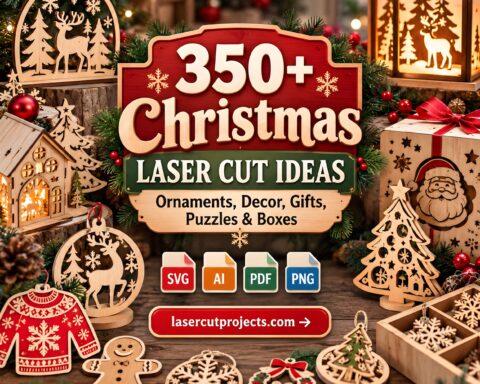
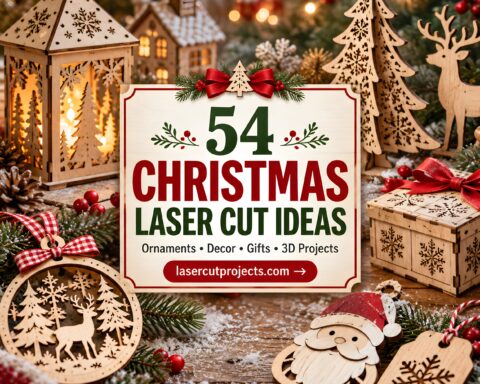
The preview images show several distinct project families rather than minor variations of a single design. There are round and shaped tree ornaments, alphabet ornaments, layered animal decorations, personalized name ornaments, Christmas gnomes, nativity silhouettes, gift tags, decorative plant stakes, and photo frames.
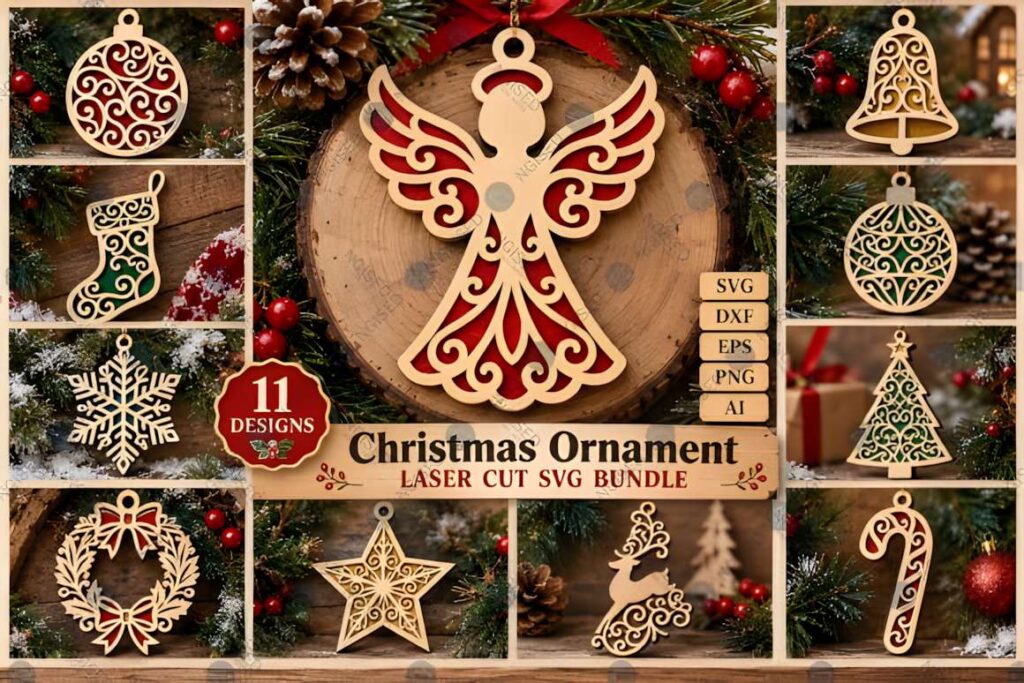
For me, that changes how the bundle should be used. I would not try to cut a little of everything. I would treat it as a seasonal project library and choose one group based on the job at hand. A personalized ornament makes sense for a family gift. Gift tags are easier to repeat when several packages need matching details. A photo frame has more value when the finished piece is meant to stay on display after Christmas morning.
Flat Ornaments Are the Easiest Place to Start
Several designs shown in the collection are primarily flat or layered ornaments. Those would be my first choice before moving into projects where positioning, multiple decorative layers, or freestanding presentation matters more.
The animal ornaments are a good example. Their circular outer shapes give the delicate interior details a defined boundary, while contrasting layers create the finished illustration. The trade-off is that intricate antlers, branches, whiskers, curls, and other narrow sections can become more vulnerable if the design is reduced too aggressively.
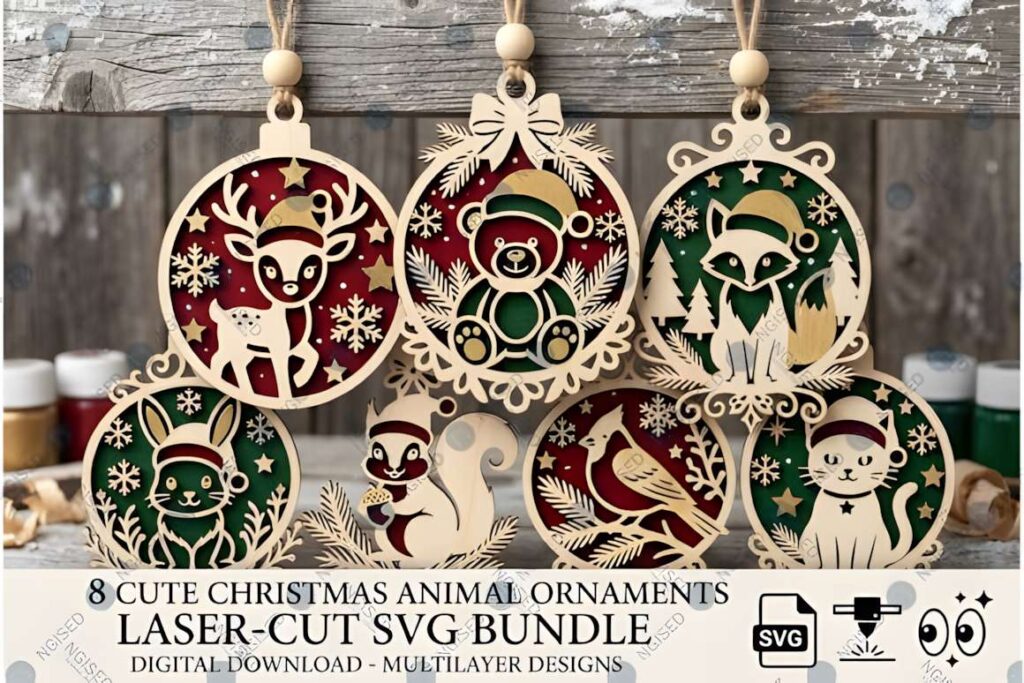
I would check imported dimensions before cutting a complete ornament set and make one sample first. That gives you a chance to judge whether small details remain sturdy enough in the material you actually plan to use. Exact power, speed, and pass settings should come from your machine and material guidance rather than from a generic recommendation.
Personalized Designs Need More Planning Than the Preview Suggests
The name ornaments and Christmas photo frames are probably the strongest gift-oriented designs in the previews. They turn the cut file into a keepsake rather than generic seasonal décor. They also introduce another step: customization has to remain readable and visually balanced inside the existing shape.
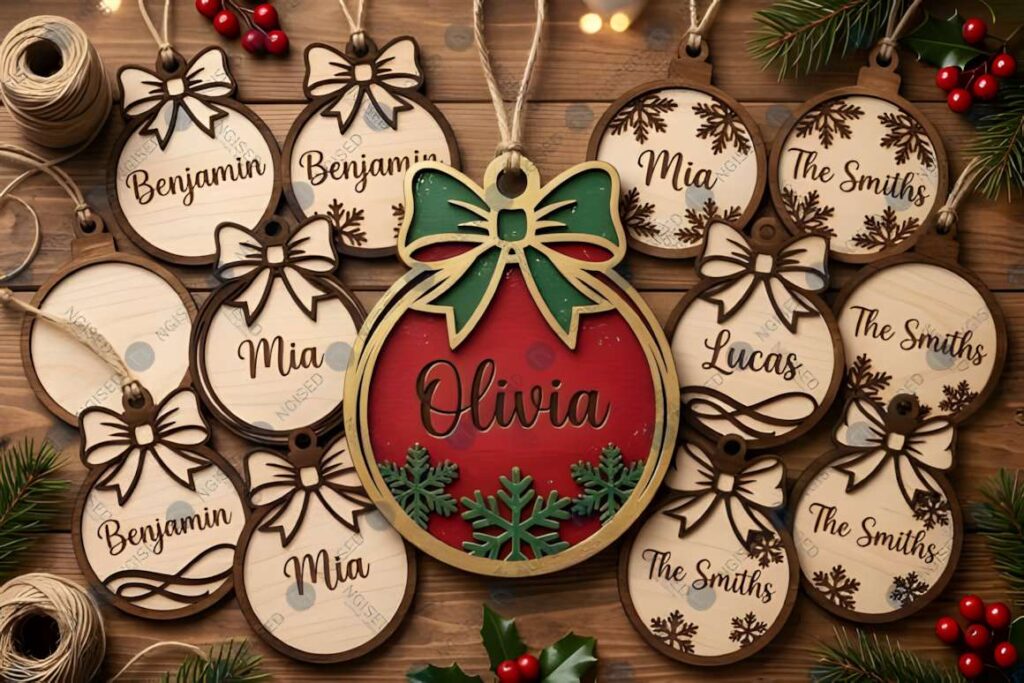
On a round ornament, a short name has plenty of breathing room. A longer family name can change the composition quickly. I would size the lettering inside the complete ornament outline before cutting, rather than adjusting the name in isolation and discovering later that the margins feel cramped.
The same principle applies to the alphabet ornaments. Their decorative letters already contain Christmas motifs and cutout details, so making them much smaller may leave less material around some openings. This is one area where preserving the intended visual scale is more useful than squeezing every design onto the smallest possible scrap.
Some Designs Make More Sense as Décor Than Tree Ornaments
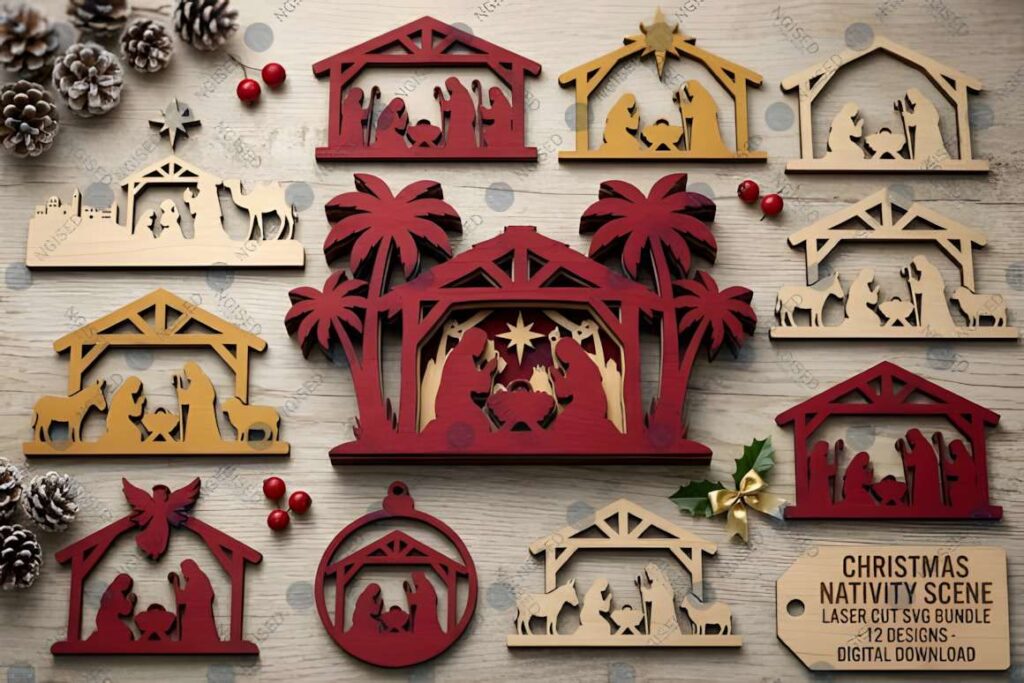
The bundle is broader than laser cut Christmas ornaments. The gnome figures, plant stakes, nativity scenes, and framed pieces point toward tabletop décor, seasonal planters, shelves, mantels, and gift displays.
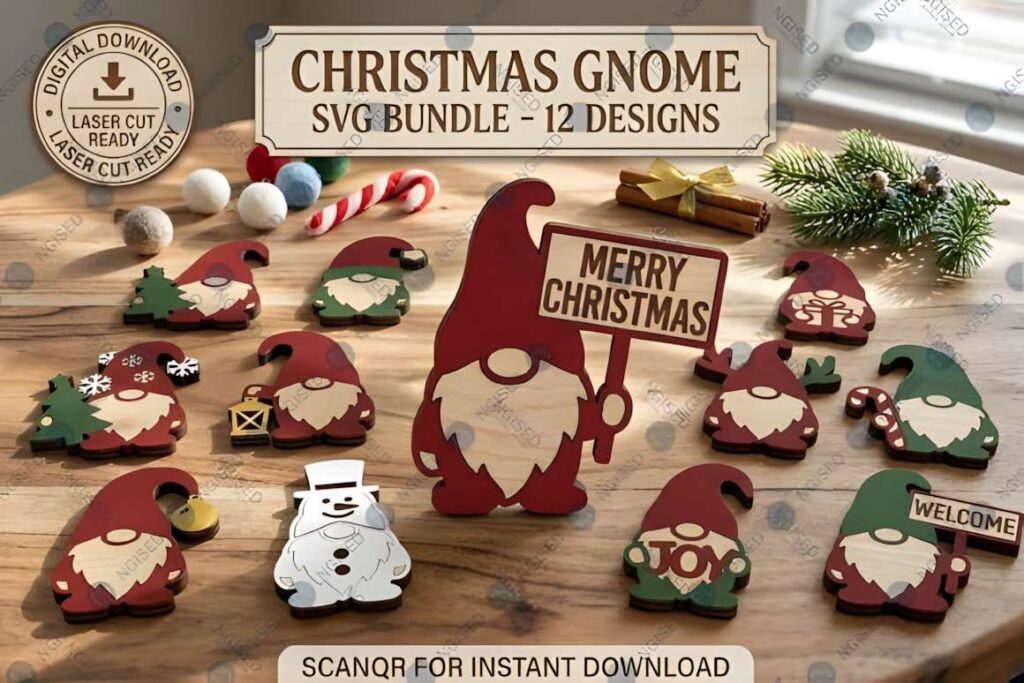
I particularly like the plant-stake concept for makers who already create holiday arrangements or small potted gifts. The cut design becomes part of something larger instead of competing with dozens of other ornaments on a tree. The nativity silhouettes work differently: their recognizable outline does most of the visual work, so clean cutting and an appropriate display size matter more than adding extra decoration.
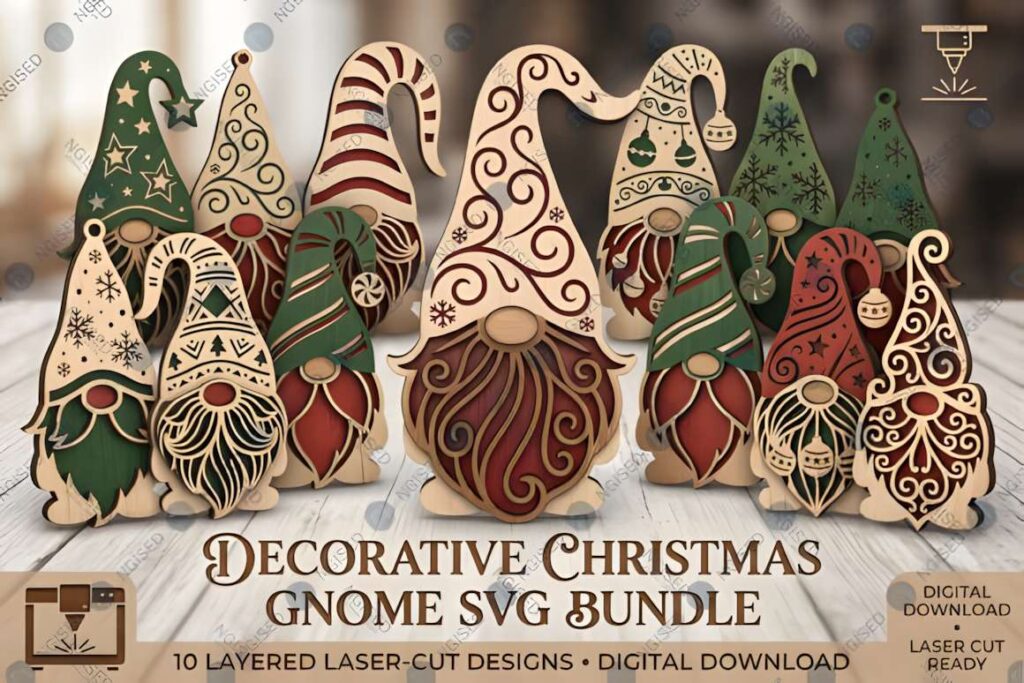
This is also where material choice becomes an editorial decision rather than a fixed rule. The seller describes the bundle as usable across varying material thicknesses, but that does not mean every design behaves identically at every scale or in every material. A flat tag and a detailed layered ornament place different demands on thin sections, surface finish, weight, and assembly.
Choose a Small Group Before Starting a Batch
A 40+ mini-bundle collection can save you from hunting down separate Christmas files, but it can also encourage unnecessary project hopping. I would pick one practical theme first: personalized family ornaments, matching gift tags, a nativity display, or a small set of animal ornaments.
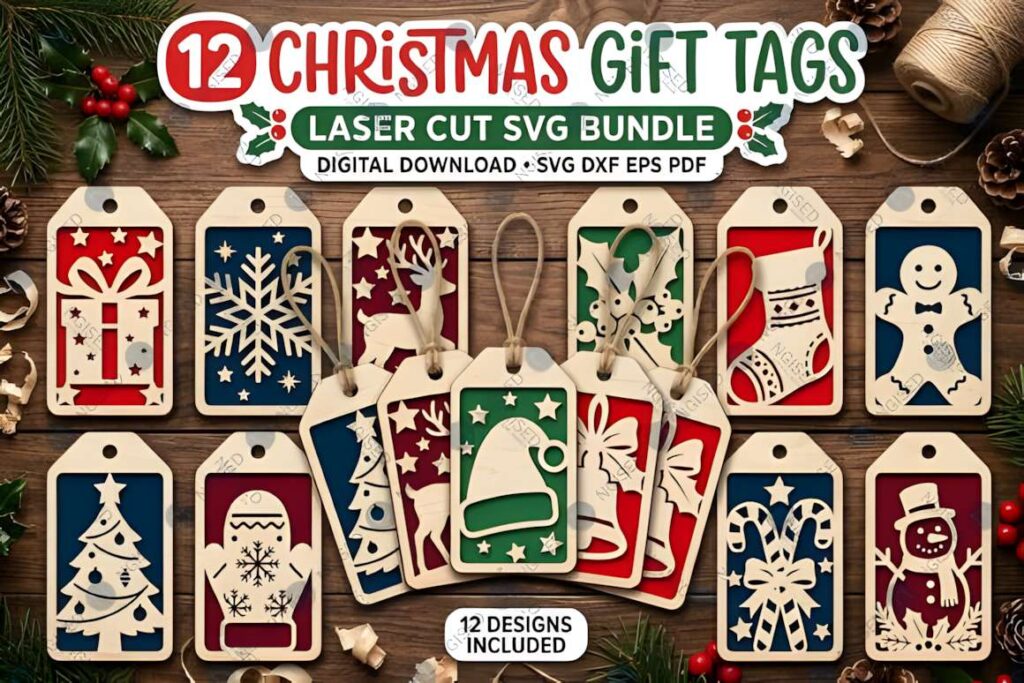
Then import only those files, confirm their dimensions, inspect the narrowest cut areas, and make one representative test piece. If several finished pieces need glue or aligned layers, include that assembly time in the plan. Repeating ten simple tags may be faster in practice than producing ten highly detailed layered decorations, even if both start as digital cutting files.
The strongest reason to consider this particular Christmas SVG bundle is its range. It is better suited to a maker who wants several kinds of seasonal projects than someone searching for one tightly defined design style. I would start with the simplest ornament or tag that matches the intended use, then move into the more detailed layered and personalized designs once the scale and material are working well.
Frequently Asked Questions
What can I make with this Christmas laser cut bundle?
The bundle can be used for several types of Christmas projects rather than one finished object. The previews include ornaments, personalized decorations, gift tags, plant stakes, photo frames, gnomes, nativity designs, alphabet ornaments, animal ornaments, and pet-themed pieces. I would choose one project family at a time instead of treating every included design as part of a single build.
What file formats are included in the Christmas craft bundle?
The product listing specifies AI, EPS, SVG, DXF, and PNG file formats. That gives makers several vector and image options for preparing different projects, but software and machine workflows vary. Check that your preferred program supports the format you intend to use before setting up a full cutting session.
Can I resize the laser cut Christmas ornaments?
Vector designs can generally be scaled in compatible software, but the safest approach is to inspect the smallest decorative details after resizing. Several ornaments shown here contain narrow branches, curls, lettering, and detailed interior cutouts. Reducing them too far can make those sections comparatively fragile, so I would make one scaled test before batch cutting.
Is this Christmas laser cut bundle suitable for beginners?
Some designs appear more approachable than others. Simple flat gift tags and basic ornaments involve fewer decisions than layered pieces, personalized layouts, or detailed decorative designs. For a first project, I would choose a relatively simple file, verify its imported size, make one test cut, and only then prepare multiple copies or move to a more detailed design.