Understanding Laser Cut Teardrop Earring SVG Bundles for Jewelry Making
Teardrop earrings look simple until you start choosing the cut files. A delicate floral pattern may look appealing at full size but leave narrow connections when reduced to a wearable pair. A bold outline is easier to assess, yet it may not give you the decorative finish you want for a jewelry collection.
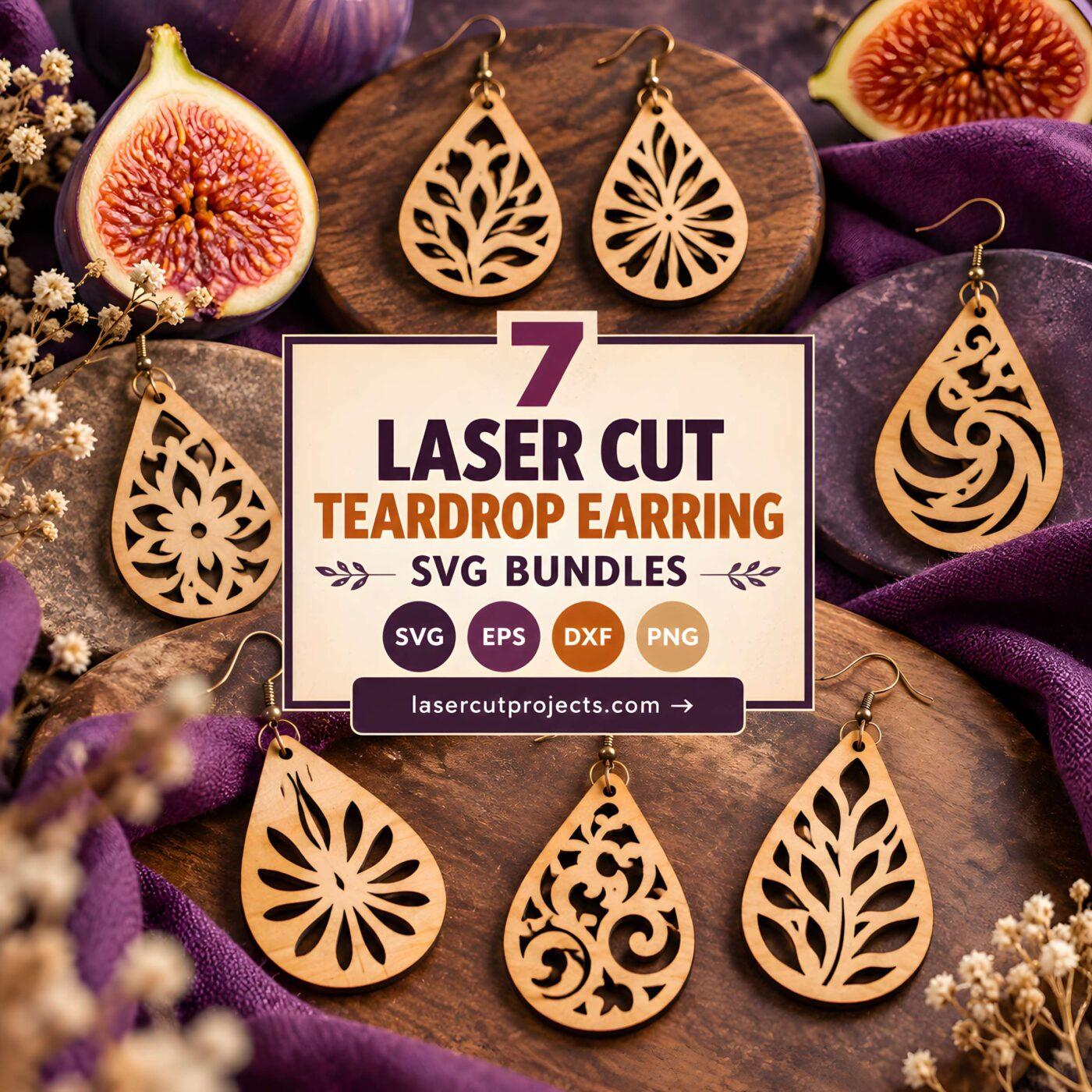
These laser cut teardrop earring SVG bundles offer different approaches to the familiar drop-shaped silhouette, including boho patterns, floral details, sunray motifs, and adaptable outlines. The useful differences go beyond appearance: the number of designs, available file formats, interior cutouts, and intended materials can all affect which bundle suits your project.

For a varied jewelry collection, start with a multi-pattern teardrop bundle. Sunray designs suit coordinated sets with a recognizable motif, while floral and boho files provide more decorative alternatives. If you plan to cut small wooden earrings, inspect the narrowest connections before choosing an intricate pattern. For faux leather, simpler silhouettes may be a more practical starting point.
Quick Picks
For the widest pattern selection: Boho Teardrop Earring Laser Cut Bundle — includes 24 designs for experimenting with different looks.
For coordinated geometric jewelry: Sunray Teardrop Earrings SVG Bundle — six designs built around a consistent sunray theme.
For floral jewelry: Floral Teardrop Earring SVG Bundle — 15 floral designs for decorative earring projects.
For faux leather earrings: Teardrop Earrings — five teardrop cut files described for faux leather crafting.
Laser Cut Teardrop Earring SVG Bundles for Different Projects
1. Boho Teardrop Earring Laser Cut Bundle
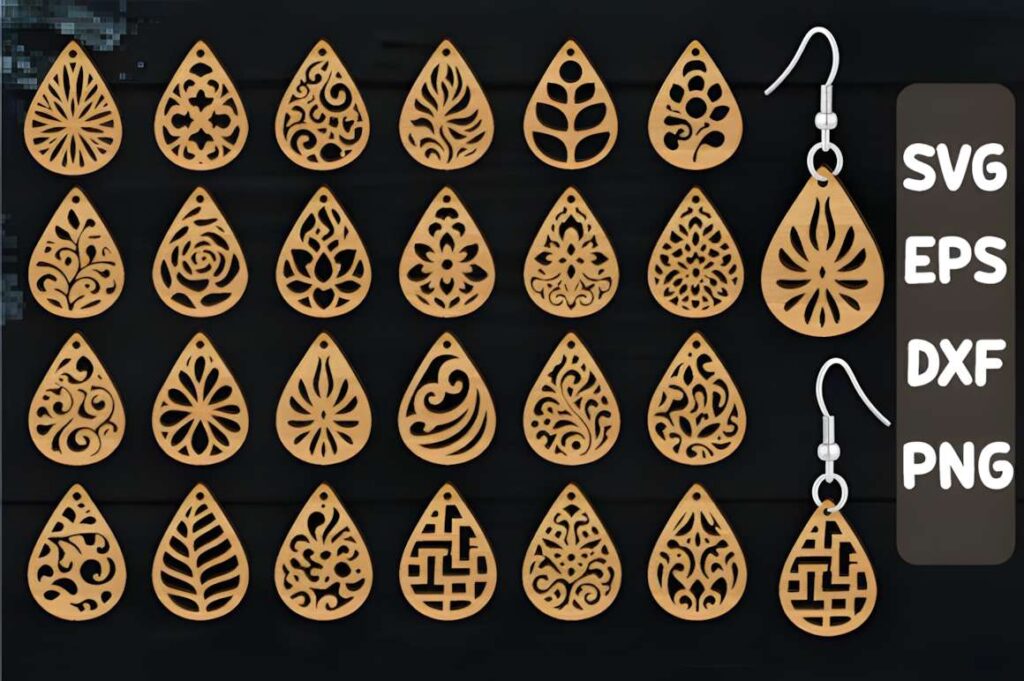
Boho Teardrop Earring Laser Cut Bundle is a 24-design collection for makers who want several earring variations from one download. The seller lists SVG, DXF, PNG, and EPS formats, with the designs intended for laser cutting and other cutting-machine projects.
The main advantage is the size of the design selection. It gives you room to develop a small jewelry range or experiment with different decorative approaches without purchasing numerous individual templates. The description mentions faux leather and wood among possible materials, although the suitability of each design still needs to be checked at your intended scale.
Choose this collection when variety matters more than committing to one tightly defined motif. The seller describes a combined SVG file, so check how the individual patterns are arranged before planning your cutting layout.
2. Sunray Teardrop Earrings SVG Bundle
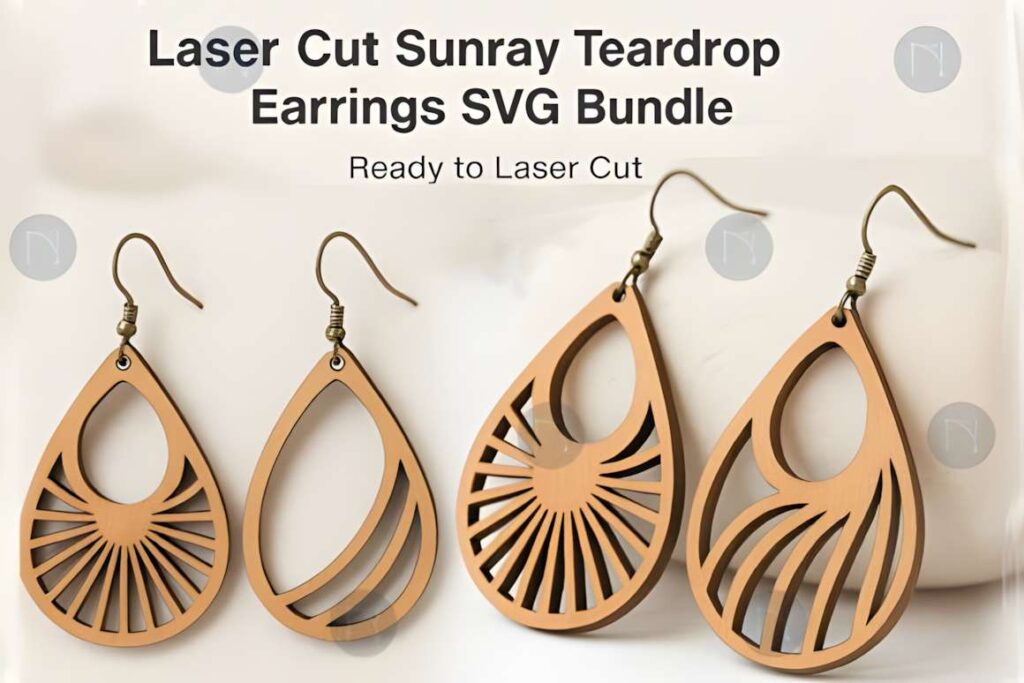
Sunray Teardrop Earrings SVG Bundle contains six designs based on a consistent sunray theme. It suits jewelry makers who prefer a coordinated collection rather than a large assortment of unrelated motifs.
The seller includes SVG, DXF, AI, EPS, and PNG files and identifies the designs as suitable for laser-cutting projects. The shared motif makes the set worth considering for matching earrings or a small themed jewelry display.
Compared with the larger boho collection, this bundle offers fewer designs but a more specific visual direction. It is less suitable when you need many unrelated styles. Review the spacing and any fine internal details at your chosen finished size before cutting.
3. Floral Teardrop Earring SVG Bundle
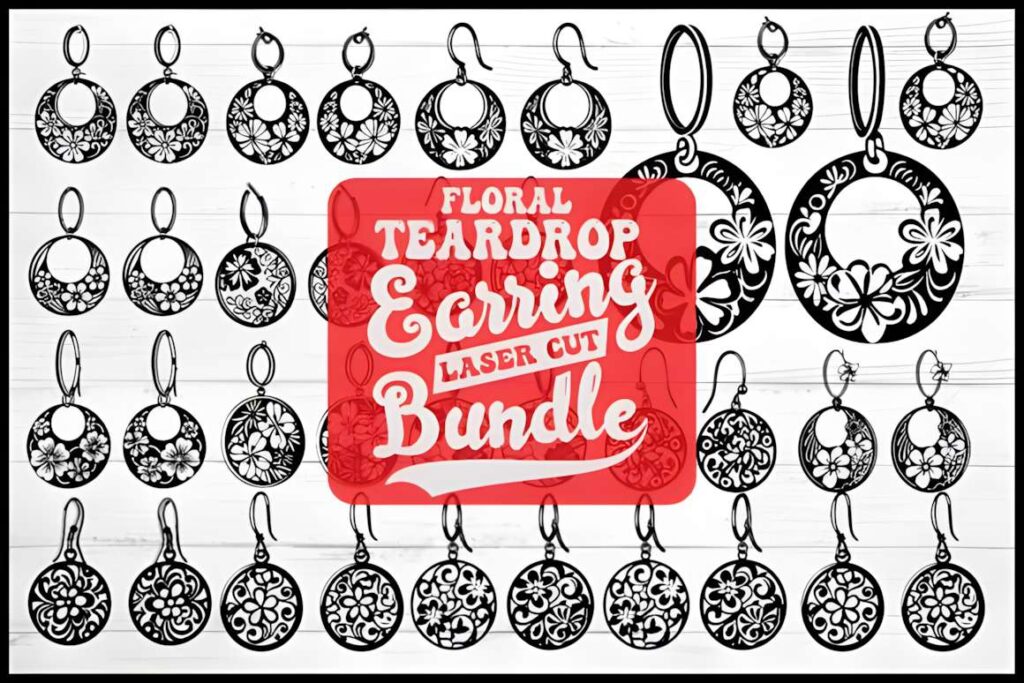
Floral Teardrop Earring SVG Bundle by Designs River provides 15 floral earring designs for decorative jewelry projects. Its listing identifies the files as suitable for laser-cut jewelry and includes 15 SVG files, alongside EPS, PNG, and JPG versions.
This collection makes sense when flowers are the main visual feature of the finished earrings. Floral motifs can provide a softer decorative direction than angular or geometric patterns, particularly for gift sets and coordinated accessories.
The practical consideration is detail density. Flower petals, stems, and surrounding cutouts may leave narrow areas when reduced to earring size. Inspect each SVG rather than assuming all 15 designs will behave identically with your chosen material.
4. Teardrop Earrings
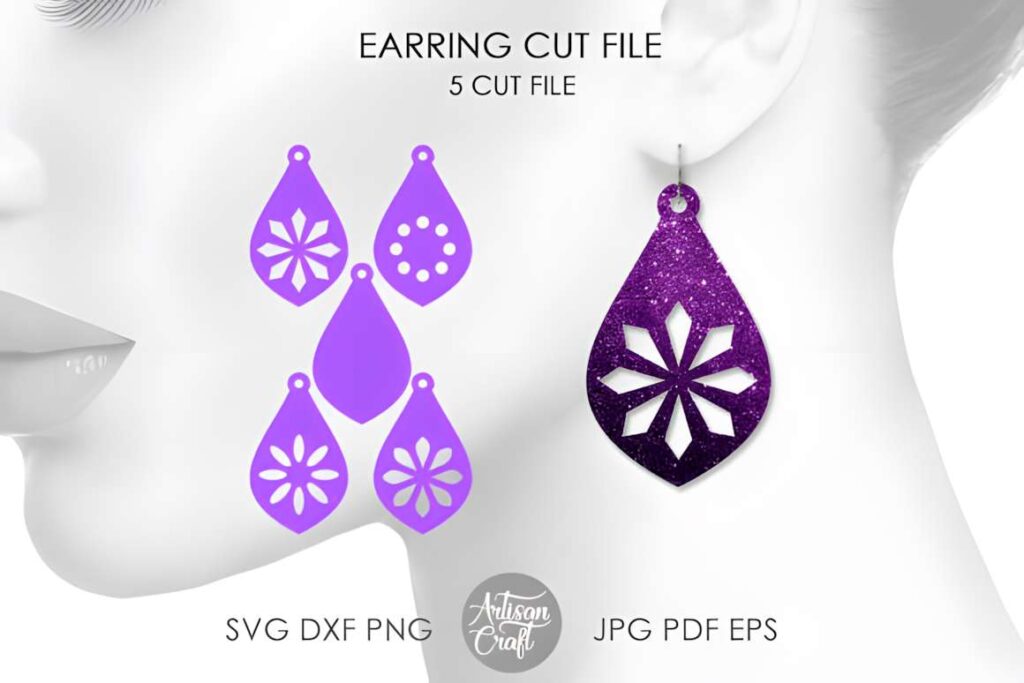
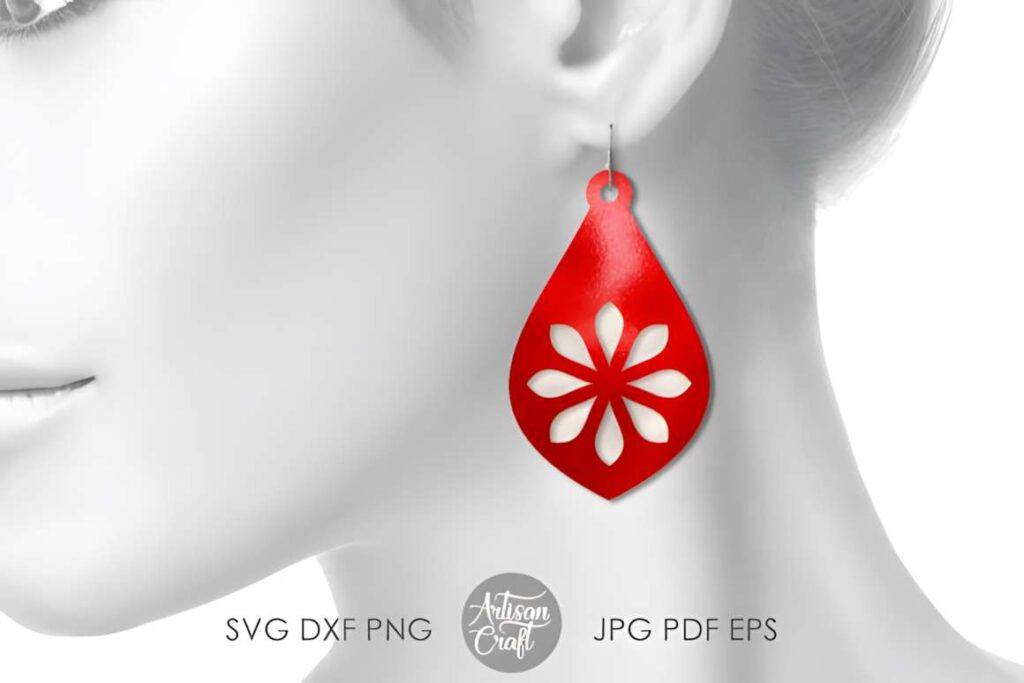
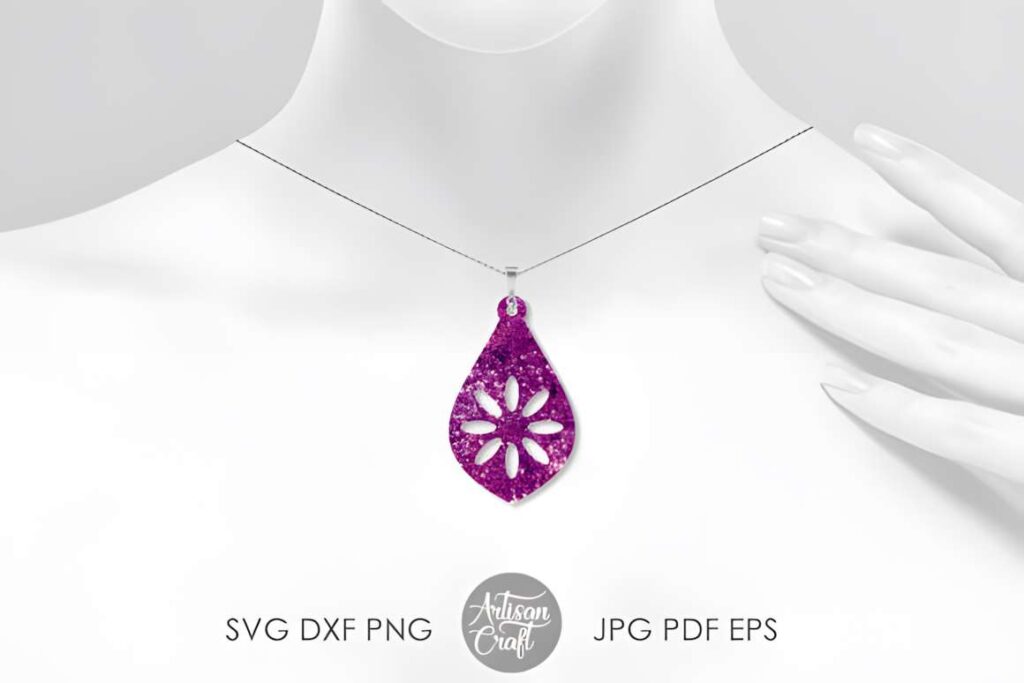
Teardrop Earrings by Artisan Craft SVG is a five-design cutting-file bundle described for making faux leather earrings. The download includes SVG, DXF, PNG, EPS, PDF, and JPG versions of the designs.
This is a useful option for makers planning lightweight dangling earrings with a familiar teardrop silhouette. Five designs provide some variation without requiring you to sort through a particularly large collection.
Faux leather and wood are not interchangeable from a cutting perspective. Although the files are listed in the laser-cutting category, their stated faux leather use is the clearest reason to consider this set. For rigid materials, check the pattern connections and hanging-hole geometry before committing to a full batch.
5. Teardrop Earring, Laser
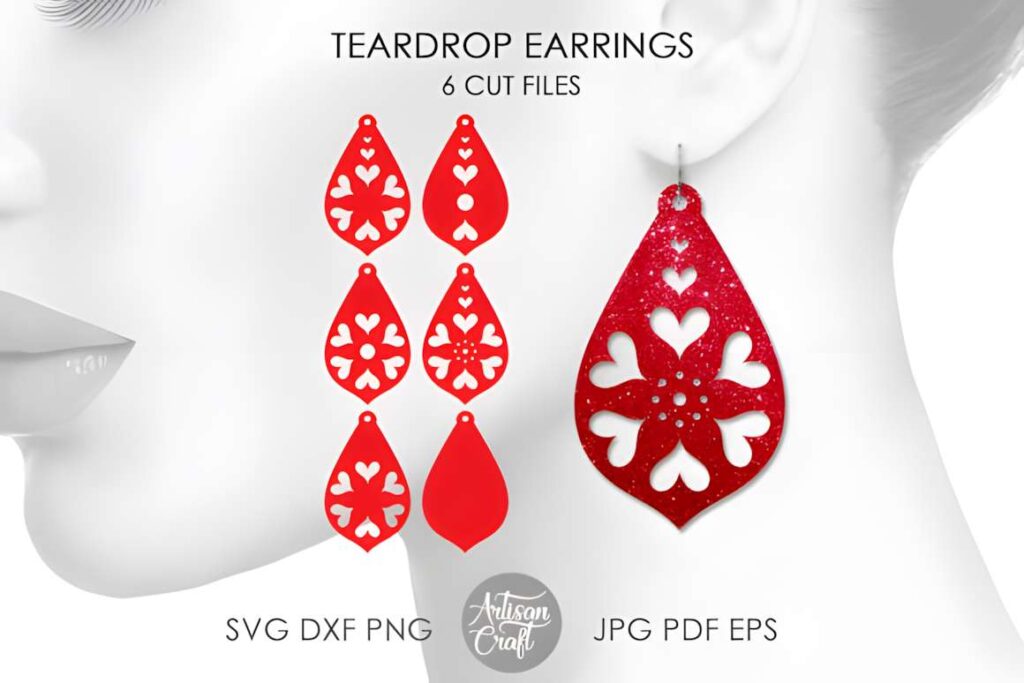
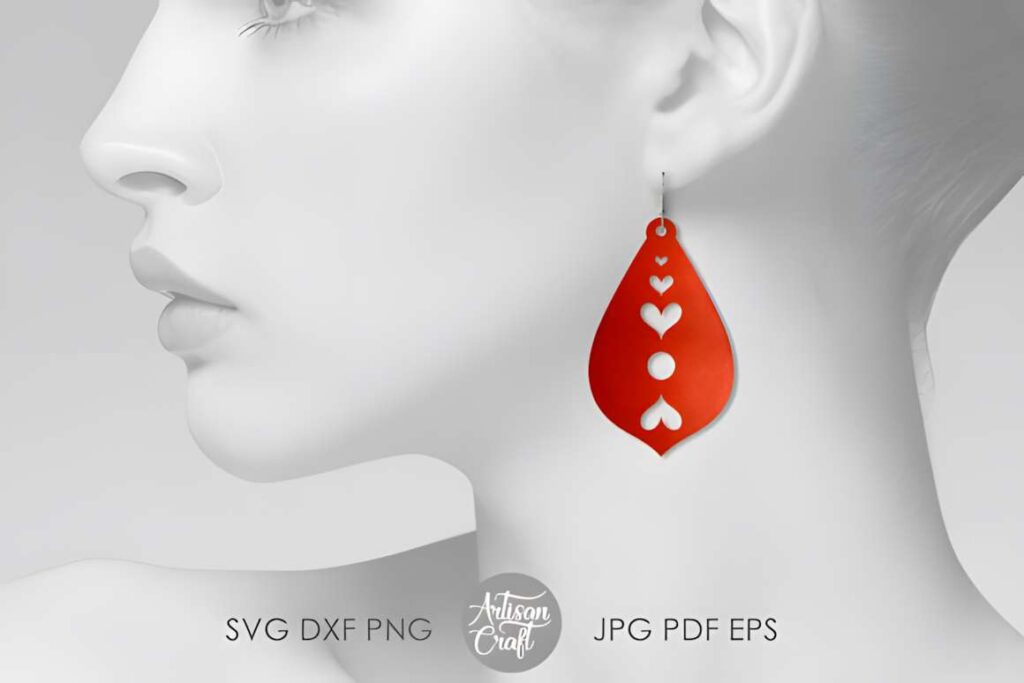
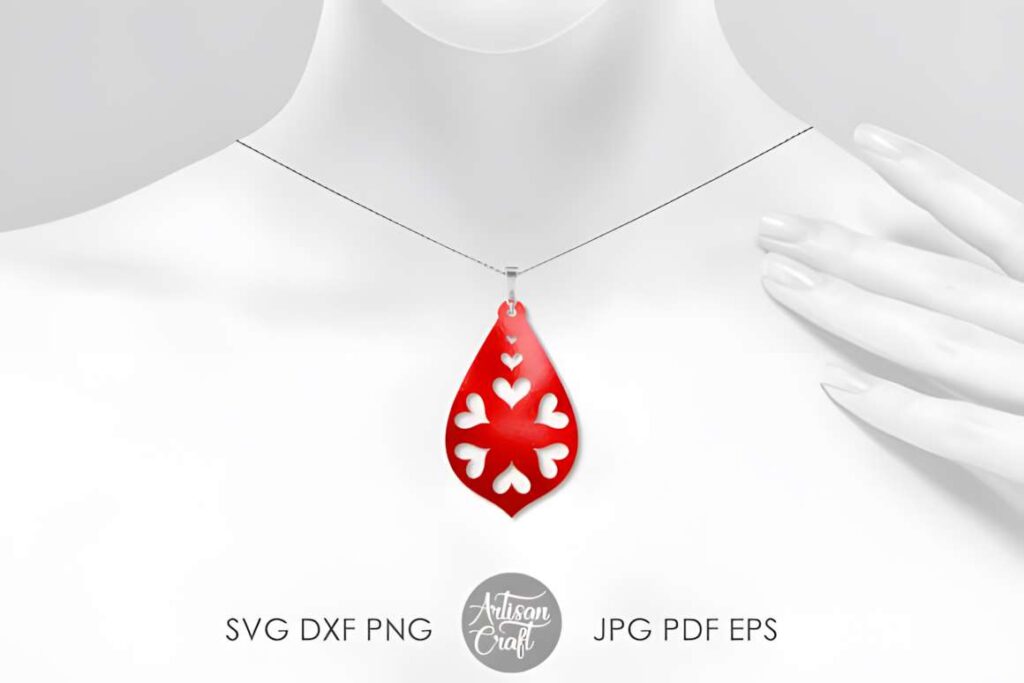
Teardrop Earring, Laser by Artisan Craft SVG contains a collection of teardrop-shaped cutting files intended for projects such as wedding and Valentine’s Day earrings. The seller describes five matching sets with different styles and lists six SVG files among the included formats.
The matching-set concept is particularly useful when making coordinated accessories for friends, gifts, or an event. Rather than choosing completely unrelated earrings, you can work within a shared teardrop theme and still vary the individual design.
The product includes DXF, EPS, PDF, PNG, and JPG files in addition to SVG. Its stated jewelry artwork size is 3 by 3 inches, which should not be treated as a required finished earring dimension. Resize thoughtfully and inspect delicate areas before cutting smaller pieces.
6. Teardrop Earrings by PowerVECTOR
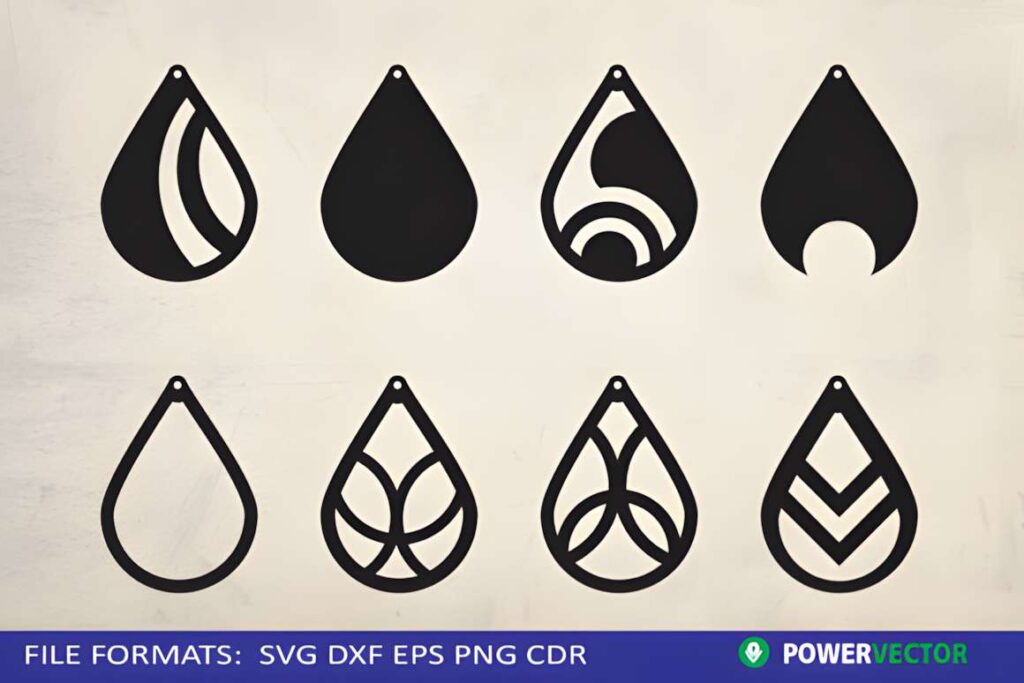
Teardrop Earrings by PowerVECTOR provides eight SVG earring designs intended for cutting-machine projects, including laser cutting. The download also contains eight DXF files, eight PNG files, and an EPS file.
Eight separate SVG files make this collection worth considering when you prefer working with individual designs rather than extracting patterns from one combined sheet. The listing specifically identifies jewelry cutting as the intended application.
This bundle offers more designs than the five-pattern Artisan Craft SVG collection without expanding into a particularly large assortment. Before choosing it for wooden earrings, examine the individual contours and confirm that the internal details suit the thickness and strength of your material.
See PowerVECTOR Teardrop Earrings
7. Teardrop Earrings Svg Bundle, Laser Cut
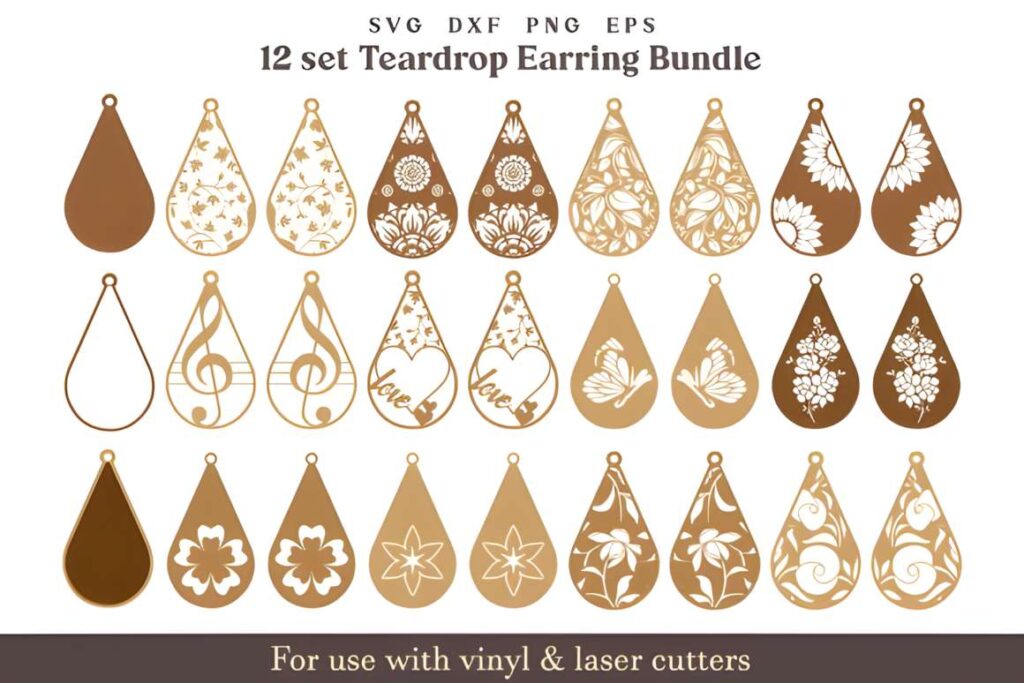
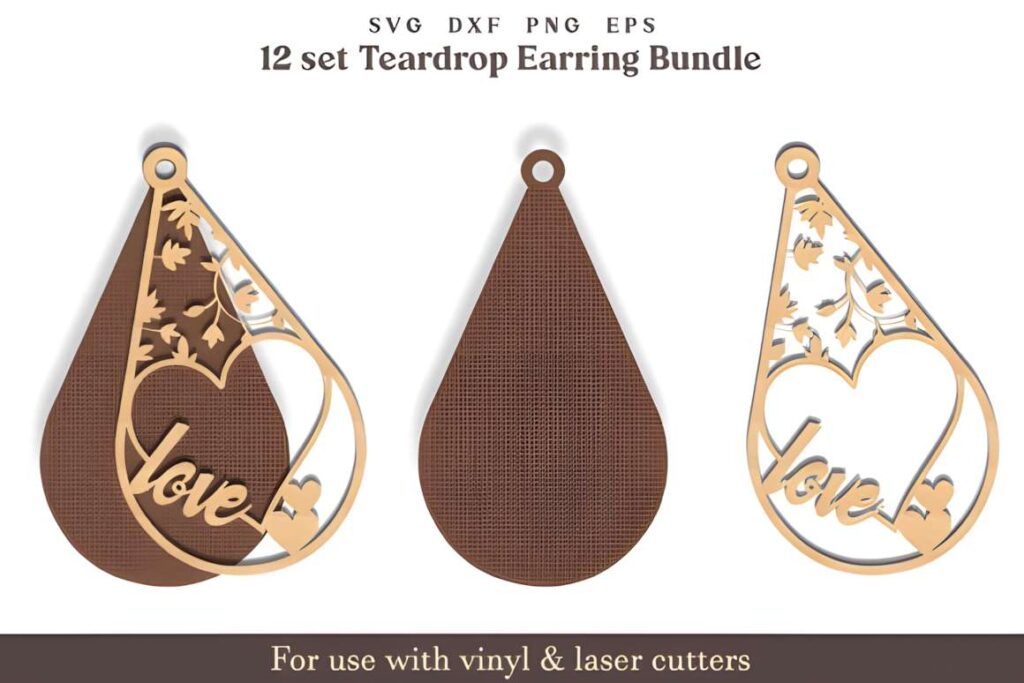
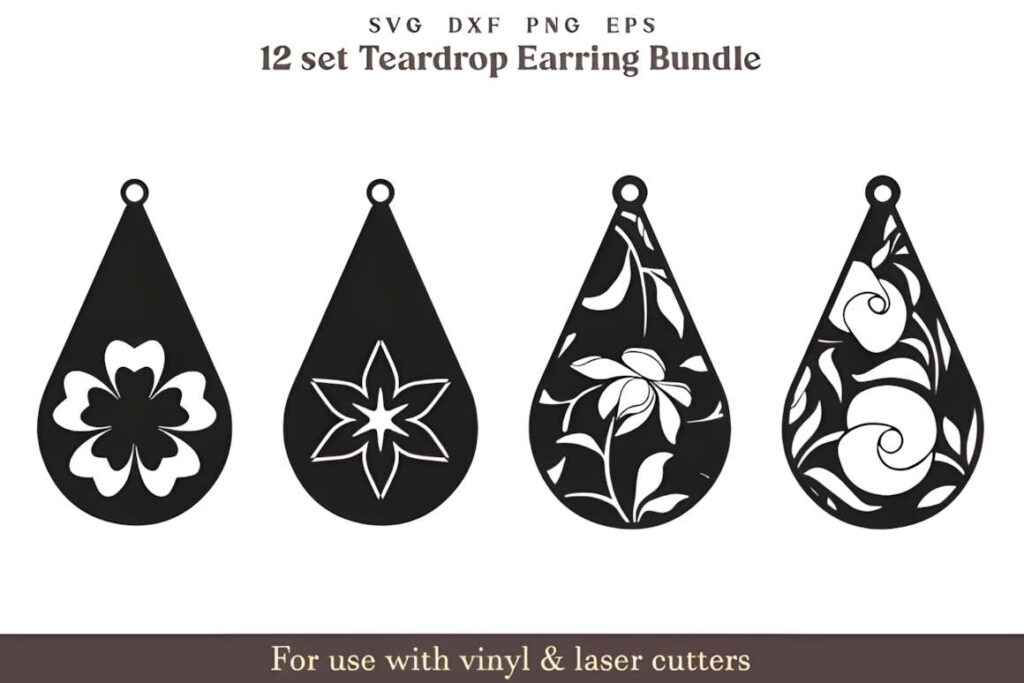
Teardrop Earrings Svg Bundle, Laser Cut by Akashkharvi Designs includes 13 individual SVG designs and an additional combined SVG file. The download also provides EPS, DXF, and PNG versions, making it a flexible collection for users who work with different design applications.
The number of patterns is appealing for jewelry makers who want several teardrop variations. There is, however, a specific reason to inspect this bundle carefully before using it for production. A purchaser reported overlapping paths and disconnected areas that required manual editing before successful laser cutting.
That report does not establish that every file has the same issue, but it makes this a less straightforward choice for someone expecting to load a design and cut immediately. Consider the bundle when you are comfortable checking vector paths, removing duplicates, and repairing connections in your editing software.
Compare the Teardrop Earring SVG Bundles
| Product | Best for | Style / Type | Project Fit |
|---|---|---|---|
| Boho Teardrop Bundle | Large pattern selection | 24-design boho collection | Varied jewelry sets |
| Sunray Teardrop Bundle | Coordinated designs | Six sunray patterns | Themed earrings |
| Floral Teardrop Bundle | Floral jewelry | 15 floral designs | Decorative earrings |
| Teardrop Earrings | Faux leather projects | Five teardrop files | Lightweight earrings |
| Teardrop Earring, Laser | Matching accessories | Coordinated teardrop sets | Gifts and events |
| PowerVECTOR Teardrop Earrings | Separate SVG designs | Eight earring patterns | Individual cut-file projects |
| Teardrop SVG Bundle | Users comfortable with editing | 13 SVG designs | Customizable jewelry projects |
How to Prepare Teardrop Earring SVGs for Laser Cutting
A decorative SVG can look complete on screen while still needing preparation for a clean cut. Small jewelry designs deserve particular attention because even minor path problems become noticeable when the finished piece is only a few inches long.
Inspect the Cutting Paths
Open the SVG in your preferred vector editor or laser software and inspect the design at high zoom. Look for overlapping lines, duplicate contours, open paths where closed cutouts are expected, and interior elements that do not connect to the outer shape.
Duplicate cutting lines can cause a laser to travel over the same area more than once. Unconnected interior shapes may fall away rather than remain part of the earring. Fixing these issues before cutting can prevent unnecessary material waste.
Check the Finished Size
Set the dimensions according to the earring you want to make rather than relying automatically on the downloaded canvas size. A design supplied on a large artboard may need substantial resizing.
When shrinking a detailed pattern, inspect the narrowest bridges and smallest openings. Scaling a vector preserves its mathematical geometry, but it does not guarantee that tiny features remain practical to cut in wood or acrylic.
Choose Materials Based on the Pattern
Thin plywood can provide a natural finish for geometric and decorative earrings, although fragile interior connections deserve attention. Acrylic can produce a different appearance, but the material must be appropriate for the specific laser machine. Faux leather offers flexibility and a lighter feel, provided its composition is confirmed safe for the intended cutting process.
Never assume that every leather-like sheet is laser-safe. Avoid cutting PVC-containing materials, and follow the material and ventilation guidance supplied by your machine manufacturer.
Allow Room for Earring Hardware
Check the hanging hole before cutting. It needs to accommodate your chosen jump ring while leaving enough material around the opening to resist breakage.
If you resize the entire SVG, the hole will scale with the rest of the design. You may need to adjust it independently to fit your hardware. Also consider the finished weight of the earring, particularly when using larger rigid pieces.
Run a Small Test Before Batch Cutting
Start with one pair rather than filling the cutting bed immediately. Inspect the edges, fine connections, hanging holes, and any engraved details after the test.
If the result is too delicate, consider enlarging the design, simplifying interior geometry, or choosing a pattern with wider connections. A short test is especially useful when switching between materials or using an unfamiliar SVG bundle.
Which Teardrop Earring Bundle Should You Choose?
If you want to create a collection with plenty of design variation, Boho Teardrop Earring Laser Cut Bundle offers 24 patterns to explore. For matching jewelry with a consistent visual theme, Sunray Teardrop Earrings SVG Bundle is a more focused choice.
Choose Floral Teardrop Earring SVG Bundle when flower motifs are central to your project. If faux leather earrings are your priority, the five-design Teardrop Earrings collection is worth examining first.
For users who are comfortable repairing vector geometry, Teardrop Earrings Svg Bundle, Laser Cut provides a larger selection, but its reported path issues make careful inspection particularly important. Match the design complexity to your material and finished size before deciding.
Frequently Asked Questions
What SVG designs work well for laser cut teardrop earrings?
Teardrop earring SVG designs with clearly connected shapes, adequate spacing, and suitable hanging holes are practical starting points for laser cutting. Simple outlines and open geometric patterns are often easier to evaluate at small sizes than dense decorative artwork. Floral and mandala designs can also work, but their narrowest connections should be inspected at the intended finished dimensions before cutting.
Can I use teardrop earring SVG files with Glowforge or xTool?
Teardrop earring SVG files can be used with compatible laser-cutting software, including workflows for Glowforge and xTool machines. Compatibility depends on the particular machine, software, file structure, and material. Check the product’s stated formats and your machine’s import requirements. After importing, inspect the paths, dimensions, and assigned cutting operations rather than assuming the design is ready to run unchanged.
What material should I use for laser cut teardrop earrings?
Laser-compatible plywood and acrylic are common choices for rigid teardrop earrings, while suitable laser-safe faux leather can be used for flexible designs. The appropriate material depends on your machine and the geometry of the SVG. Delicate patterns may require wider connections or a different scale. Verify the material composition, follow your laser manufacturer’s safety guidance, and test one pair before producing a larger batch.
Do teardrop earring SVG bundles need editing before cutting?
Some teardrop earring SVG bundles may require editing before laser cutting. Common checks include duplicate paths, disconnected interior shapes, open contours, and hanging holes that become too small after resizing. Even files advertised for laser cutting should be inspected in the intended software. If you plan to sell finished earrings, also review the current license terms associated with the specific download.