

ℹ️ Affiliate Disclosure: This article may contain affiliate links. We may earn a commission at no extra cost to you. Thanks for your support! ❤️
Choosing the Best Laser Cut Desk Organizer Templates for Your Needs
A good laser cut desk organizer template needs to do more than create a decorative wooden box. The layout has to match what you actually keep on the desk, while the slots, compartments, shelves, and finger joints need to make sense for the material you plan to cut. Some organizers prioritize stationery, others handle documents, small accessories, notebooks, or a combination of everyday supplies.
The 17 templates below cover compact pen holders, multi-compartment desktop storage, paper organizers, cabinet-style designs, and larger workstation organizers. Comparing them by storage layout and finished footprint makes it easier to choose a file that solves the right organization problem instead of simply picking a similar-looking SVG.
A much broader range of laser-ready organizer designs is available, so this shortlist concentrates on templates serving clearly different desk storage and DIY project needs.

The most useful laser cut desk organizer templates fall into a few practical groups: compact stationery holders for small desks, compartment organizers for mixed supplies, document storage for paper-heavy workspaces, and larger modular designs for makers who need more capacity. Choose according to what needs storing first, then check material thickness, joint construction, and overall dimensions before cutting.
Quick Picks
For mixed everyday supplies: Laser Cut Desk Organizer Svg Files — combines several open compartments with a drawer-style section for different desk essentials.
For documents and folders: Laser Cut Office Organizer Files — uses larger divided storage better suited to paper, scrapbooks, and files.
For a small desk: Space-Saving Desktop Organizer Laser Cut — focuses on vertical organization without requiring a broad desktop footprint.
For stationery plus a calendar: Desk Organizer, Pencil Holder — combines pen storage with a perpetual calendar feature.
For notepads and writing tools: Desk Organizer with Notepad & Pen Holder — gives frequently used writing supplies dedicated spaces in one compact build.
Laser Cut Desk Organizer Templates for Different Workspaces
1. Laser Cut Desk Organizer Svg Files
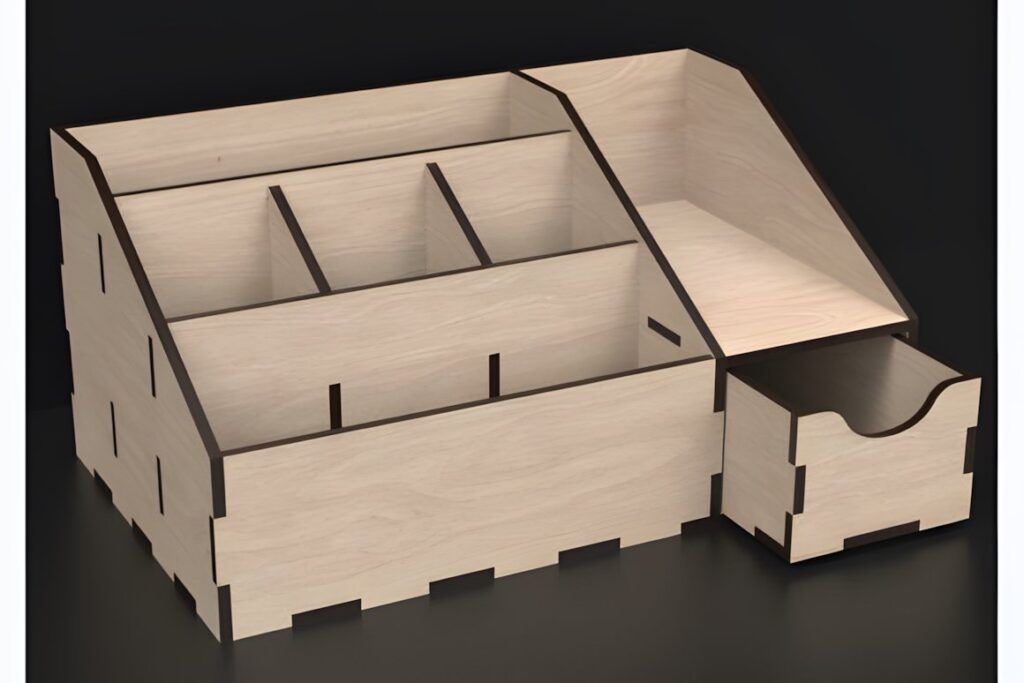
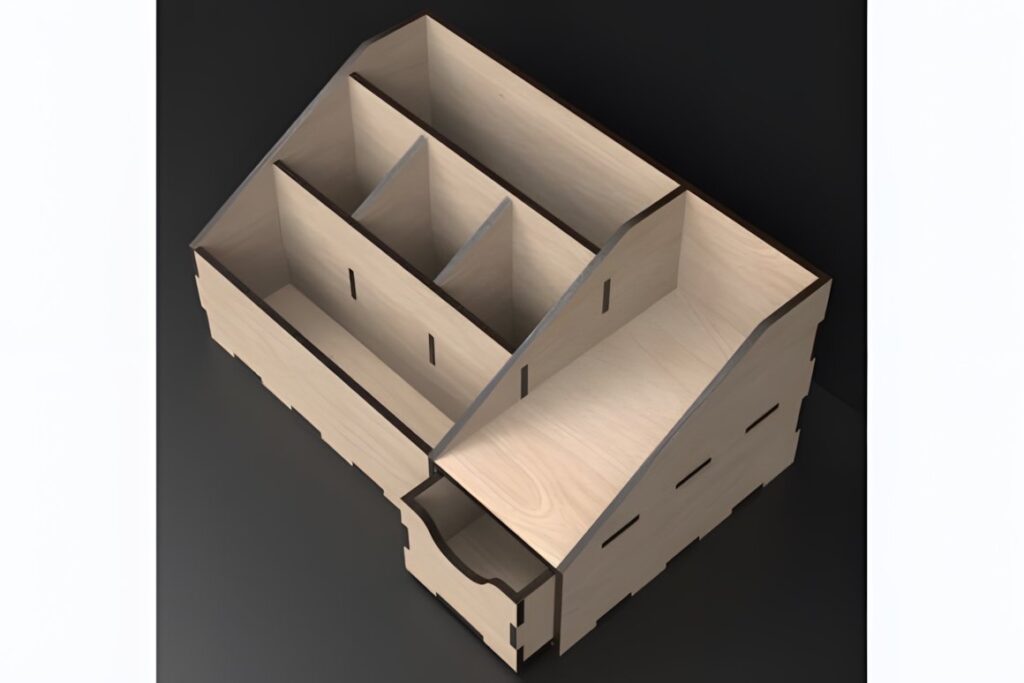
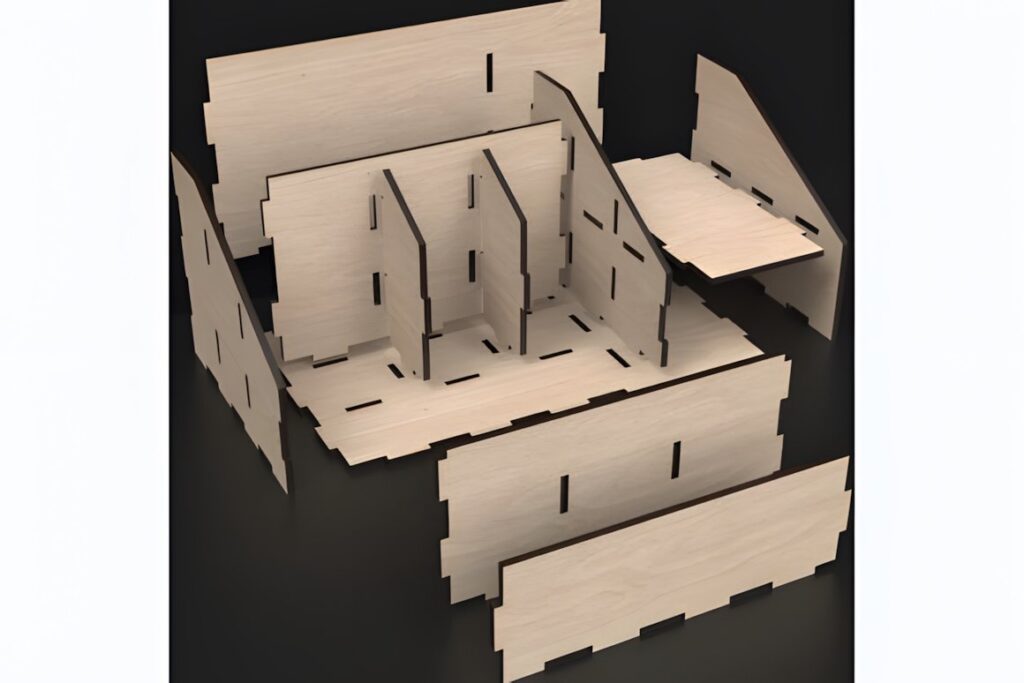
Laser Cut Desk Organizer Svg Files is a multi-compartment desktop organizer for makers who want one project to handle stationery and miscellaneous small items. The layout combines open storage areas with smaller cubicles and a drawer-style section, giving different objects their own places instead of relying on one large container.
The design supports several material thickness options, making it useful when you want more flexibility than a template created only around one nominal sheet thickness. Choose this for a general-purpose home office organizer; a simpler open holder makes more sense when you only need storage for pens and pencils.
2. Laser Cut Desktop Organiser Svg Files
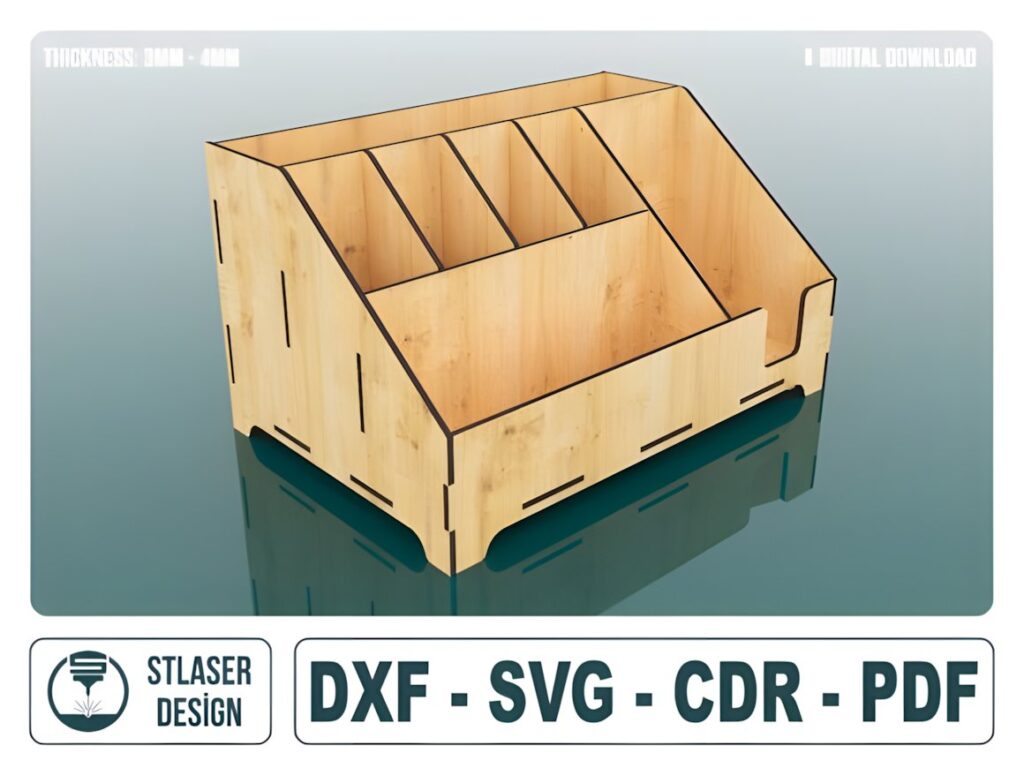
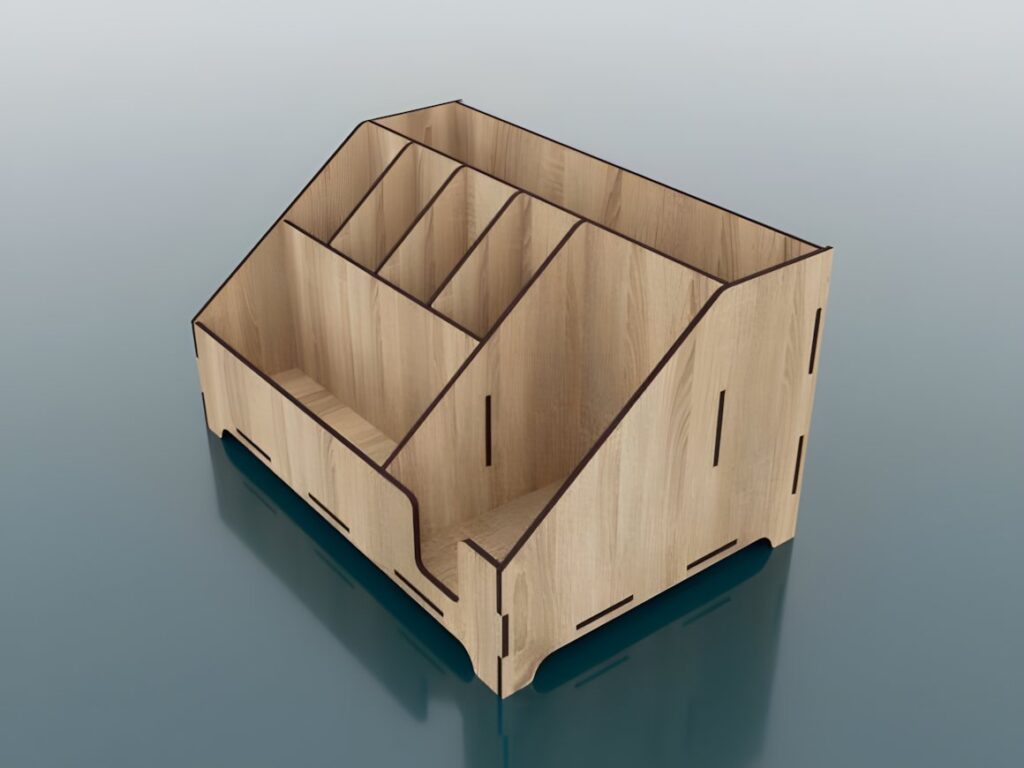
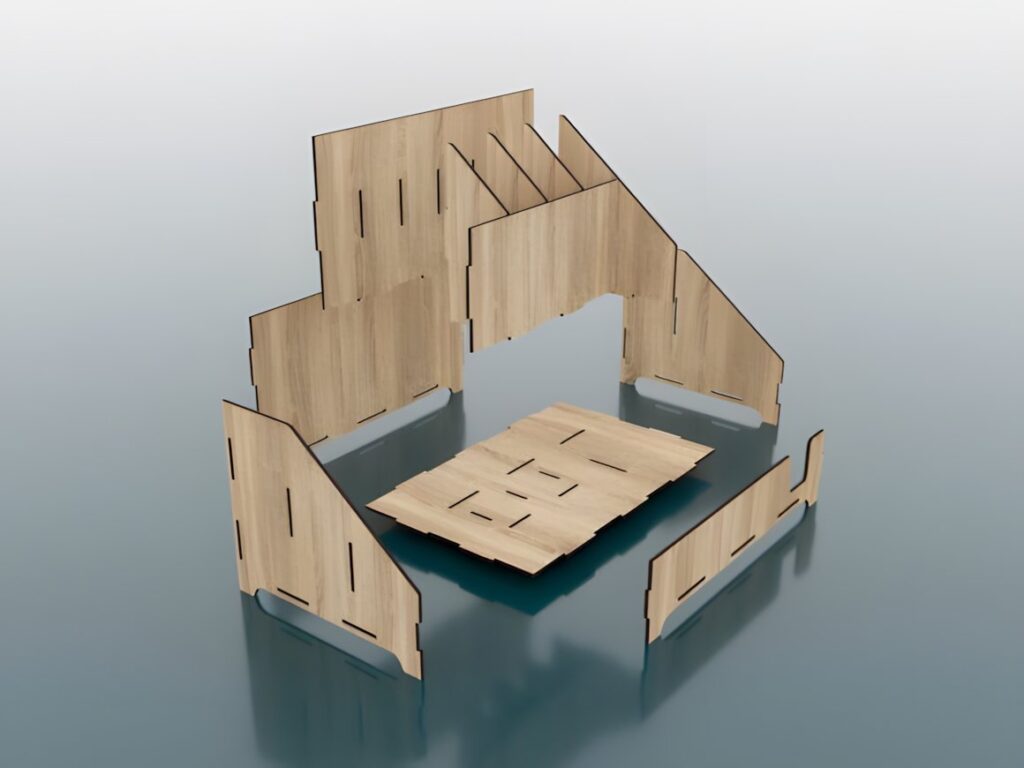
Laser Cut Desktop Organiser Svg Files creates a substantial desktop storage unit for stationery, tools, and other items that benefit from separated compartments. Its approximately 250 × 165 × 140 mm finished dimensions give it more capacity than a basic pencil cup while keeping the design clearly intended for desktop use.
The template is designed around 3 mm or 1/8-inch material and includes several vector formats. This makes sense when you want a medium-size organizer with visible storage divisions. For paper files or large notebooks, the office organizer farther down the list provides a more suitable layout.
3. Laser Cut Office Organizer Files
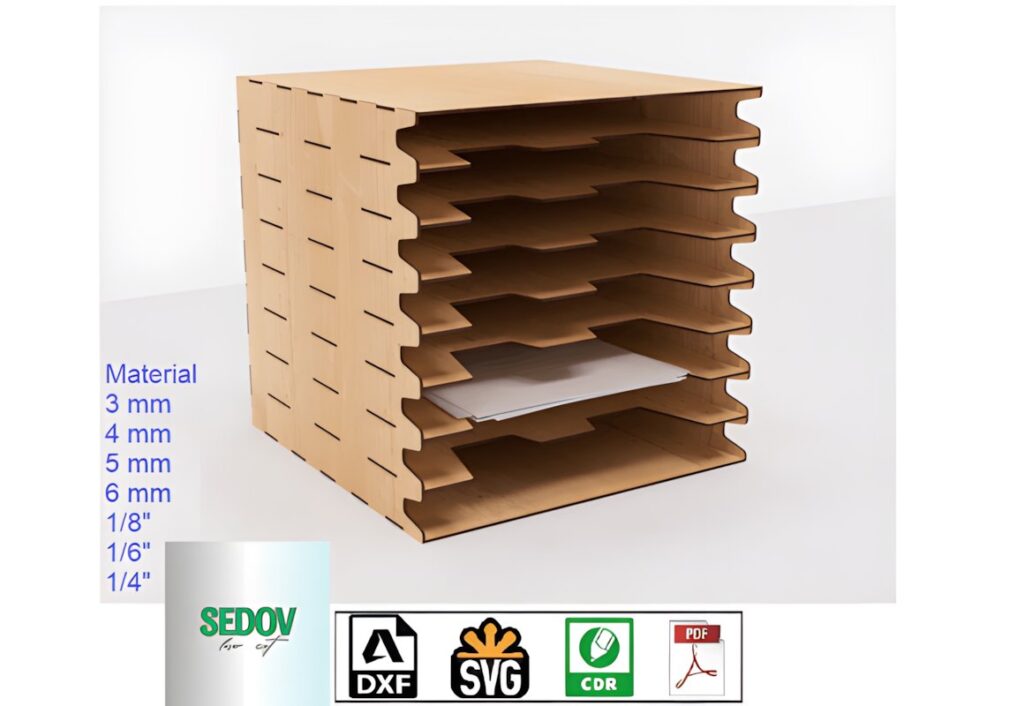
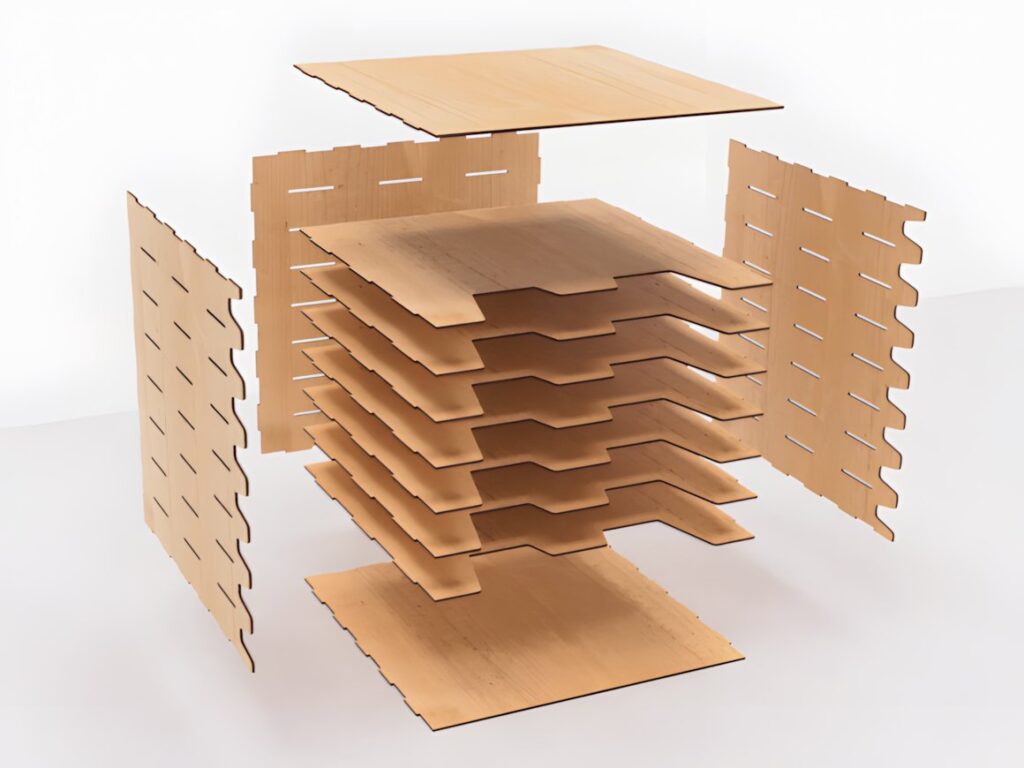
Laser Cut Office Organizer Files is a divided storage template better suited to documents, paper, scrapbooks, folders, and other larger flat materials than ordinary pen holders. The square structure uses internal shelves to separate categories while keeping everything accessible from the front.
One useful distinction is the availability of layouts for several material thicknesses, including metric and fractional-inch options. Choose this when paper organization is the main problem. If your desk mostly contains small stationery and accessories, a compartment-style desktop organizer will use the available space more efficiently.
4. Desk Organizers Bundle Laser Cut
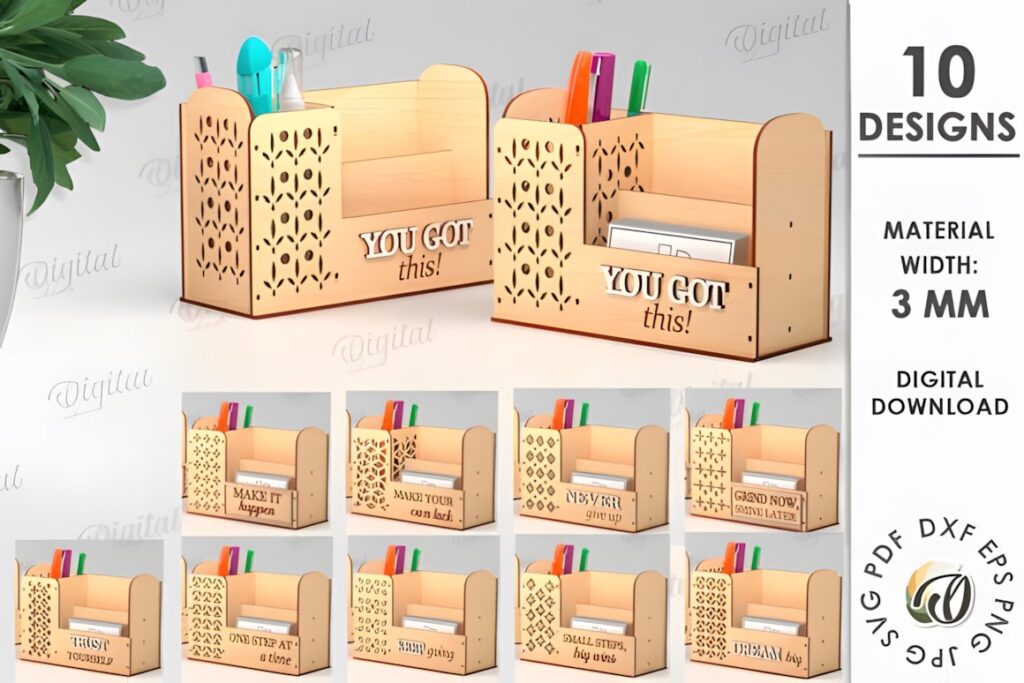
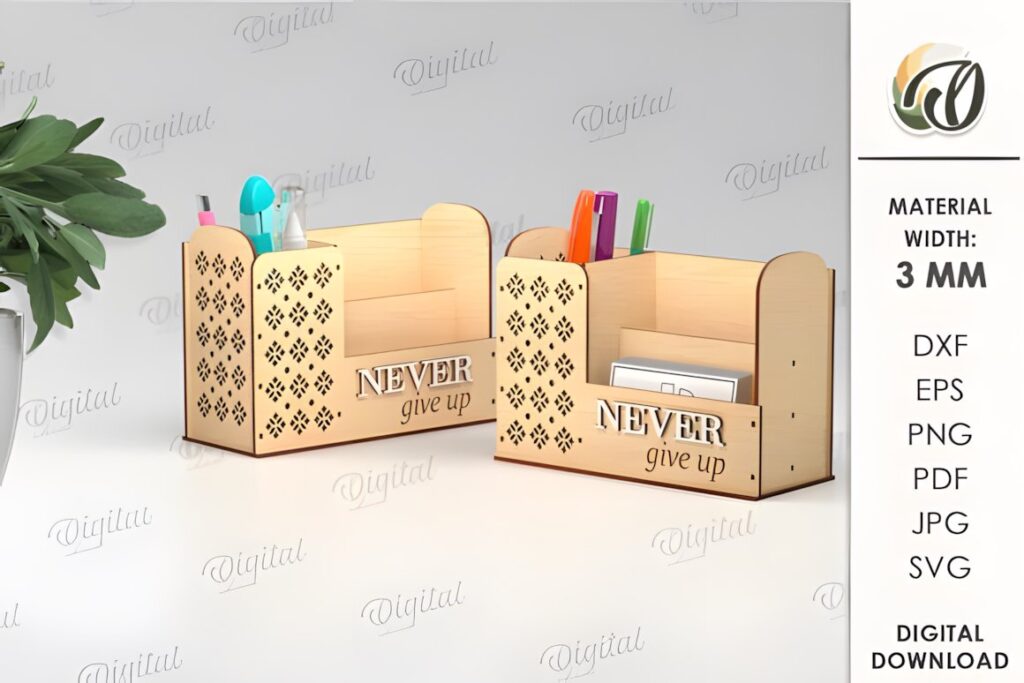
Desk Organizers Bundle Laser Cut is aimed at makers who want several organizer layouts instead of committing to one fixed configuration. The bundle contains multiple laser-cut designs for creating different desktop storage arrangements from 3 mm material.
This approach is useful when you make organizers for different rooms, workstations, or gift recipients because you can match the layout to the intended use. The tradeoff is choice: a bundle contains more options to sort through than a single-purpose template. For one clearly defined workstation, selecting a dedicated design can make project planning more straightforward.
5. Wooden Desk Organizer Laser Cut
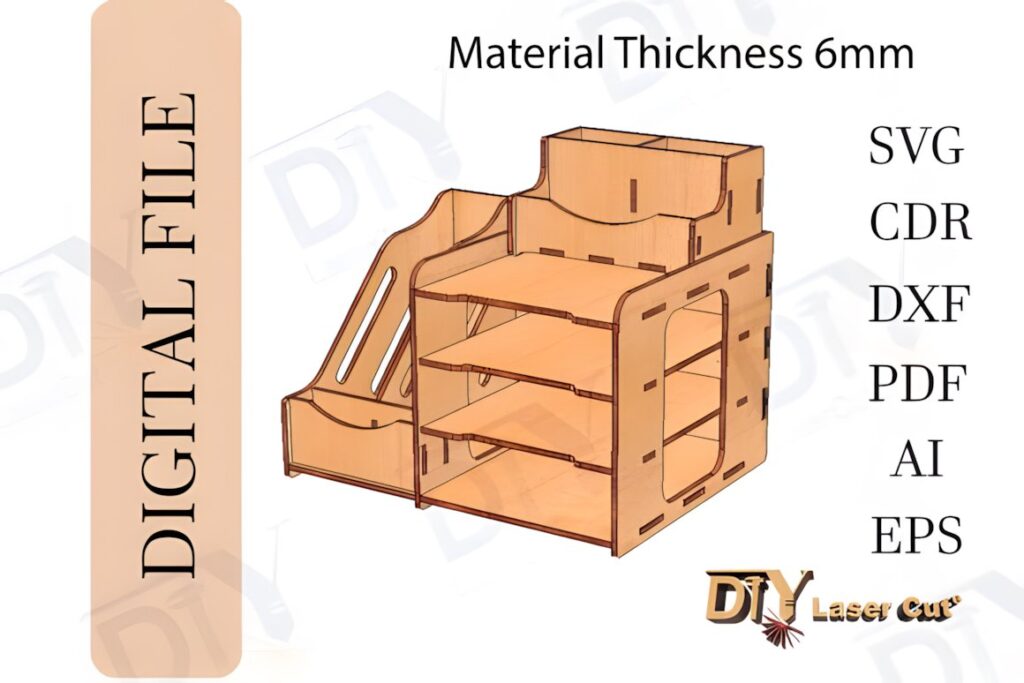
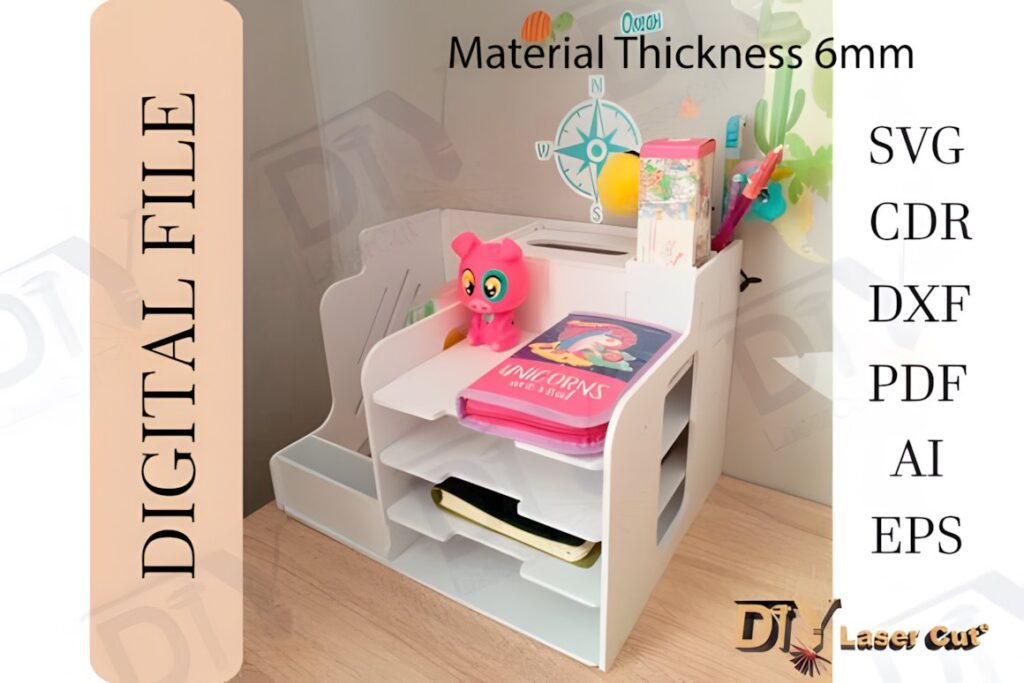
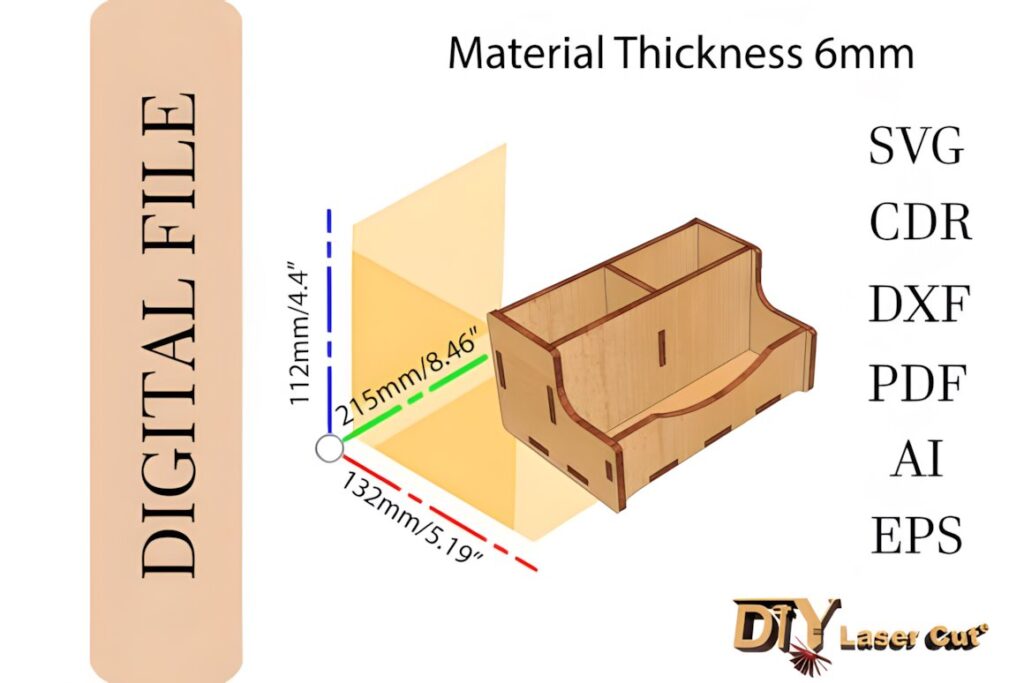
Wooden Desk Organizer Laser Cut is a larger organizer intended for papers, notebooks, stationery, and office essentials rather than only small writing tools. At roughly 402 × 304 × 250 mm, it occupies considerably more desk space but provides storage appropriate for a workstation with larger supplies.
The template is designed around 6 mm material and includes assembly information. Consider it when strength and capacity matter more than minimizing the organizer footprint. For lightweight stationery or a narrow desk, one of the 3 mm compact organizers is the more practical direction.
6. Desk Organizers Laser Cut Bundle | CNC
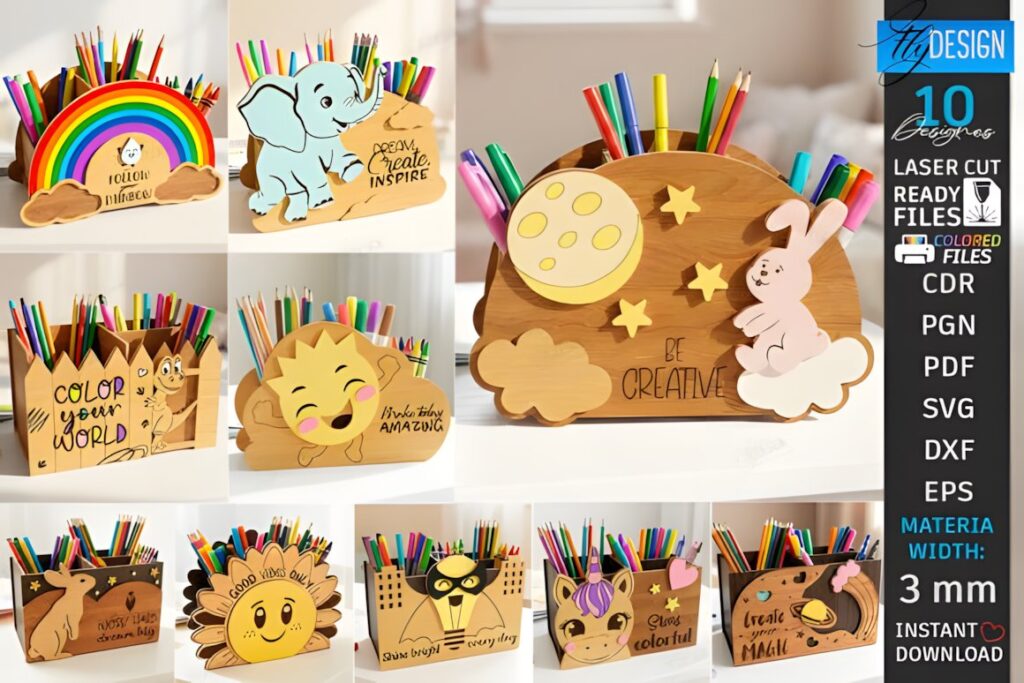
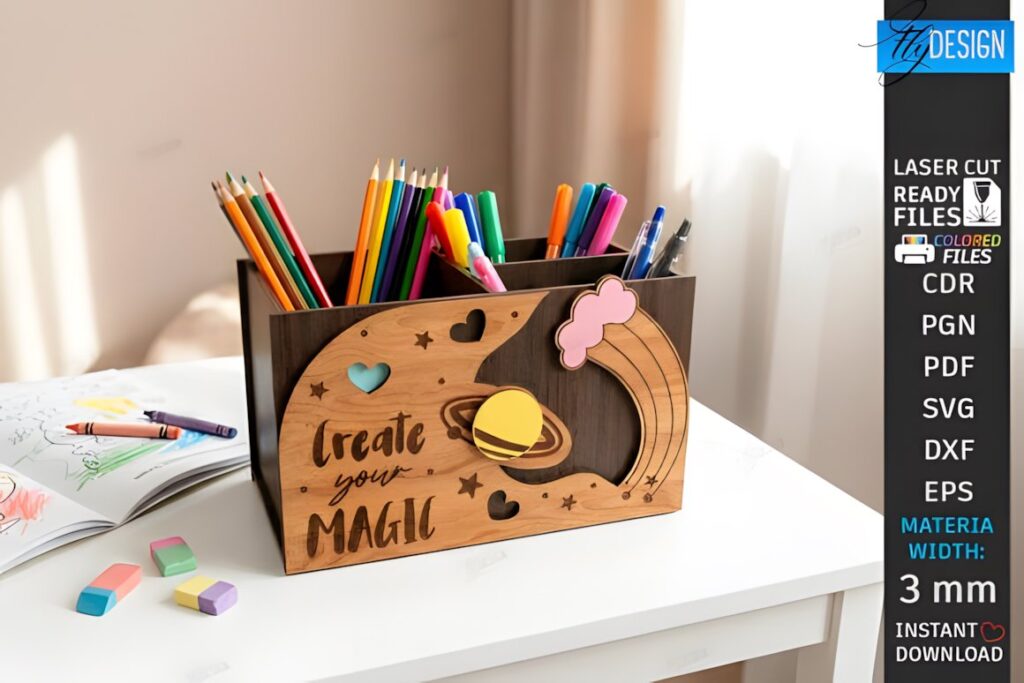
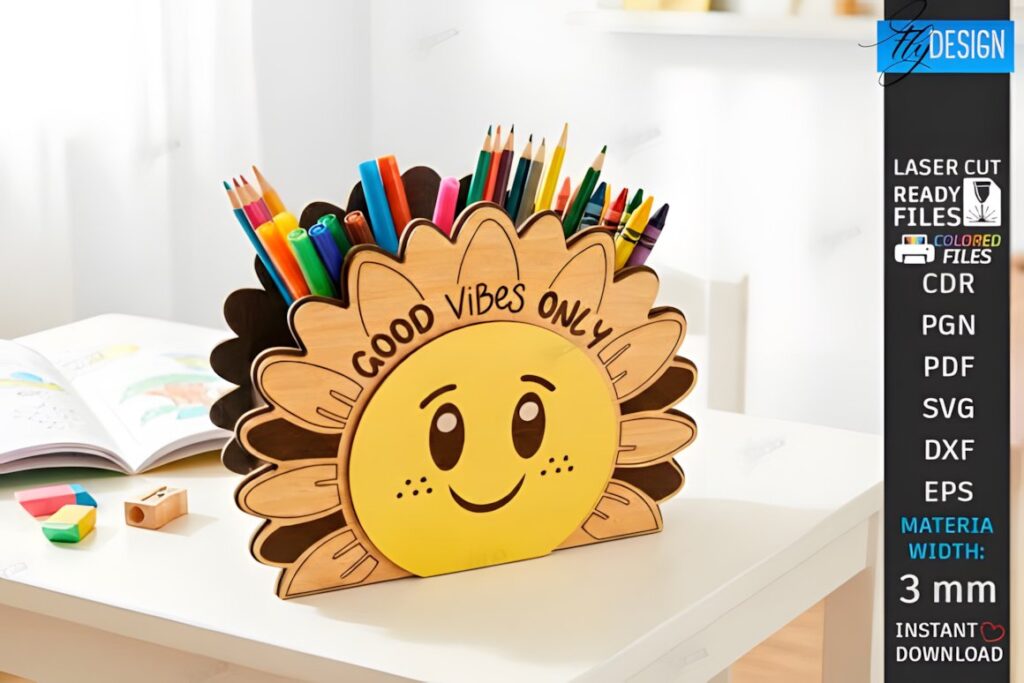
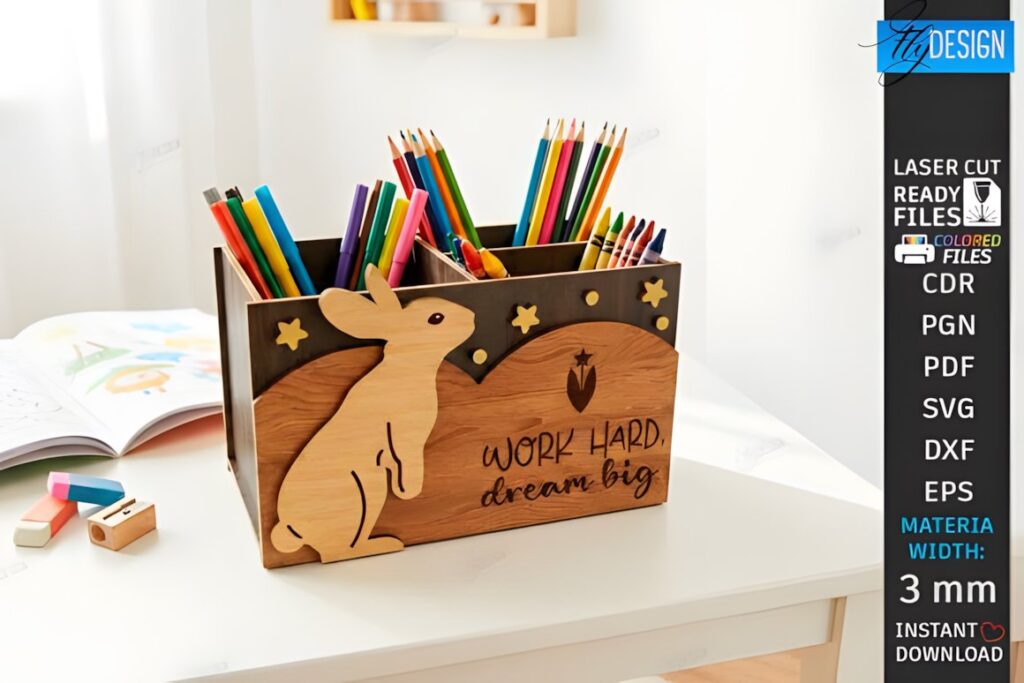
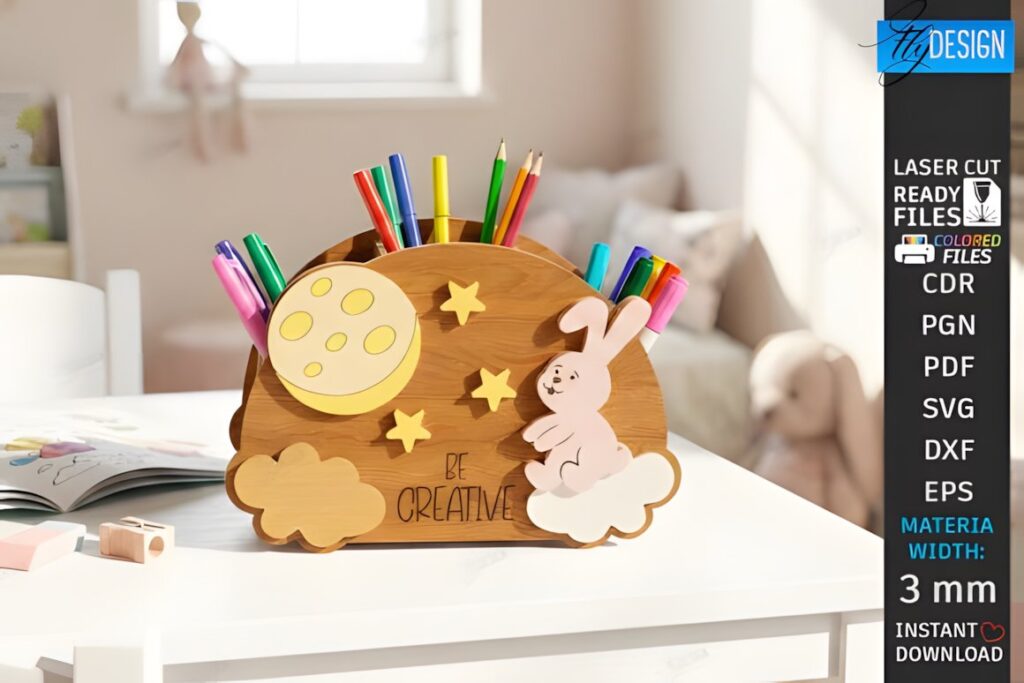
Desk Organizers Laser Cut Bundle | CNC takes a more playful approach to desktop storage, with multiple pencil-holder designs intended for stationery and classroom-style projects. The set works well when you want the organizer itself to contribute to the finished desk decor rather than disappear into a minimalist workspace.
The files are prepared for 3 mm plywood and include separate cutting and engraving elements. This bundle makes more sense for kids’ desks, school supplies, and decorative gifts than for formal document storage. Choose one of the cleaner office organizers if the finished piece needs a restrained professional appearance.
7. Laser Cut Desktop Organiser Svg Files
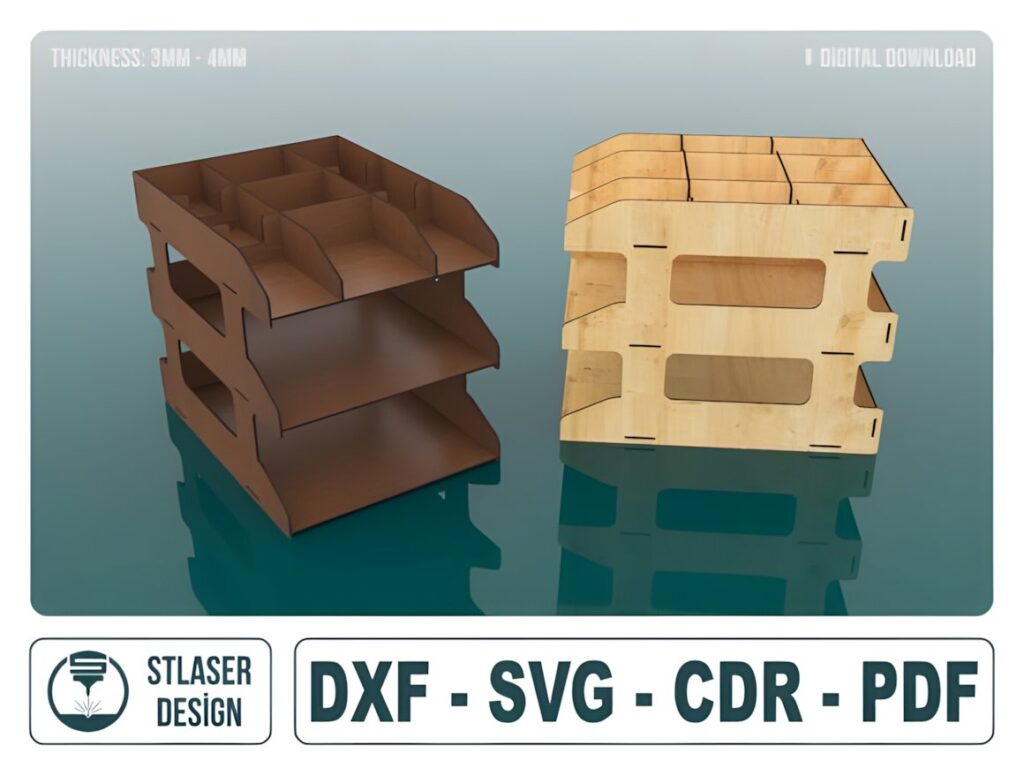
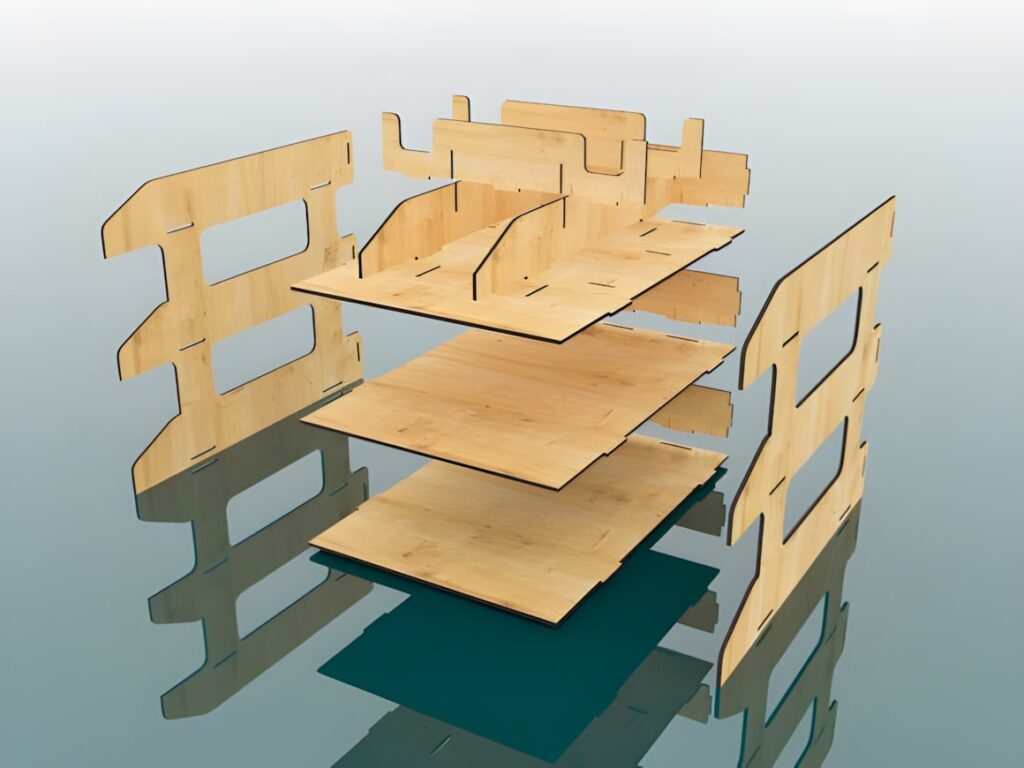
This Laser Cut Desktop Organiser Svg Files design provides a substantially taller and deeper storage layout, with listed dimensions around 218 × 305 × 250 mm. It suits workspaces where vertical capacity is useful for taller stationery, supplies, notebooks, or frequently used desk tools.
The template supports 3–4 mm material, which gives some flexibility when choosing sheet stock. Its larger footprint is an advantage for a dedicated craft or work desk but may feel excessive beside a laptop on a compact table. For tighter spaces, the space-saving or pen-holder designs require less room.
8. Desk Organizer, Pencil Holder
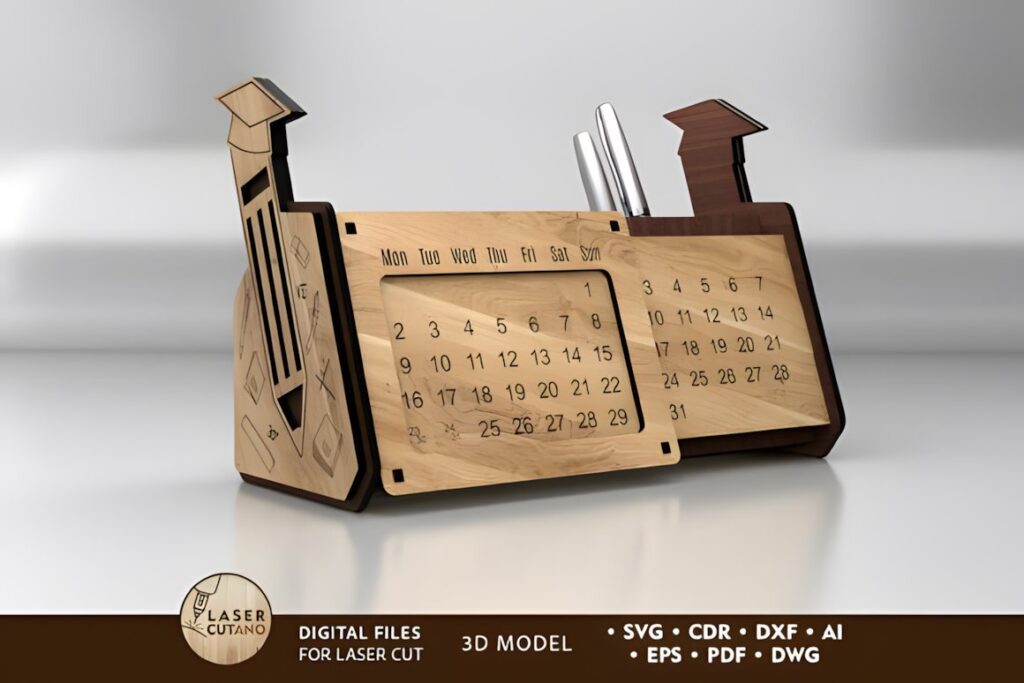
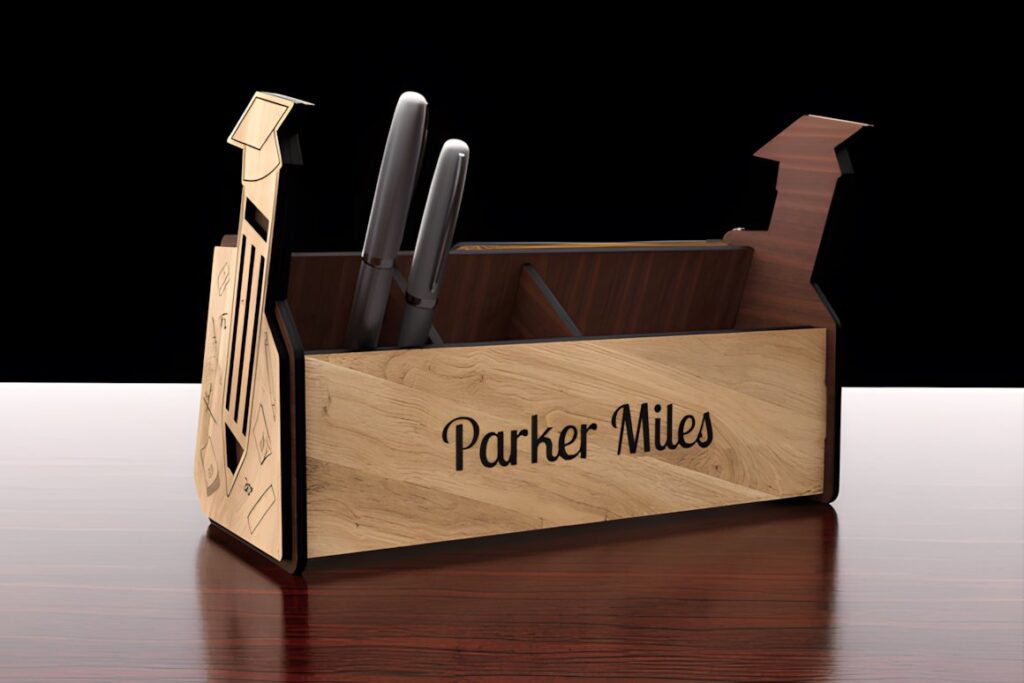
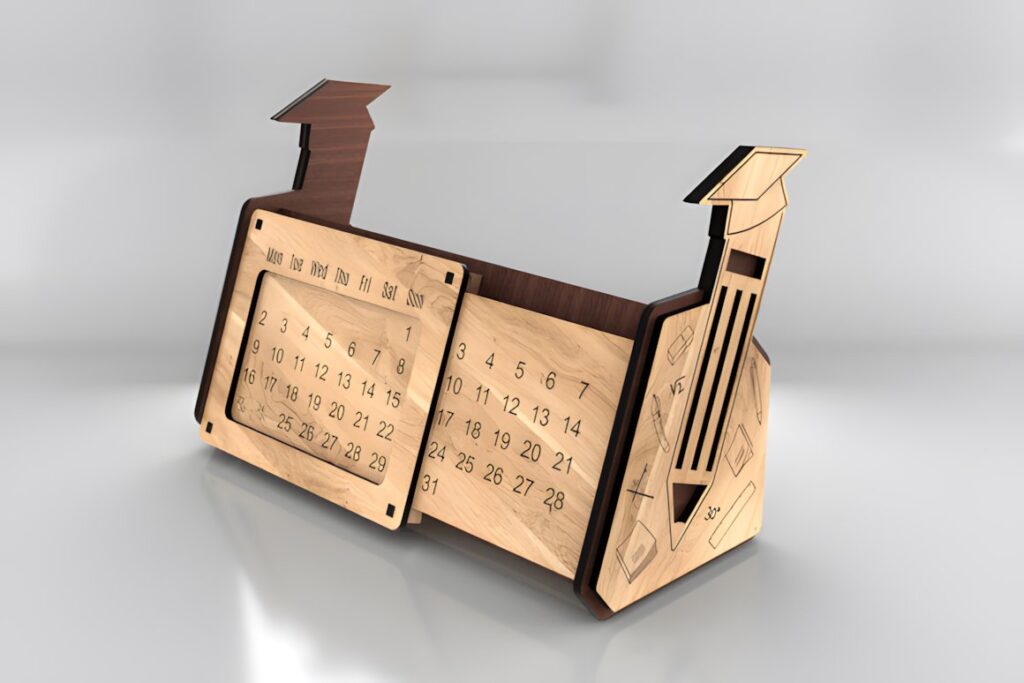
Desk Organizer, Pencil Holder combines writing-tool storage with an integrated perpetual calendar, making it a functional choice for a small office desk or handmade gift. Dedicated spaces for pens and pencils keep the storage purpose clear, while the calendar gives the finished piece a second everyday function.
The organizer is sized around 160 × 53 × 106 mm and designed for 3 mm material, so it is relatively compact compared with larger compartment systems. Choose it when stationery is the main storage need. It is less suitable when you also need space for folders, notebooks, cables, or many loose accessories.
9. Space-Saving Desktop Organizer Laser Cut
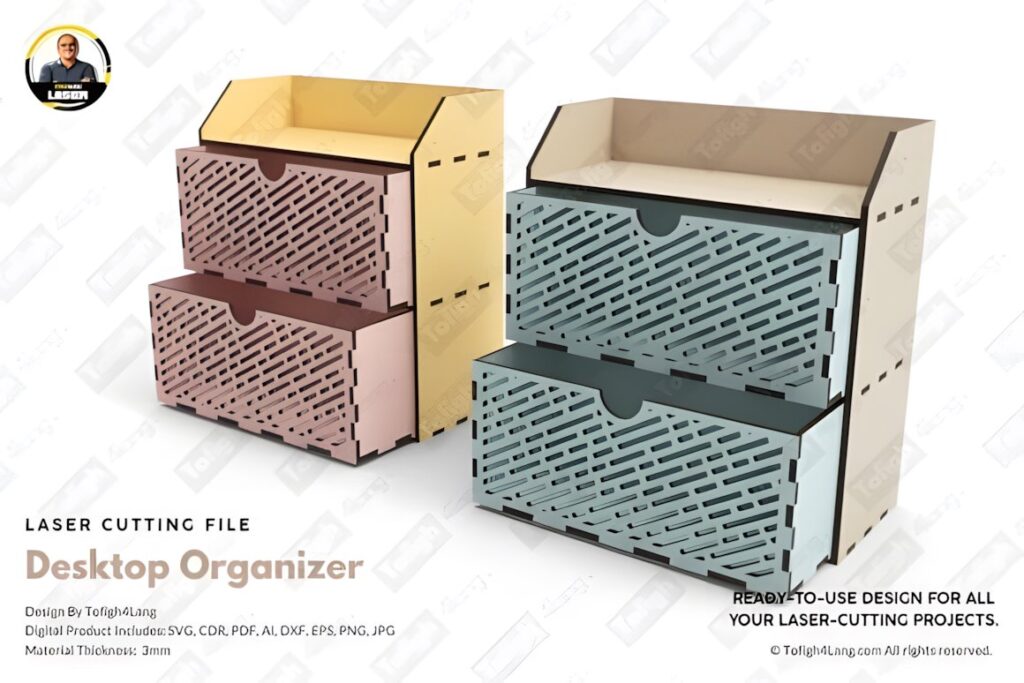
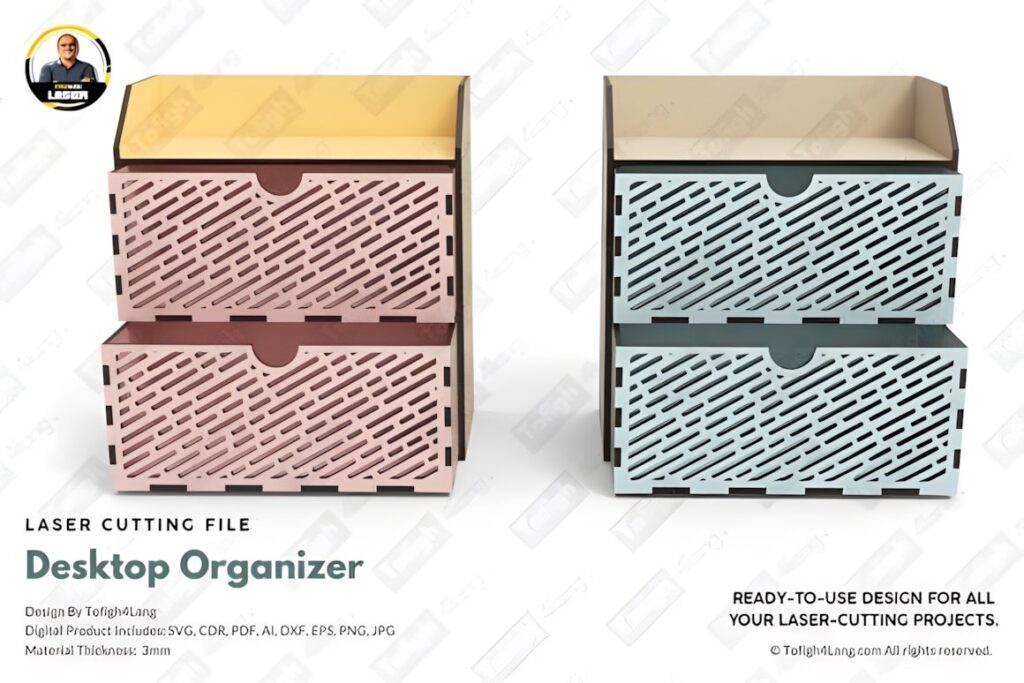
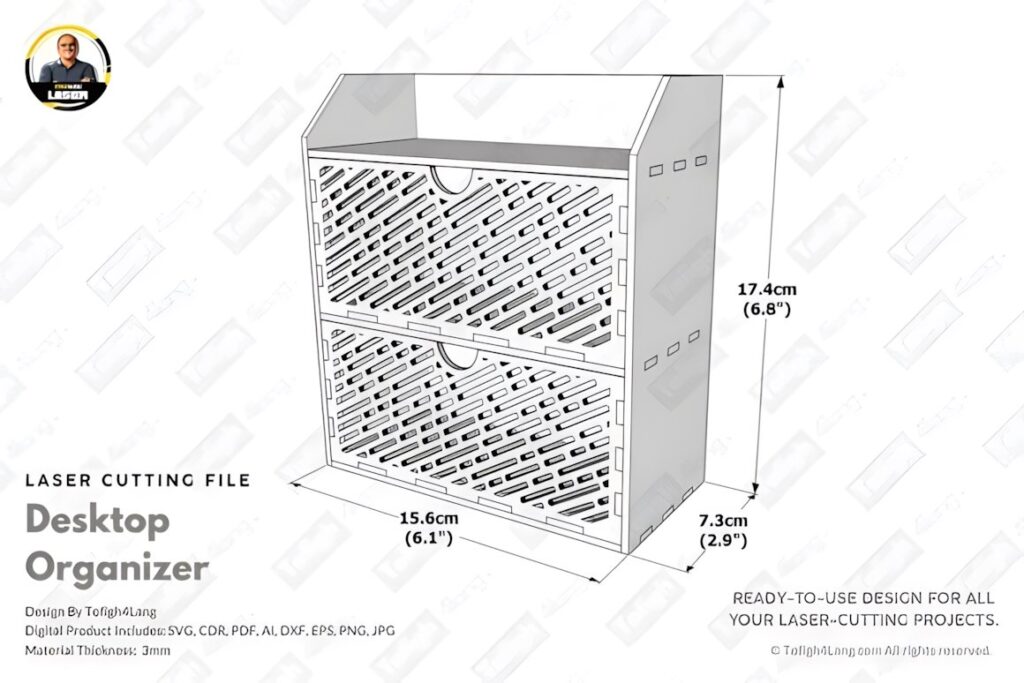
Space-Saving Desktop Organizer Laser Cut is intended for workstations where surface area is limited and vertical organization is preferable to a wide storage box. Its overall approach makes it useful beside a monitor, laptop, or craft machine where every section of the desktop already has a job.
A compact organizer is most effective when you first decide which frequently used items deserve immediate access. Avoid filling a small design with oversized supplies simply because they technically fit. If capacity matters more than footprint, the larger compartment organizers provide a better starting point.
10. Laser Cut Desk Organizer SVG Bundle
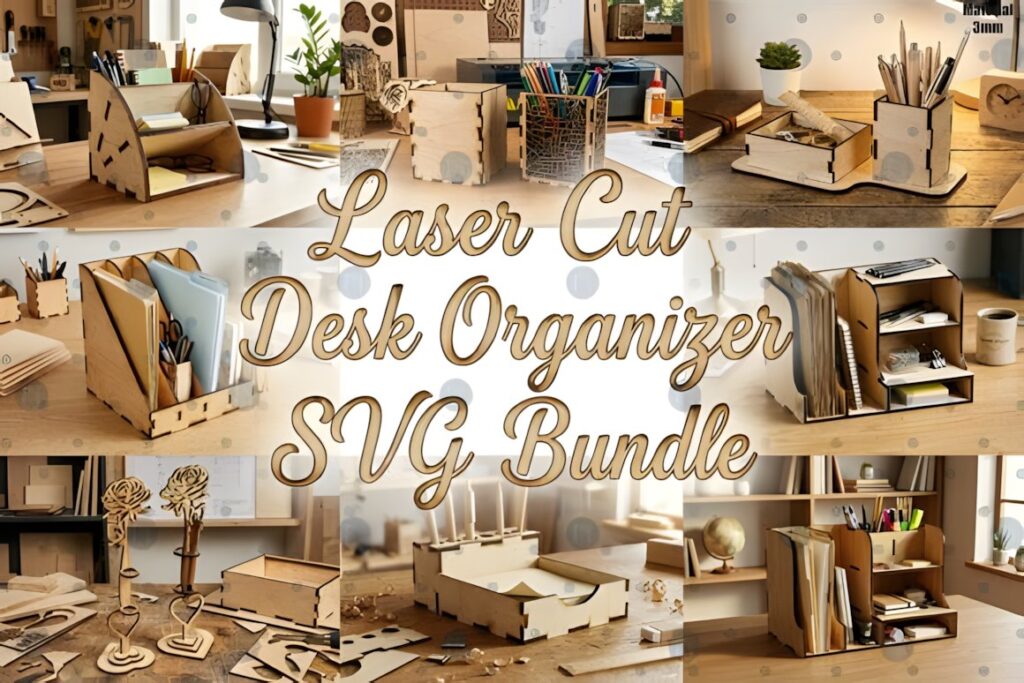
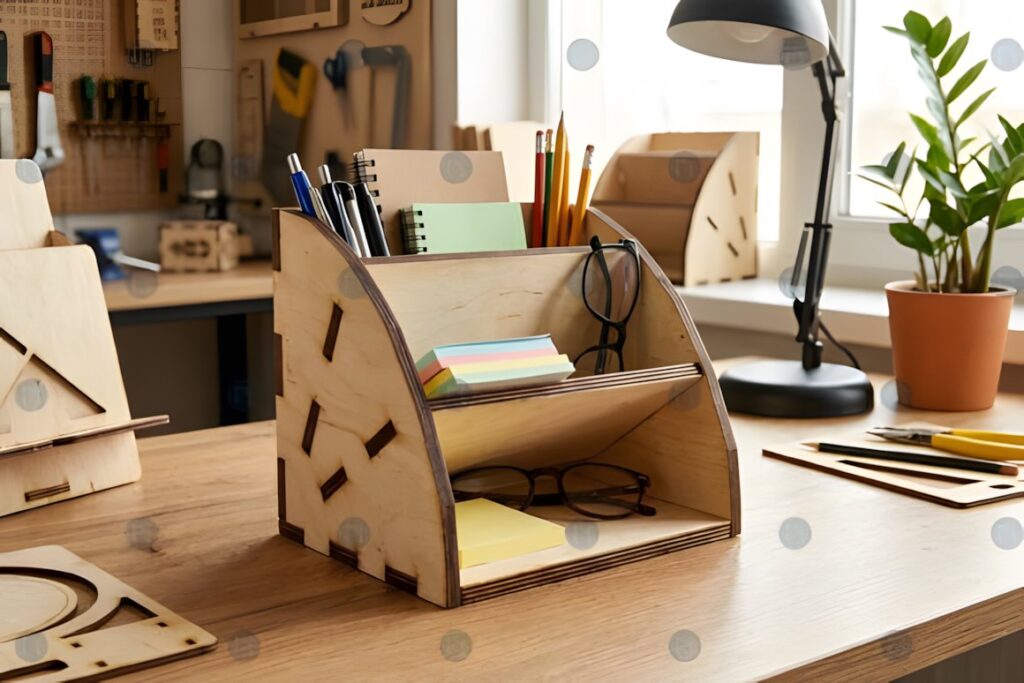
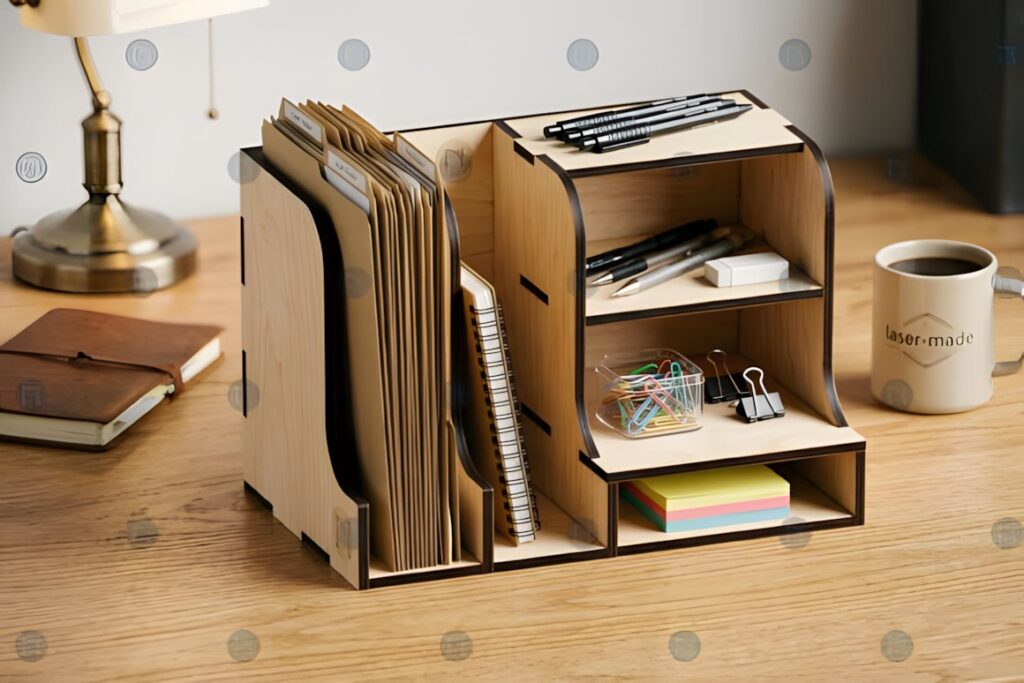
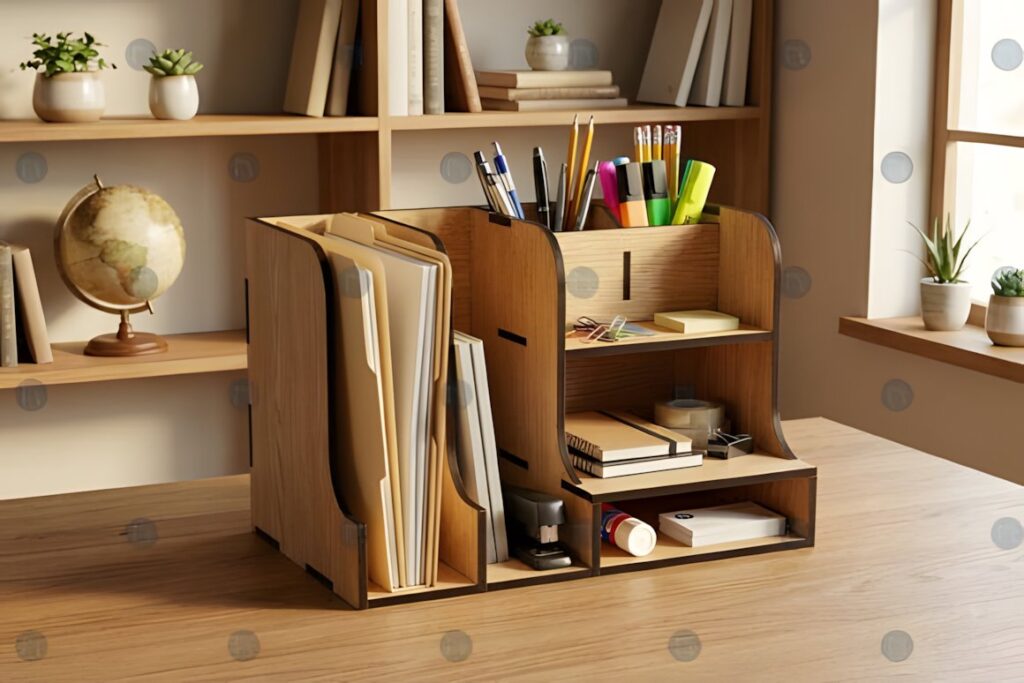
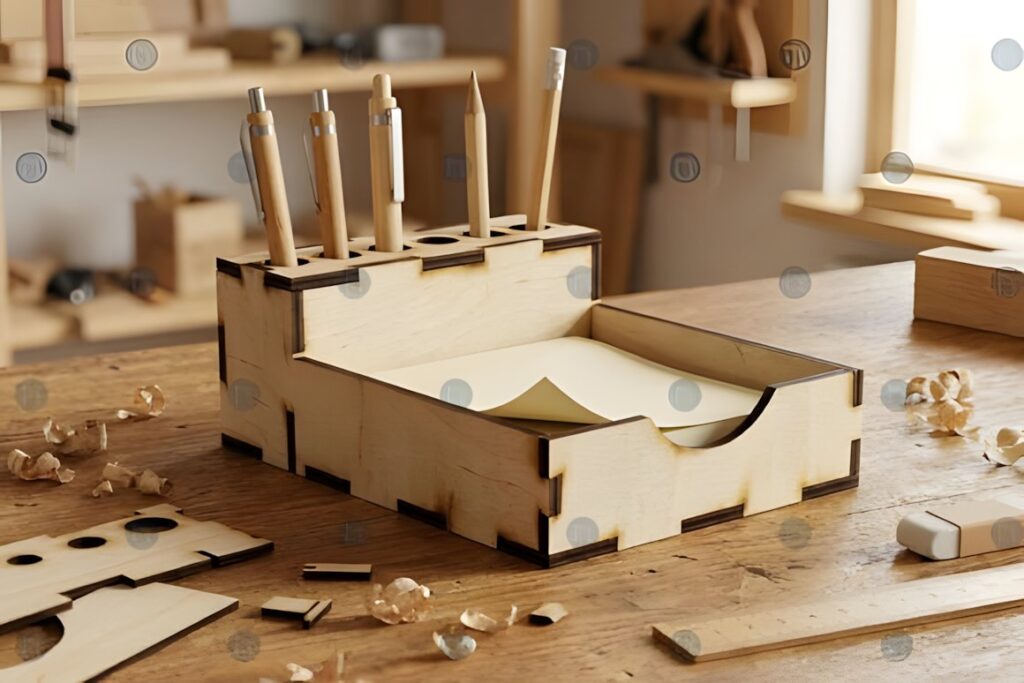
Laser Cut Desk Organizer SVG Bundle provides multiple organizer designs in one download for makers who prefer to compare layouts before committing material to a build. The files are intended for laser cutting and include versions associated with both 3 mm and 6 mm material thicknesses.
The broader material range can be useful when your available stock varies from project to project. A bundle also suits batch gift making because different recipients may need different storage arrangements. If your goal is one fast, clearly defined build, a single-template organizer removes some unnecessary decision-making.
11. Desk Organizer Laser Cut File
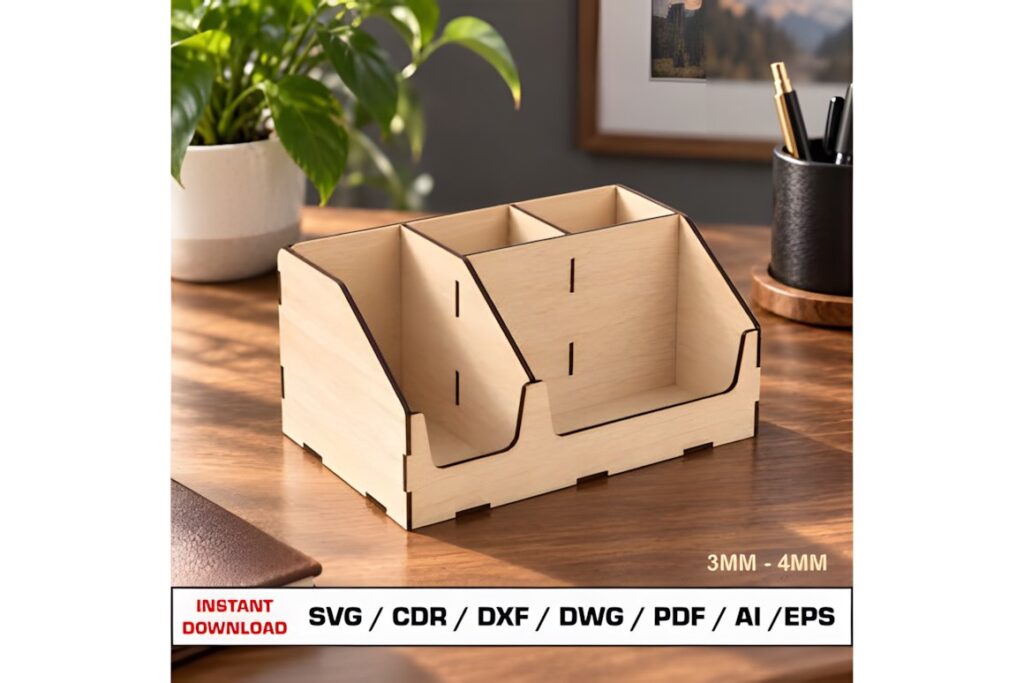
Desk Organizer Laser Cut File is a desktop storage template designed around a straightforward organizer form and support for 3–4 mm material. It suits makers who want a conventional laser-cut storage project rather than a themed or highly decorative desk accessory.
The practical advantage is flexibility between two common sheet thickness ranges, although the actual material should still be measured before committing to the complete cut. Choose this when you want a neutral organizer that can be finished to match the workspace. A specialized pencil holder is more efficient when only writing tools need storage.
12. Laser Cut Office Desk Organizer Svg
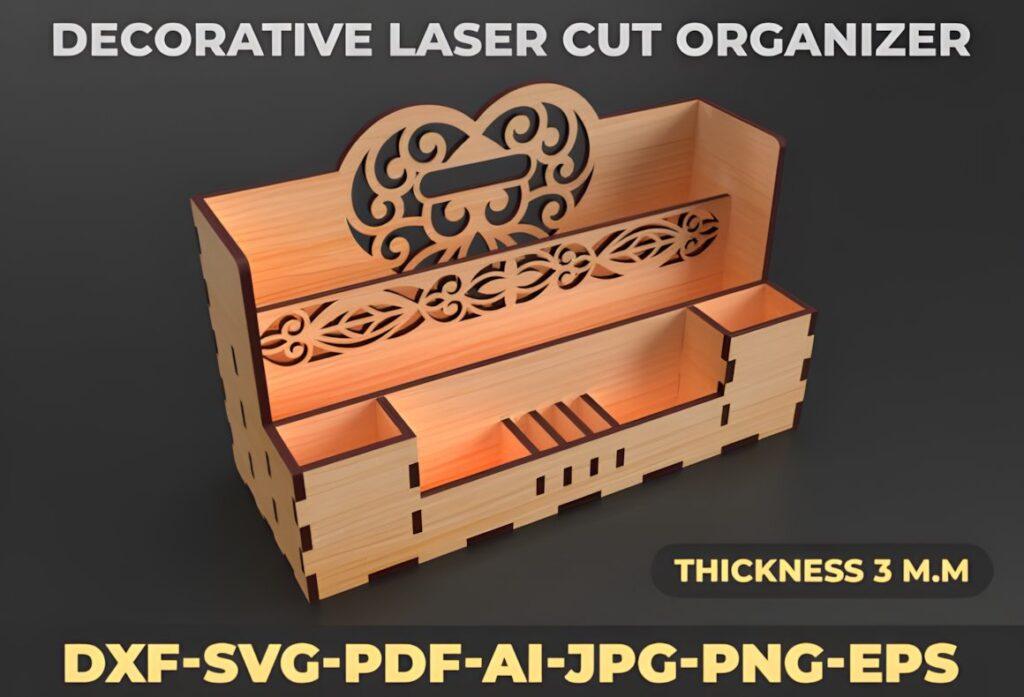
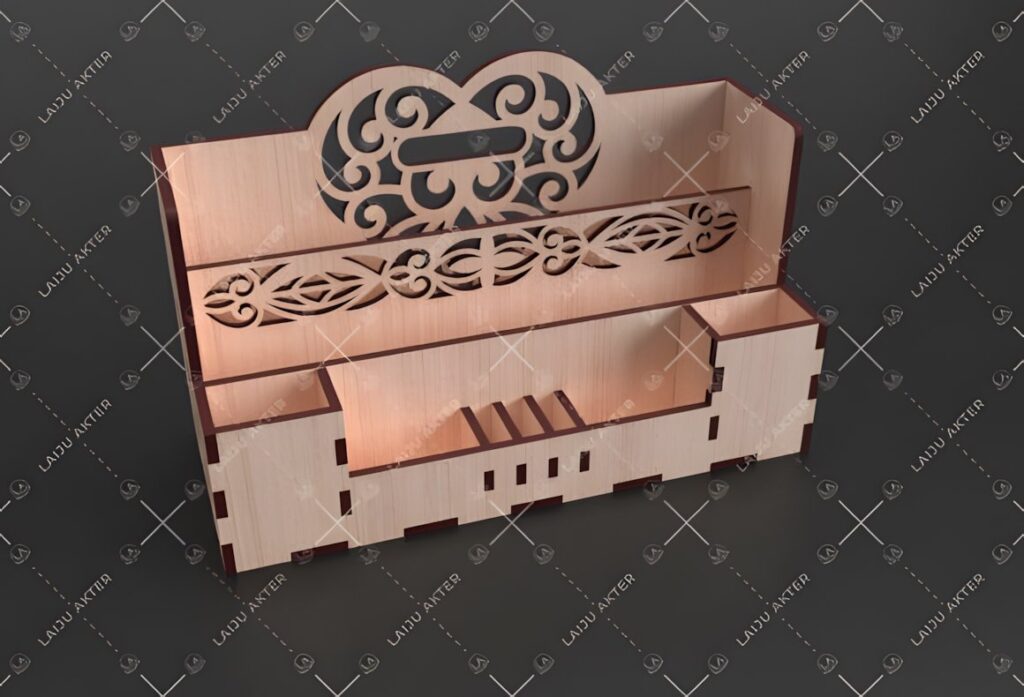
Laser Cut Office Desk Organizer Svg creates a narrow desktop organizer with separate spaces for office stationery. Its listed dimensions of approximately 180 mm wide, 72 mm deep, and 112 mm high make it relatively shallow, which can help keep small items accessible without consuming as much depth as larger storage units.
This is a useful layout beside a keyboard or monitor where deeper organizers can interfere with the working area. The smaller footprint naturally limits capacity, so choose a multi-level or cabinet organizer instead when you need to store notebooks, stacks of notes, or larger tools.
13. Laser Cut Desk Organizer Cabinet SVG
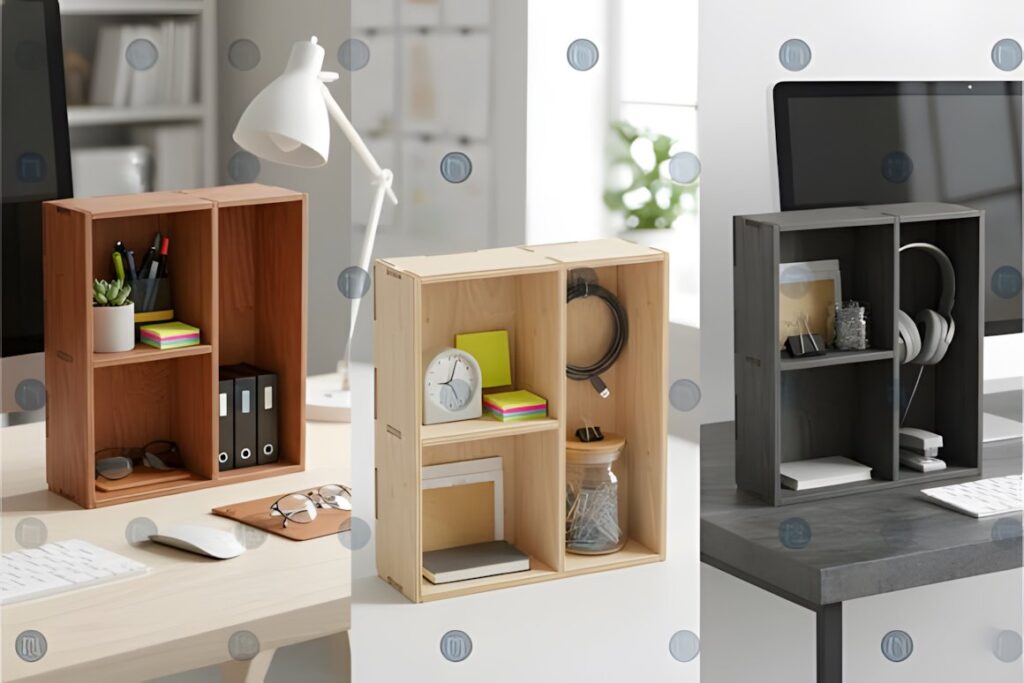
Laser Cut Desk Organizer Cabinet SVG takes a cabinet-style approach to desktop organization, making it useful when you want the finished project to read as a small piece of storage furniture rather than a simple pen container. The digital design is intended for precision cutting and provides several common vector formats.
A cabinet form can make visual clutter easier to control because the organizer has a more defined structure. That also means assembly may involve more interlocking pieces than a basic open box. Consider a simpler template when your priority is a quick first laser-cut organization project.
14. Desk Organizer with Notepad & Pen Holder
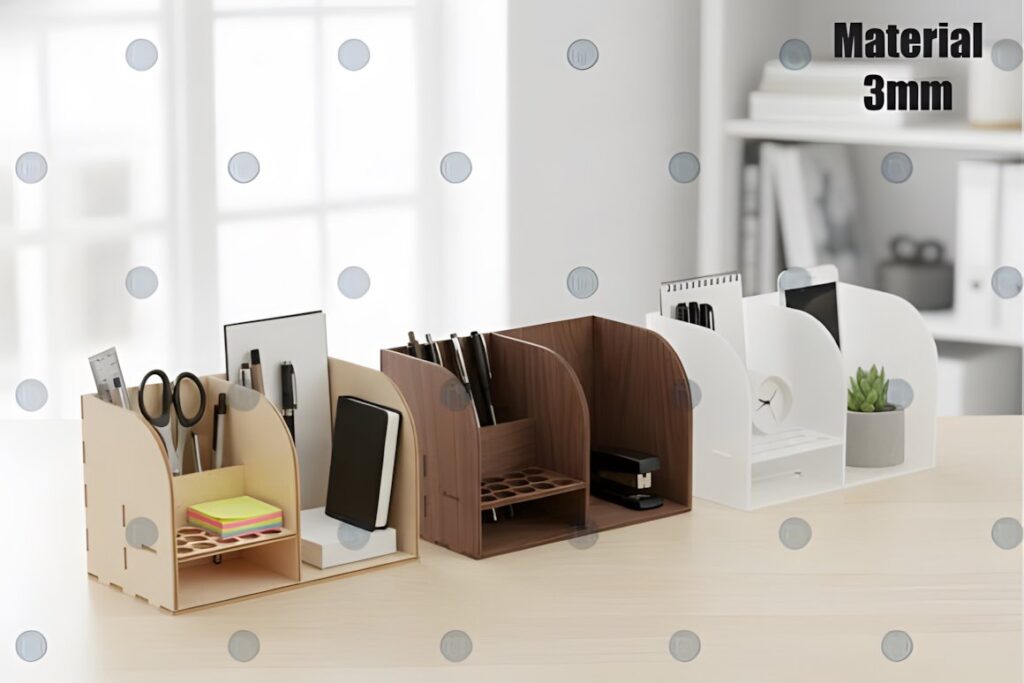
Desk Organizer with Notepad & Pen Holder separates two supplies that tend to be used together: loose notes and writing tools. That makes the finished piece especially practical for a phone desk, reception area, home office, or workbench where quick written notes are part of the routine.
The design favors a clearly defined use rather than maximum storage volume, which can help prevent the organizer from becoming another catch-all container. Choose it for a focused writing station. If you need storage for many unrelated objects, a multi-compartment organizer offers more flexibility.
15. Elegant Desktop Organizer Laser Cut File
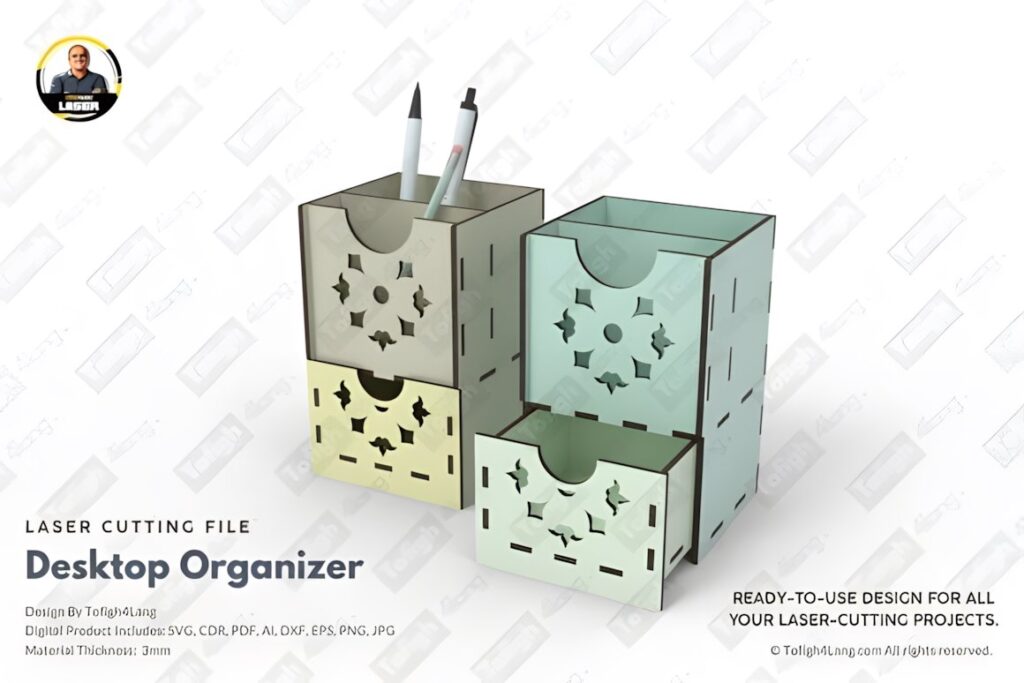
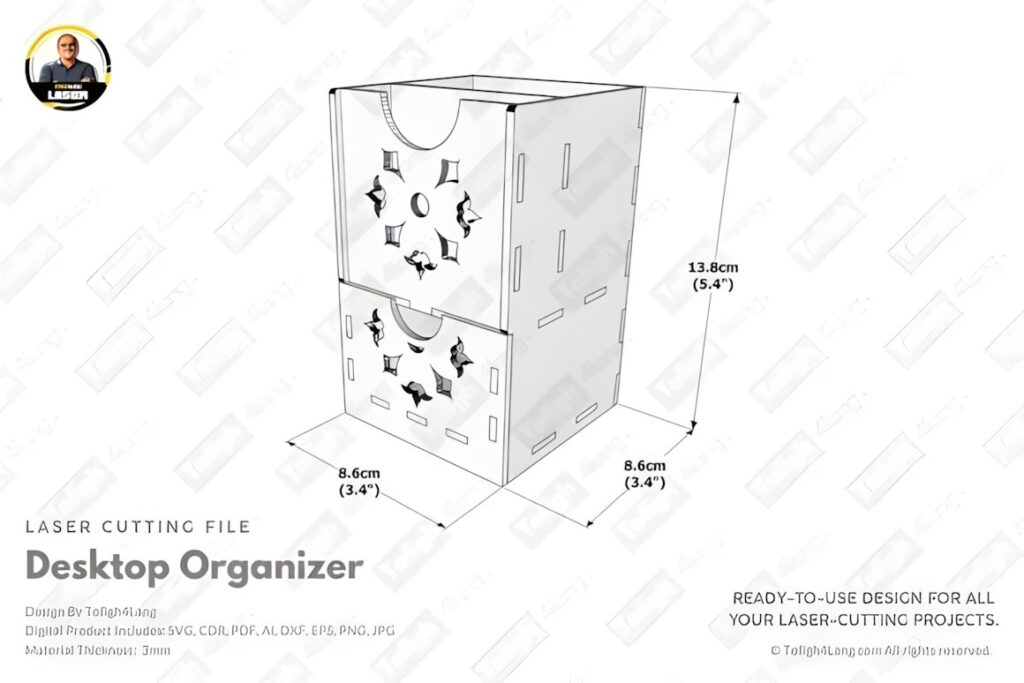
Elegant Desktop Organizer Laser Cut File is aimed at a cleaner decorative workstation where the shape of the organizer matters alongside storage. It is a useful direction for a visible home office, studio shelf, or desk where a purely utilitarian box would look too heavy.
Because laser-cut joints depend on precise dimensions, check the template scale after importing the file into your cutting software rather than assuming the imported dimensions remained unchanged. Choose this style when appearance is part of the project brief; prioritize the larger office organizers when storage capacity is the main requirement.
16. Minimalist Desktop Organizer Laser Cut
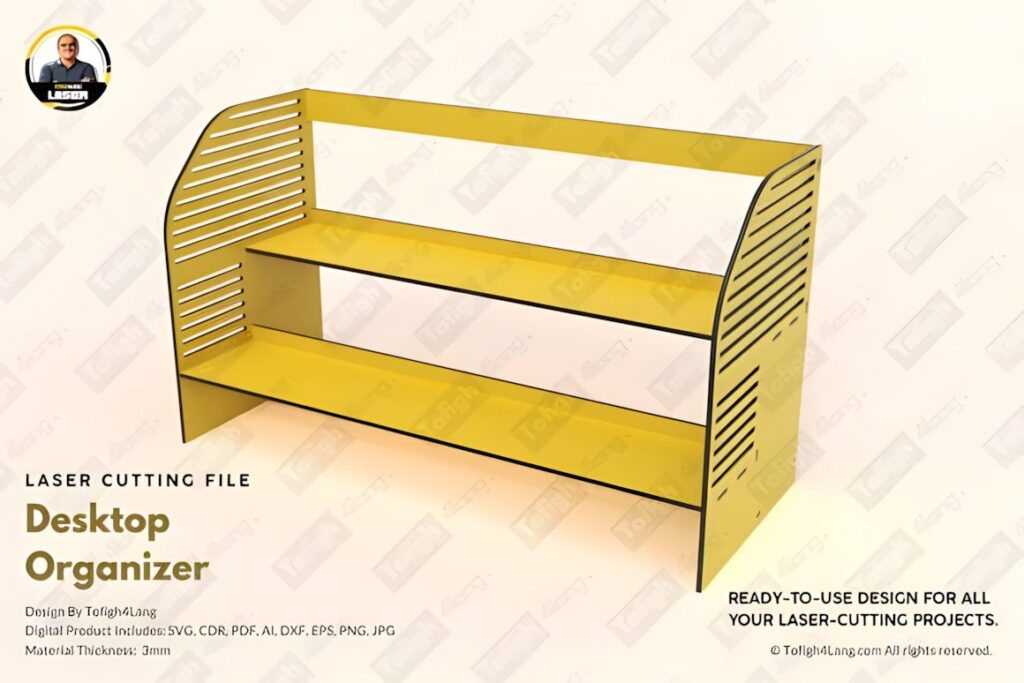
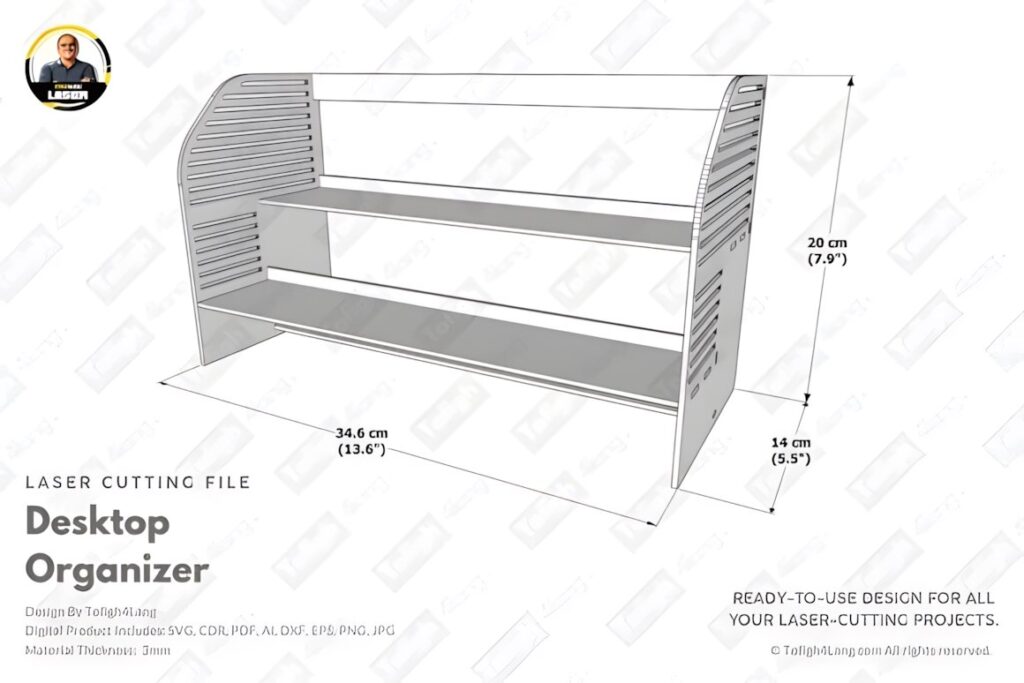
Minimalist Desktop Organizer Laser Cut suits a workspace where you want storage to remain visually simple. Rather than using a themed exterior or decorative motif, the design focuses on the organizer form itself, making it easier to pair with neutral wood, painted MDF, or acrylic.
This type of restrained design works well beside modern office furniture or as a base for your own engraved personalization. It is less compelling if the organizer is intended as a playful children’s project or themed gift. For those uses, one of the decorative bundle designs provides more character.
17. Desk Organiser Laser Cut File
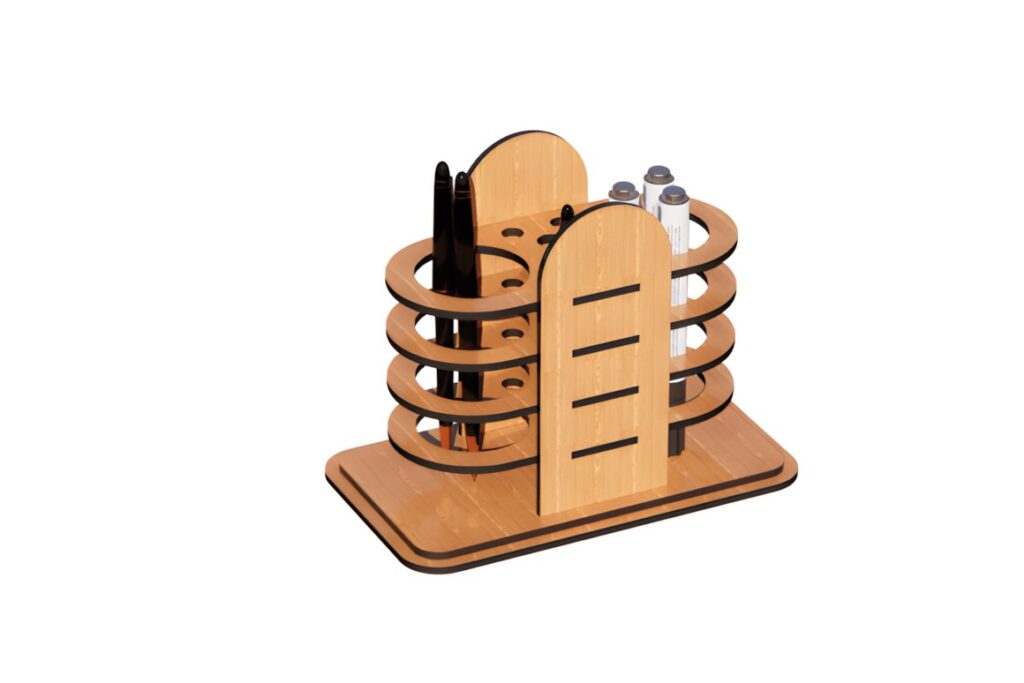
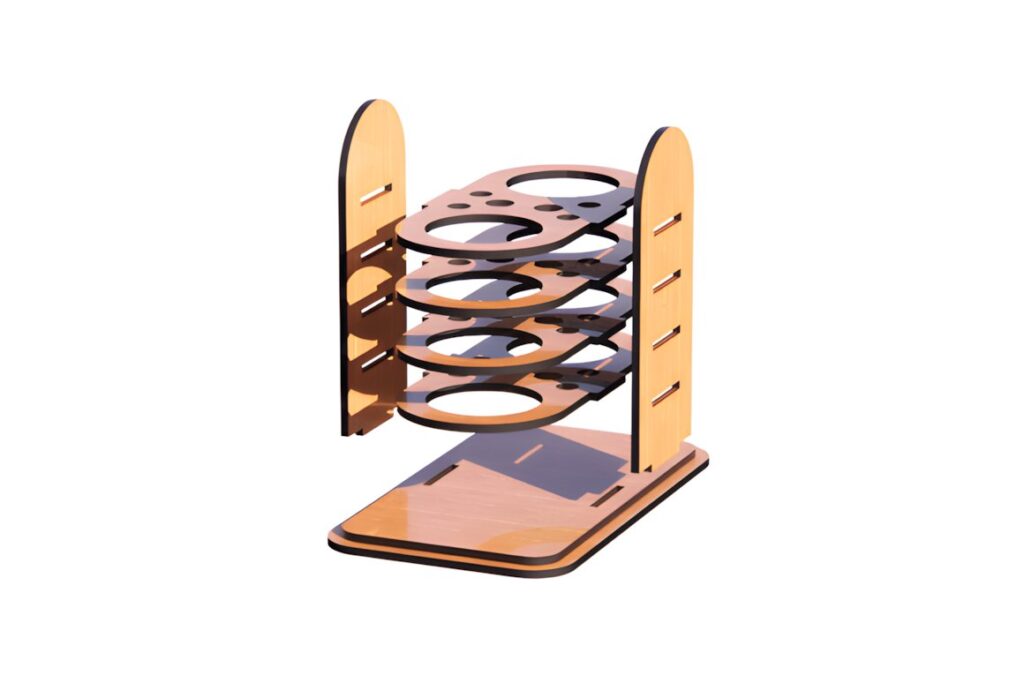
Desk Organiser Laser Cut File is a compact 3 mm organizer designed with differently sized compartments for pens, pencils, clips, rubber bands, and similar loose desktop items. The varied openings make it more versatile than a single pencil cup without expanding into a large paper-storage unit.
This makes sense for a desk that collects many small supplies but does not need document shelves or drawers. Keep the intended 3 mm construction in mind before cutting and measure the actual sheet thickness where joints depend on it. Choose a larger design when notebooks and paper are part of the storage plan.
Compare the Desk Organizer Templates
| Product | Best for | Style / Type | Project Fit |
|---|---|---|---|
| Laser Cut Desk Organizer Svg Files | Mixed supplies | Compartments + drawer | General office |
| Laser Cut Desktop Organiser Svg Files | Stationery storage | Medium desktop unit | Home office |
| Laser Cut Office Organizer Files | Documents | Divided shelves | Paper storage |
| Desk Organizers Bundle Laser Cut | Multiple projects | Template bundle | Varied workspaces |
| Wooden Desk Organizer Laser Cut | High capacity | Large organizer | Papers + supplies |
| Desk Organizers Laser Cut Bundle | CNC | Kids’ stationery | Decorative bundle | School desks |
| Laser Cut Desktop Organiser Svg Files | Taller supplies | Large desktop unit | Craft workspace |
| Desk Organizer, Pencil Holder | Pens + calendar | Compact holder | Small office |
| Space-Saving Desktop Organizer Laser Cut | Small desks | Vertical organizer | Limited space |
| Laser Cut Desk Organizer SVG Bundle | Material options | Organizer bundle | Multiple builds |
| Desk Organizer Laser Cut File | Everyday storage | Classic organizer | General DIY |
| Laser Cut Office Desk Organizer Svg | Narrow surfaces | Shallow organizer | Keyboard area |
| Laser Cut Desk Organizer Cabinet SVG | Structured storage | Cabinet style | Visible workspace |
| Desk Organizer with Notepad & Pen Holder | Quick notes | Writing station | Office desk |
| Elegant Desktop Organizer Laser Cut File | Decor-focused desks | Clean decorative | Home office |
| Minimalist Desktop Organizer Laser Cut | Modern spaces | Minimal style | Neutral decor |
| Desk Organiser Laser Cut File | Small loose items | Multi-compartment | Compact desk |
How to Get a Better Fit From a Laser Cut Organizer Template
Desk organizers often rely on tabs, slots, finger joints, and internal dividers, so a file that looks correct on screen can still need adjustment before assembly. The most important step is to measure the actual sheet you plan to cut instead of relying only on the thickness printed on the package. Nominal 3 mm or 6 mm plywood is not guaranteed to measure exactly that amount.
Pay particular attention to slots that accept shelves, dividers, or side panels. If the material is thicker than the slot was designed for, forcing the joint can damage small tabs or split plywood layers. If the material is thinner, the structure may become loose and depend too heavily on glue.
Kerf also changes the fit. A laser removes a narrow path of material as it cuts, so the finished dimensions of mating parts are not always identical to the vector dimensions. The amount varies with the machine, material, thickness, lens, speed, power, and other cutting conditions. A small joint test made from the same sheet can save far more material than discovering the problem after every organizer panel has been cut.
Avoid simply scaling the entire organizer to compensate for different material thickness. Scaling changes not only the slots but also the finished dimensions, tab depth, openings, and storage spaces. When possible, adjust the relevant tabs and slots while preserving the overall project dimensions.
Before starting the full job, also check that the imported file retains the intended scale. SVG and DXF imports can behave differently between programs and workflows. Confirm at least one known reference dimension, then separate cutting and engraving layers if the design uses both operations.
Finally, think about assembly order before applying glue. Organizers with internal dividers can become difficult to assemble if the outer panels are permanently joined first. Dry-fit the major parts, confirm that shelves and dividers can still slide into position, and only then move to final assembly.
Before Cutting the Full Organizer
- Measure the actual sheet thickness with calipers rather than relying only on the nominal material size.
- Check one known dimension after importing the SVG or DXF into your laser software.
- Cut a small tab-and-slot test using the same material and settings planned for the final project.
- Confirm that narrow dividers and tabs are wide enough for the material and finished scale.
- Review which lines should cut and which should engrave before sending the job.
- Dry-fit the parts and determine the assembly sequence before applying adhesive.
Which Desk Organizer Fits Your Project Best?
If you need one organizer for a mixture of everyday desk supplies, Laser Cut Desk Organizer Svg Files provides several distinct storage areas in one build. For papers, folders, or scrapbooking materials, Laser Cut Office Organizer Files makes more sense because its divided shelf layout is designed around larger items.
For a compact workstation, Space-Saving Desktop Organizer Laser Cut keeps the focus on conserving surface area. Choose Desk Organizer, Pencil Holder when writing tools are the priority and the calendar function adds practical value. For a dedicated note-taking spot, Desk Organizer with Notepad & Pen Holder gives the project a narrower, clearly defined purpose.
The template is only part of a successful build. Match the storage layout to the items on your desk, confirm the real material thickness, test the joint fit, and verify the imported dimensions before using a full sheet of material.
Frequently Asked Questions
What material is commonly used for laser cut desk organizers?
Plywood, MDF, and acrylic are common materials for laser cut desk organizers, but the correct choice depends on the template and your laser. More important than the material name alone is matching the actual sheet thickness to the slots and tabs in the design. Measure the sheet before cutting and confirm that your machine can cut the selected material safely and cleanly.
Can I resize a laser cut desk organizer template for thicker material?
Scaling the complete organizer is usually not the best way to accommodate thicker material because it also changes the finished size, openings, tabs, and storage spaces. A better approach is to adjust the relevant slots and joints for the measured material thickness while preserving the main project dimensions. Test a small joint before cutting the entire organizer.
Why are the tabs on my laser cut organizer too loose?
Loose tabs can result from differences between the designed material thickness, the actual sheet thickness, and the kerf produced by your laser settings. Measure the material and run a small joint test using the same sheet, speed, power, and cutting setup planned for the organizer. Adjust the slots or kerf compensation based on the test rather than guessing across the complete project.
Which file format should I use for a laser cut desk organizer?
SVG and DXF are commonly provided for laser cut desk organizer projects, but the most suitable format depends on your software and workflow. After importing a file, verify a known dimension before cutting because scaling behavior can differ between formats and programs. Also confirm that cutting and engraving lines are assigned correctly before sending the complete project to the laser.