ℹ️ Affiliate Disclosure: This article may contain affiliate links. We may earn a commission at no extra cost to you. Thanks for your support! ❤️
Understanding Laser Cutting for Beginners: Basics and Benefits
Everything you need to know about laser cutters, materials, software, safety, and creating your first project.
There’s something incredibly satisfying about watching a simple digital design turn into a real object.
One moment, you have a drawing on your computer. A few minutes later, you’re holding a personalized wooden ornament, an engraved coaster, or a beautifully detailed piece of wall art.
That’s the appeal of laser cutting.
And while laser cutting machines might look intimidating at first, the creative process becomes much easier once you understand the basics.
You don’t need to be an engineer, a professional designer, or an experienced woodworker to get started.
You need the right equipment, a safe workspace, some basic design skills, and a willingness to experiment.

This laser cutting for beginners guide will walk you through everything you need to know, from choosing your first machine to creating projects you can proudly display, gift, or eventually sell.
What Is Laser Cutting, Exactly?
Imagine drawing a shape on a piece of wood and having a machine cut it out with remarkable precision.
That’s essentially what laser cutting does.
Instead of using a traditional blade, a laser cutter directs a concentrated beam of light onto a material. The focused energy heats and removes material along a programmed path.
The machine follows a digital design, allowing it to produce intricate shapes, fine details, and repeatable patterns.
But cutting is only part of the story.
Laser machines can also engrave names, illustrations, photographs, and decorative patterns onto suitable surfaces.
For example, you could cut a wooden heart from plywood and engrave a personalized message onto it.
Or create a set of matching coasters with delicate botanical designs.
This combination of cutting and engraving makes laser technology especially appealing for creative projects.
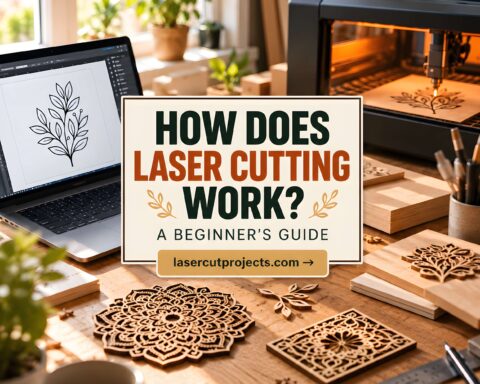
How Does a Laser Cutter Work?
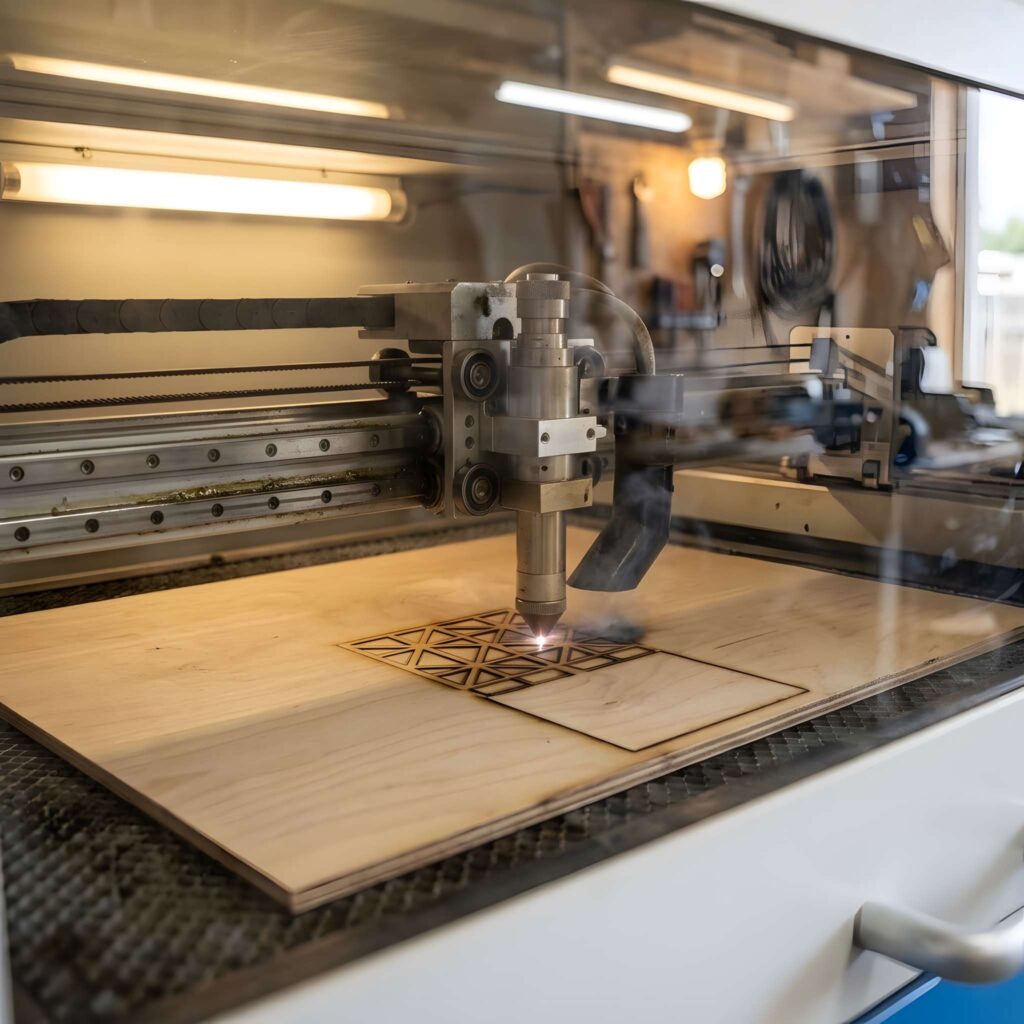
The process is surprisingly straightforward.
You begin with a digital design, usually created in vector graphics software or imported from an existing file.
Next, you prepare the design in compatible laser software, where you specify which parts should be cut and which should be engraved.
The software then communicates with the laser machine.
As the laser head moves across the material, the focused beam follows the programmed paths.
Depending on the operation, the laser removes material completely or changes its surface to create visible details.
Several factors influence the final result, including laser power, movement speed, material thickness, and focus.
The most important thing to understand is that laser cutting isn’t simply about using more power.
Successful projects depend on matching the machine, material, design, and settings.
That’s why experienced makers spend time testing materials before starting important projects.
Choosing Your First Laser Cutter
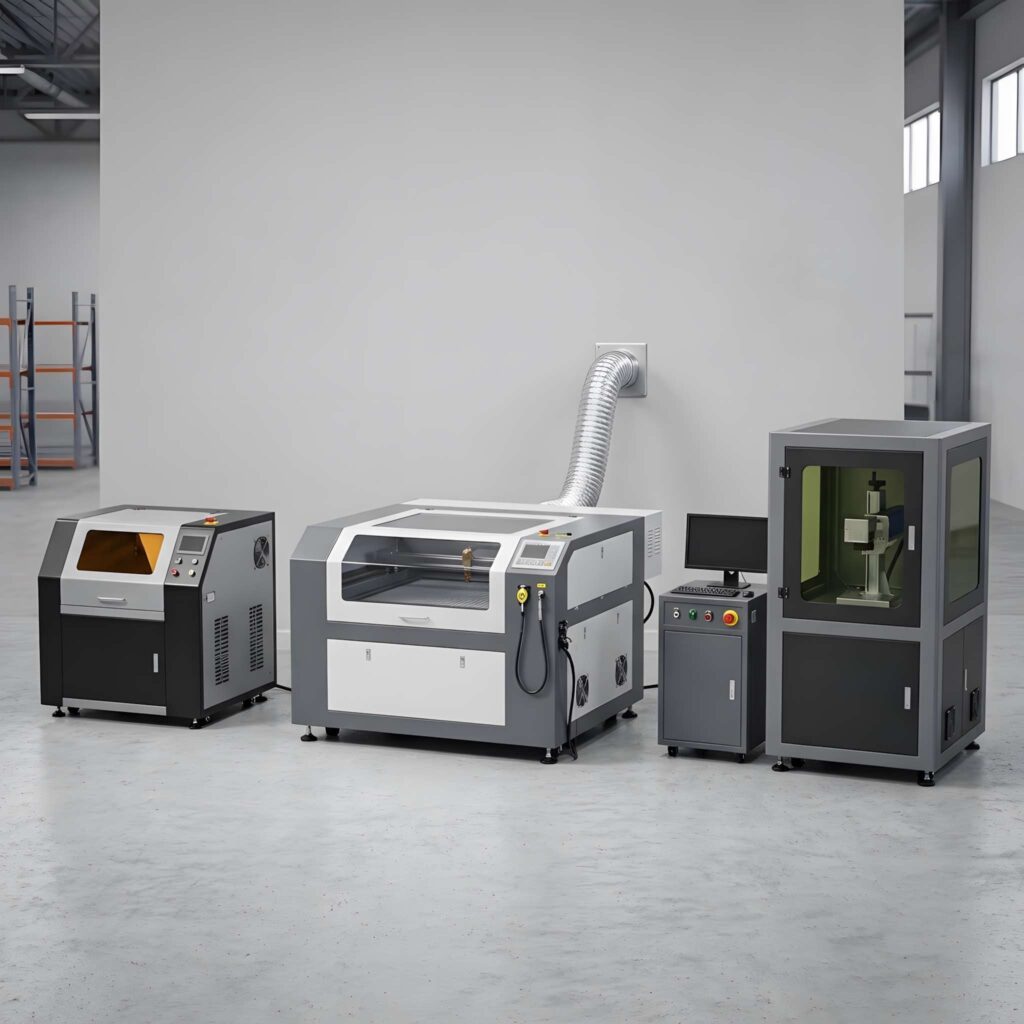
One of the biggest decisions beginners face is choosing the right type of laser machine.
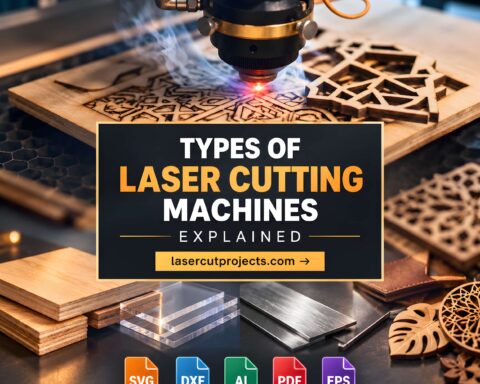
There are three major technologies worth understanding, but they aren’t equally suitable for every project.
Diode Lasers: A Popular Starting Point
Diode lasers are commonly found in compact hobby machines.
Many can engrave wood, suitable leather, cardboard, and other approved materials. Some can also cut thin plywood.
Their relatively compact size and accessible pricing make them attractive to beginners.
However, they have limitations.
Many blue diode lasers struggle with clear acrylic, and cutting performance varies significantly between machines.
If your main interest is making wooden ornaments, personalized gifts, and small decorative projects, an appropriately enclosed diode laser may be worth considering.
CO2 Lasers: More Versatility for Creative Projects
CO2 laser cutters are popular among hobbyists, makers, and small businesses.
They work particularly well with many suitable nonmetal materials, including plywood, wood, paper, and laser-compatible acrylic.
If you want to create acrylic signs, detailed wooden decorations, layered artwork, or products for an online shop, a CO2 machine may offer more flexibility.
The trade-off is that these machines often require more space, ventilation, maintenance, and initial investment.
Fiber Lasers: Designed Primarily for Metal Applications
Fiber lasers are commonly used for metal marking and industrial processing.
They’re excellent for certain specialized applications, but a small fiber marking machine shouldn’t be confused with an industrial metal-cutting system.
For most beginners interested in wooden crafts and decorative products, diode and CO2 machines are more relevant starting points.
My advice: Choose a machine based on the projects you actually want to create, not simply the highest advertised power.
An enclosed machine with reliable safety features, good manufacturer support, and suitable ventilation is more valuable than impressive specifications alone.
The Best Laser Cutting Materials for Beginners
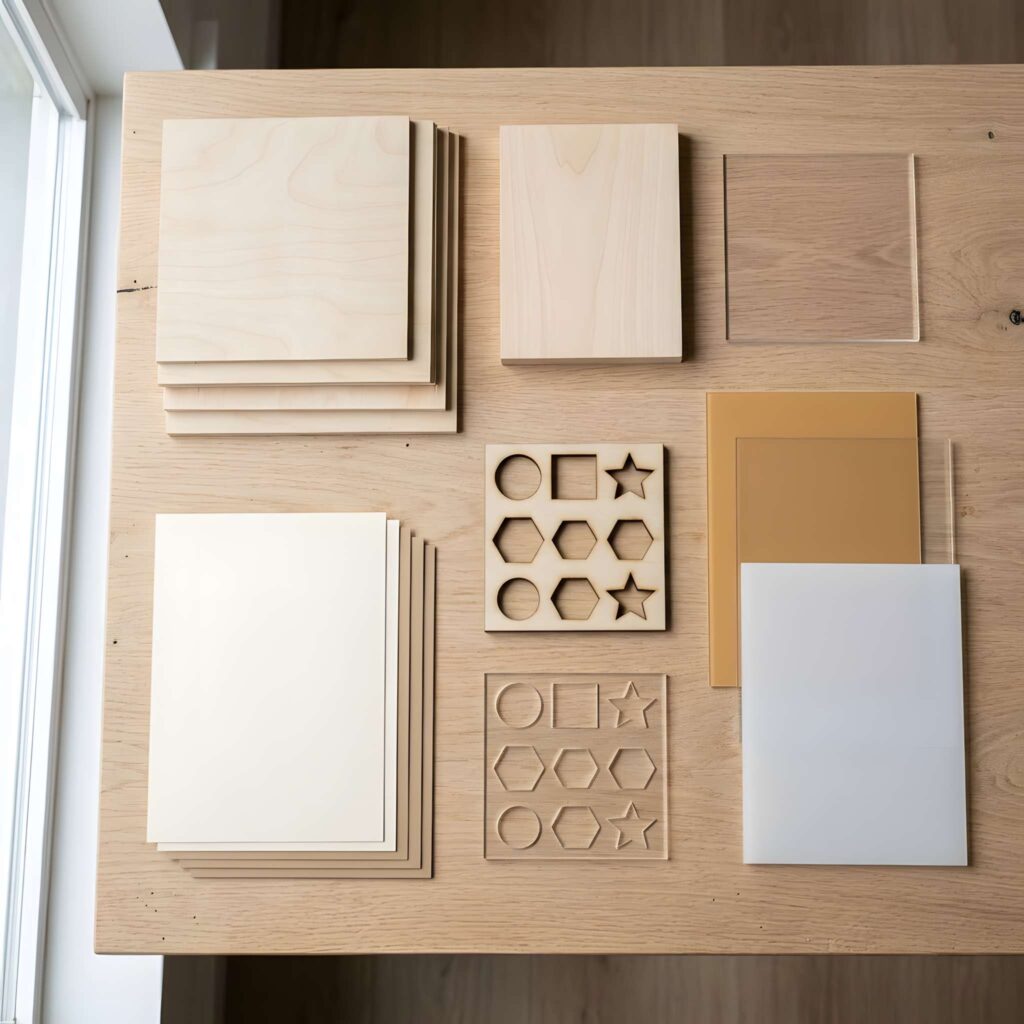
Choosing the right material can make your first projects much more enjoyable.
Some materials are relatively forgiving. Others require specialized equipment or produce inconsistent results.
And some should never be placed inside a laser cutter.
Plywood: A Great Place to Start
Laser-compatible plywood is one of the most versatile materials for beginners.
It’s useful for creating ornaments, gift tags, decorative signs, small boxes, layered artwork, and countless other projects.
Thin sheets are generally easier to cut than thick ones, although wood species, adhesives, and construction all affect cutting performance.
For your first project, choose plywood specifically approved for your machine.
Avoid assuming that ordinary construction plywood will produce the same results.
Solid Wood: Natural and Beautiful
Wood brings warmth and character to laser-cut projects.
Its natural grain can make even a simple engraved design look special.
Small wooden plaques, name tags, and decorative pieces are excellent examples.
However, natural variations in density, resin, and grain can affect the finished result.
Acrylic: Perfect for Modern Decorations
Acrylic is a popular choice for signs, jewelry, displays, and personalized accessories.
CO2 lasers can produce attractive cuts in many laser-compatible acrylic sheets.
Clear acrylic, however, is generally unsuitable for cutting with common blue diode lasers.
Always verify the material formulation and your machine’s compatibility before processing it.
Paper and Cardstock: Simple but Delicate
Paper and cardstock can be used for intricate greeting cards, decorative cutouts, and stencils.
They allow you to experiment with detailed designs without using expensive materials.
But they’re also highly combustible, so proper equipment, fire precautions, and continuous supervision are essential.
Materials You Should Avoid
Not every material belongs inside a laser cutter.
PVC, vinyl, PTFE, unidentified plastics, and materials with unknown coatings or adhesives can release hazardous substances during laser processing.
Never process an unknown material simply because it looks similar to something you’ve used before.
Check the manufacturer’s approved-material guidance and reliable material safety information first.
Laser Cutting Safety Is Not Optional
Laser cutting is creative, but it also involves real hazards.
High-energy light, combustible materials, moving equipment, and potentially harmful fumes make proper safety precautions essential.
A properly enclosed machine with functional interlocks helps reduce the risk of accidental laser exposure.
Ventilation and filtration must be appropriate for the equipment and material being processed. A household fan or open window isn’t an adequate substitute for a properly designed fume-control system.
You should also keep the workspace free of unnecessary combustible materials and regularly clean accumulated debris according to the manufacturer’s instructions.
Most importantly, never leave a running laser cutter unattended.
Laser processing can ignite materials, even during familiar projects.
Follow your machine’s fire-safety procedures, use required protective equipment, and never bypass safety interlocks.
If you’re using a laser cutter for the first time, machine-specific training is an important part of getting started.
The Software You’ll Need
Before creating physical projects, you’ll need a way to turn your ideas into digital designs.
Fortunately, you don’t need to master complicated design software immediately.
Inkscape is a free vector graphics editor that lets you create shapes, text, and illustrations.
It’s a useful option for beginners learning how to design laser-cut patterns.
LightBurn is another widely used application. It combines design tools with features for preparing and controlling compatible laser machines.
Some manufacturers also provide dedicated software designed specifically for their equipment.
Whichever program you choose, start by learning how to create simple shapes, resize objects, work with text, and distinguish cutting paths from engraving areas.
Why SVG Files Matter
You’ll frequently encounter SVG files when exploring laser cutting designs.
SVG stands for Scalable Vector Graphics.
Unlike ordinary photographs, vector graphics describe shapes and paths mathematically, allowing them to be resized without losing geometric precision.
This makes SVG particularly useful for signs, ornaments, decorative patterns, and other laser cutting projects.
Other common formats include DXF, AI, PDF, PNG, and JPG.
Compatibility varies between software packages, so always check which formats your machine’s software supports.
Your First Laser Cutting Project: A Simple Wooden Ornament
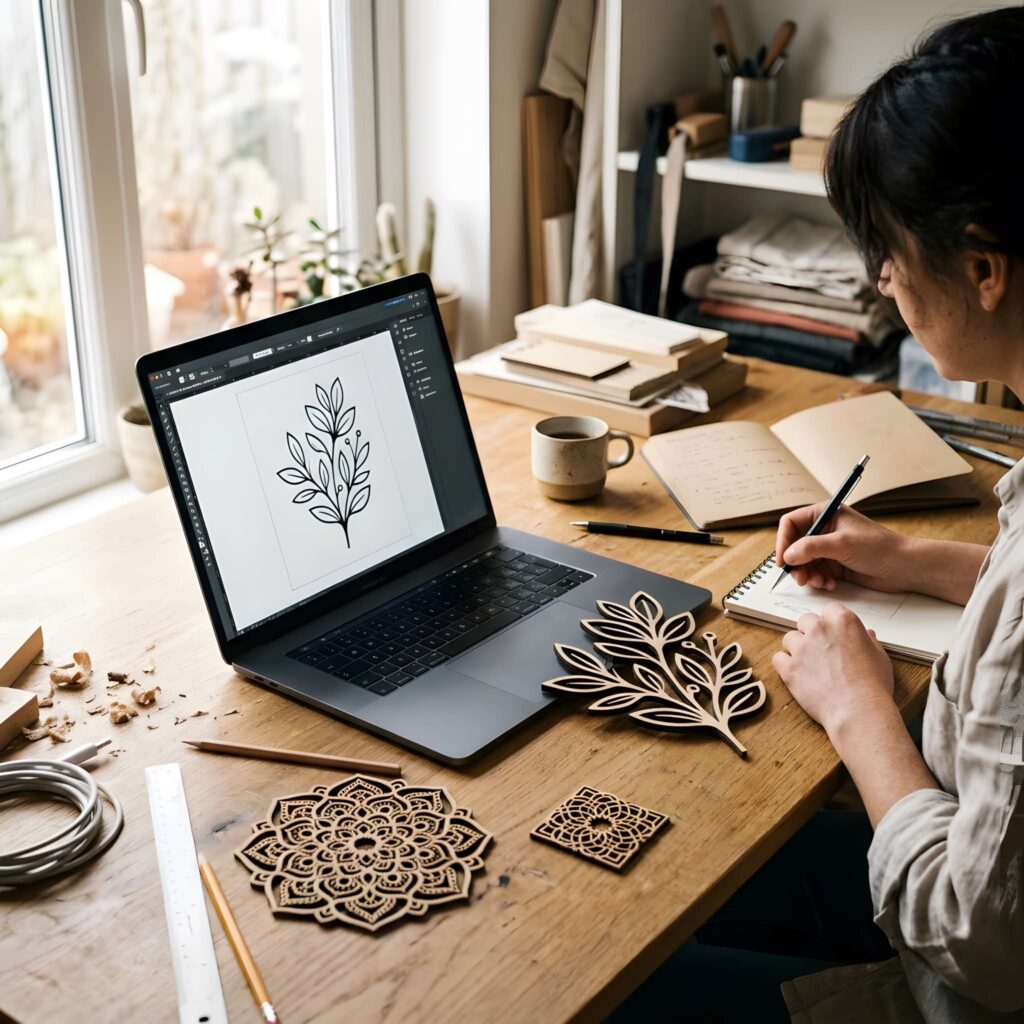
The best way to understand laser cutting is to create something.
For your first project, keep things simple.
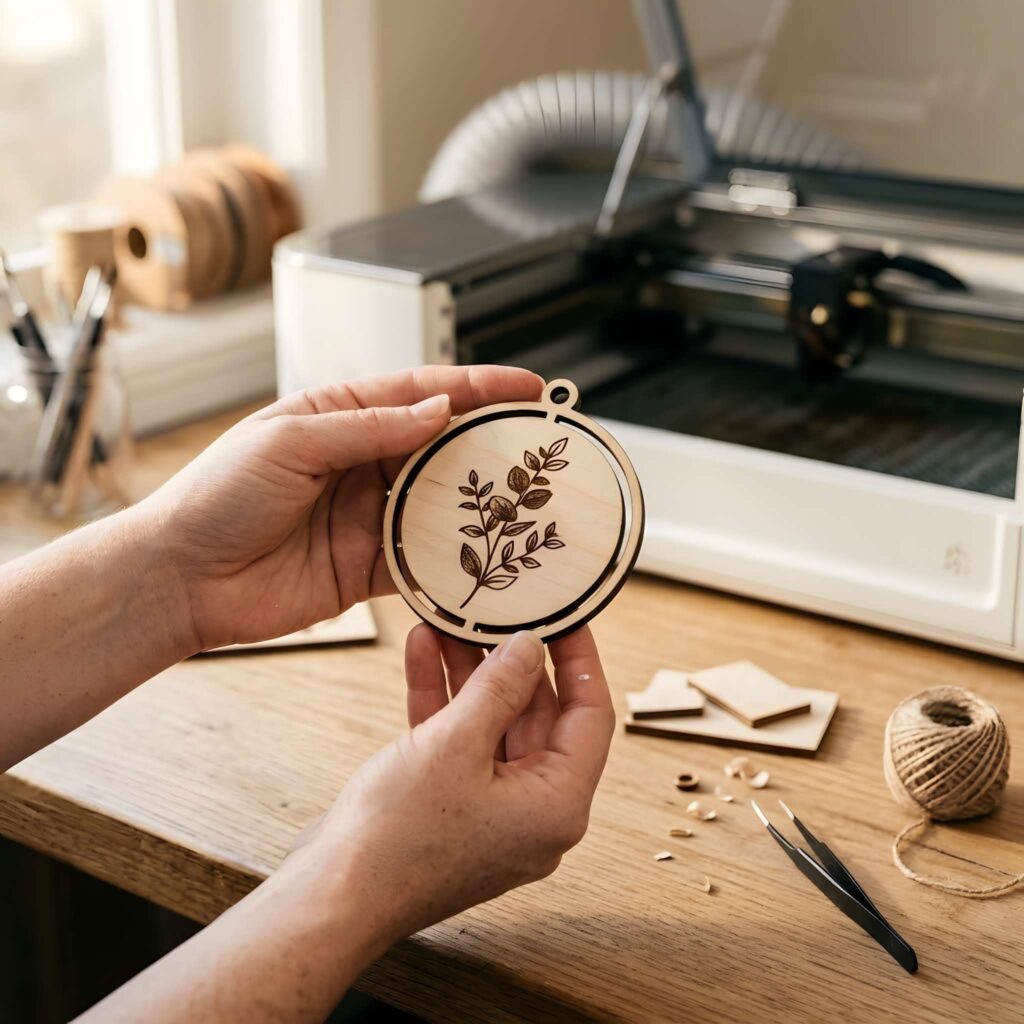
A personalized wooden ornament is an excellent choice because it combines basic cutting and engraving without requiring complicated assembly.
Start With a Basic Design
Open your preferred vector graphics software and create a circle.
Add a smaller circle near the top to form a hanging hole.
Then place a name, initial, or simple decorative pattern in the center.
You now have the foundation for a personalized ornament.
Prepare the Design for Cutting
Import the file into your laser software.
Check the dimensions carefully.
Assign the outer shape and hanging hole to cutting operations, and the decorative details to engraving.
Make sure there are no unwanted duplicate paths.
For many projects, engraving before cutting the outline helps keep the material in its intended position.
Choose Your Material
Select a thin piece of laser-compatible plywood approved for your machine.
Inspect the material and position it according to the manufacturer’s instructions.
Make sure it’s properly supported and cannot shift during processing.
Test Before Cutting
This is where patience pays off.
Use the manufacturer’s recommended settings as your starting point and perform a small test on suitable scrap material.
Check the result before committing to the full design.
Avoid relying on settings copied from a completely different machine.
Run the Project
Complete the machine’s safety checks, verify the design position, and confirm that the required ventilation and protective systems are operating.
Start the job and supervise it continuously.
When processing is complete, follow the manufacturer’s instructions before opening the enclosure or handling the material.
Inspect Your Finished Ornament
Take a close look at the cut edges and engraved details.
Is the outline clean?
Is the text legible?
Did the material remain stable throughout the process?
Even if your first attempt isn’t perfect, you’ve already learned something valuable.
And that’s how most laser cutting skills develop: through careful testing, observation, and practice.
Five Easy Laser Cutting Projects Worth Trying
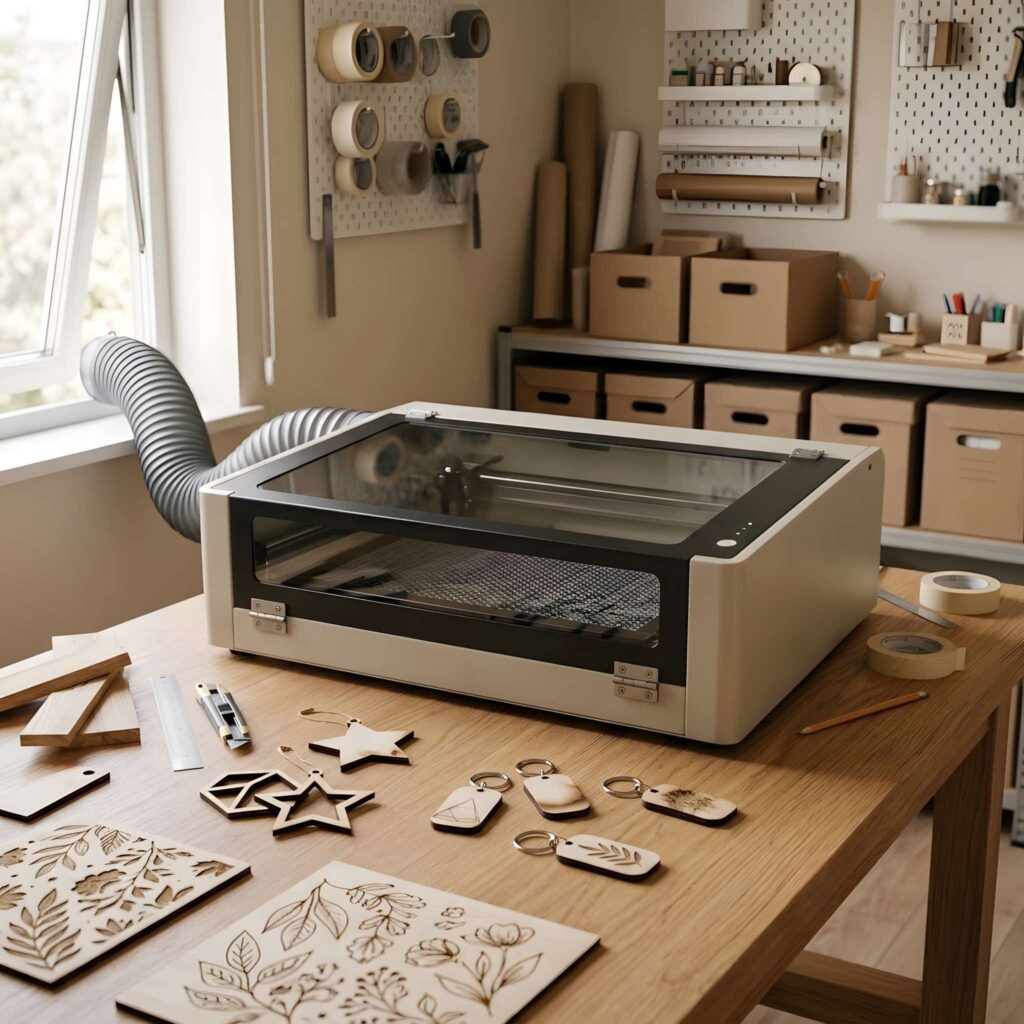
Once you’ve completed your first ornament, you’ll probably start noticing potential laser cutting projects everywhere.
Here are five beginner-friendly ideas that help build different skills.
1. Personalized Wooden Keychains
Small wooden keychains are ideal for practicing engraved lettering, simple outlines, and accurate positioning.
They also make thoughtful gifts.
2. Decorative Christmas Ornaments
Snowflakes, stars, trees, and personalized holiday decorations are popular laser cutting projects.
They’re particularly useful for experimenting with repeated shapes and detailed patterns.
3. Engraved Wooden Coasters
Coasters provide plenty of room for geometric patterns, botanical illustrations, monograms, and other engraved artwork.
They’re also practical items you can use at home.
4. Simple Wooden Phone Stands
A basic phone stand introduces a new challenge: creating pieces that fit together.
You’ll begin learning about dimensions, material thickness, and kerf—the width of material removed during cutting.
5. Layered Wooden Wall Art
Layered designs combine multiple pieces to create depth and visual interest.
Start with a simple two-layer design before attempting more elaborate artwork.
Each of these projects teaches a different skill, helping you become more comfortable with the entire process.
Common Beginner Mistakes—and How to Avoid Them
One of the most frustrating experiences in laser cutting is spending time preparing a design only to discover that the finished result isn’t what you expected.
Fortunately, many beginner mistakes are preventable.
Using the wrong material is a common problem. Two sheets that look nearly identical may behave differently because of their composition or adhesives.
Incorrect focus can lead to inconsistent cuts and poorly defined engraving. Follow your machine’s focusing procedure whenever necessary.
Unverified settings can produce incomplete cuts, excessive scorching, or dangerous conditions. Start with validated manufacturer recommendations.
Ignoring kerf can create problems when making boxes, puzzles, and other projects with interlocking parts.
Poor file preparation can cause duplicate cutting paths, incorrect dimensions, or missing details.
The solution isn’t to rush through more projects.
It’s to slow down during preparation, test carefully, and understand what each result tells you.
How Much Does It Cost to Start Laser Cutting?
Laser cutting can be an affordable hobby or a substantial investment, depending on your goals.
A compact hobby machine may require a smaller initial budget than a larger CO2 system, but the purchase price is only one part of the total cost.
You’ll also need to consider ventilation, approved materials, software, maintenance, and any additional safety equipment required for your setup.
If you plan to make products regularly, material waste and machine upkeep also matter.
For occasional projects, using a local makerspace can be a practical way to gain experience before purchasing your own machine.
And if you’re thinking about eventually selling laser-cut products, learning how to calculate your true production costs will help you price them more accurately.
Can You Make Money With Laser Cutting?
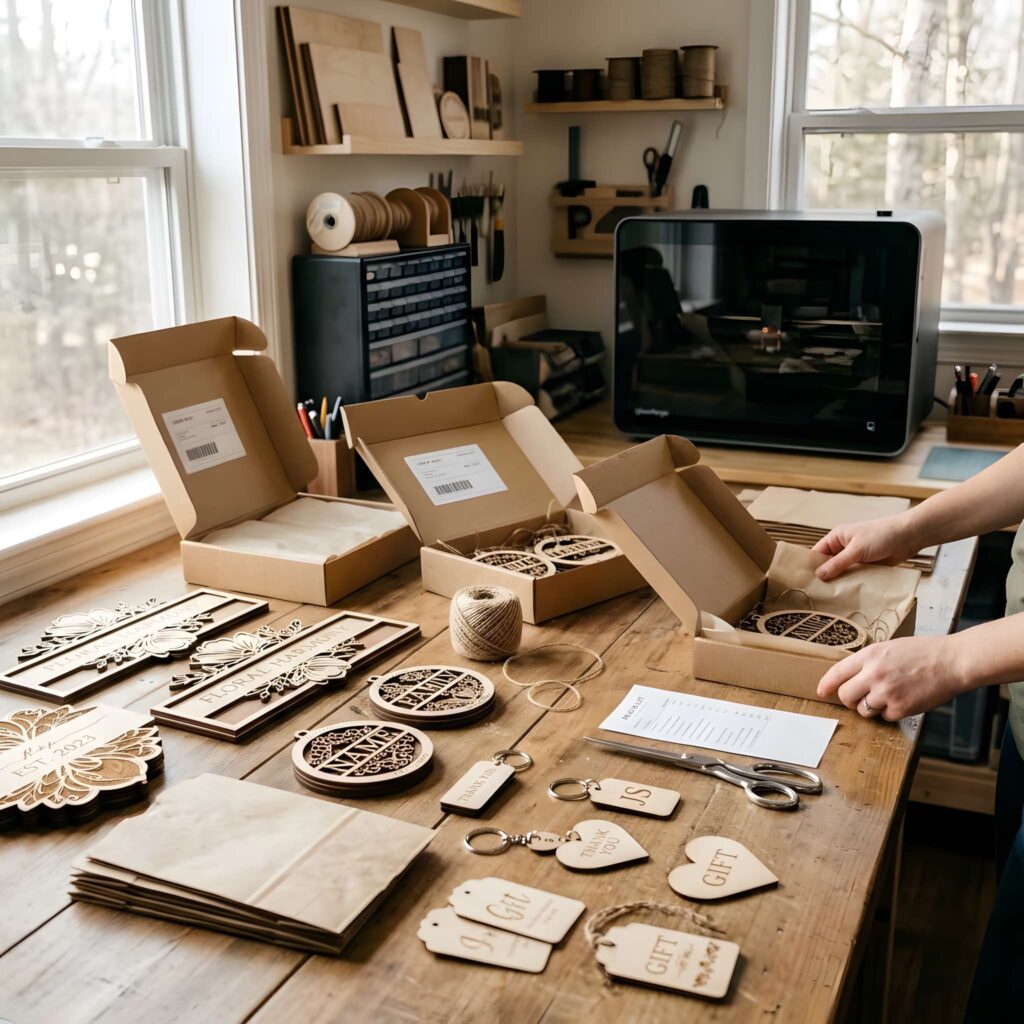
Yes, laser cutting can be used to create products for sale.
Personalized gifts, engraved signs, holiday ornaments, wedding decorations, and custom home accessories are examples of products that makers may offer.
But owning a laser cutter doesn’t automatically create a profitable business.
Successful selling depends on product quality, design appeal, material costs, production time, marketing, and customer demand.
A sensible approach is to begin with a small collection of products you can make consistently.
Learn which designs people genuinely want before investing heavily in equipment or inventory.
And remember that commercial use of downloaded design files depends on the licensing terms.
Not every free SVG file includes permission to manufacture and sell products based on it.
Final Thoughts: Start Simple, Then Keep Creating
The most exciting thing about laser cutting isn’t the machine itself.
It’s the freedom to take an idea and turn it into something real.
A simple wooden ornament can lead to personalized gifts. A basic engraved coaster can inspire a complete collection. And learning how to assemble a small wooden stand can eventually lead to intricate boxes, decorations, and functional designs.
You don’t have to learn everything at once.
Start with a suitable machine, understand the safety requirements, choose reliable materials, and create something simple.
Pay attention to what works. Learn from what doesn’t.
And most importantly, enjoy the creative process.
Every impressive laser cutting project begins with someone learning how to make their first cut.
Frequently Asked Questions
Is laser cutting difficult to learn?
The basic design and operating concepts are approachable for beginners, but safe machine operation requires proper training. Start with simple projects and manufacturer-approved materials before moving to more advanced work.
Do I need a powerful laser cutter to get started?
Not necessarily. The appropriate machine depends on your materials and projects. A properly enclosed entry-level machine may be sufficient for simple engraving and certain thin-material cutting tasks.
Can I use free SVG files for laser cutting?
Yes, provided the files are compatible with your software and you have permission to use them. Always inspect and prepare downloaded designs before processing them.
Can laser cutters cut metal?
Purpose-built industrial laser systems can cut metal. Most entry-level hobby diode lasers aren’t designed for cutting metal sheets, and metal marking is different from metal cutting.
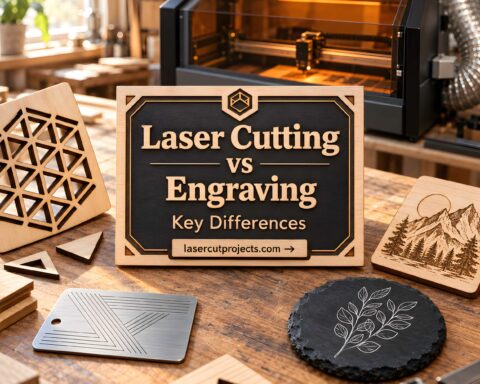
What’s the difference between laser cutting and laser engraving?
Laser cutting separates material along a programmed path, while engraving changes or removes material at the surface to create text, patterns, or images.
Can I use a laser cutter at home?
Potentially, if the machine, workspace, ventilation, fire precautions, and operating procedures meet the necessary safety requirements. Not every home environment is suitable for laser processing.
What should my first laser cutting project be?
A simple wooden ornament, engraved coaster, or personalized keychain is a good starting point. Choose a project with straightforward shapes and minimal assembly.
How long does it take to learn laser cutting?
You can begin understanding basic design concepts relatively quickly, but becoming proficient requires practice. The learning curve depends on the machine, software, materials, and complexity of your projects.