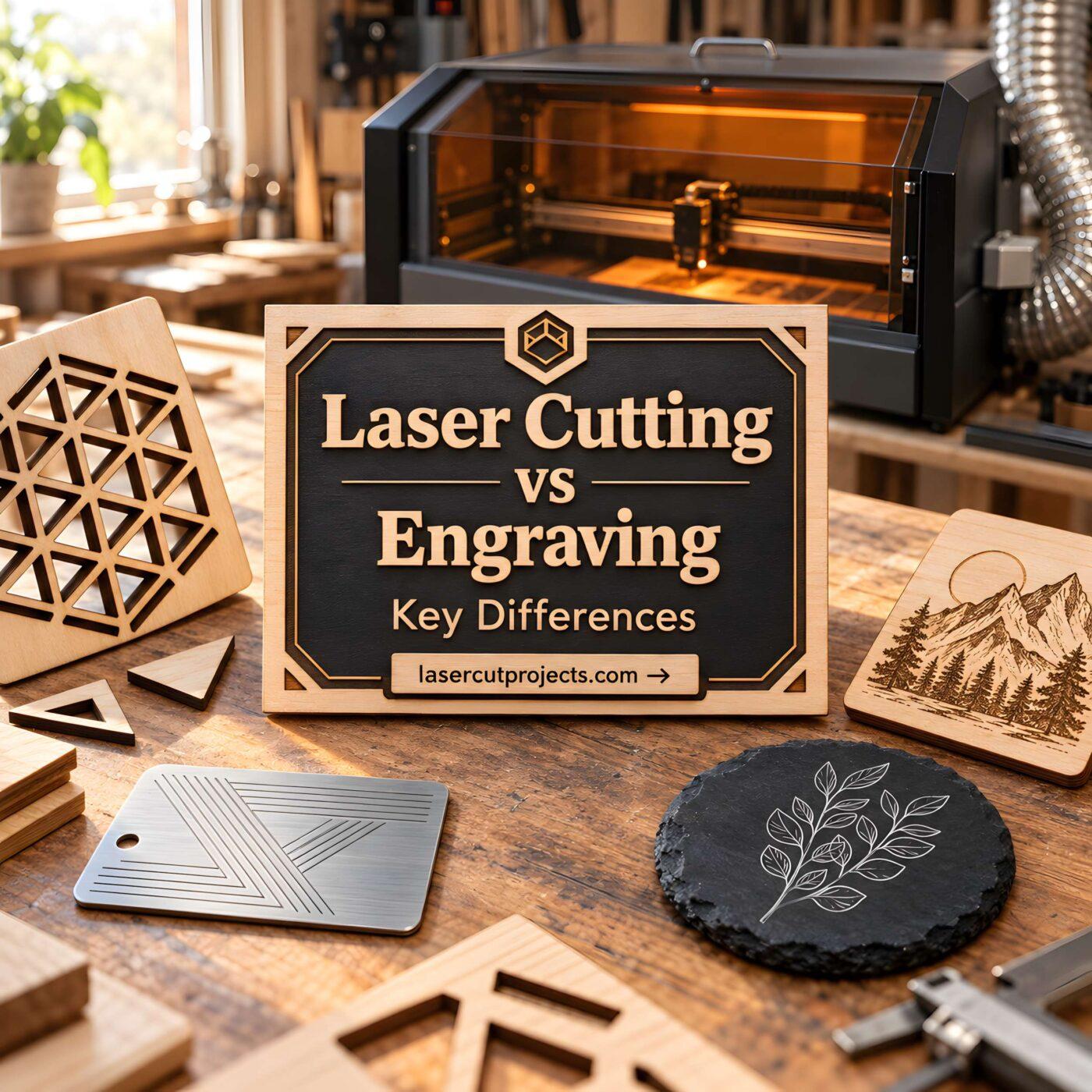
Understanding Laser Cutting vs Engraving Differences for Your Projects
Two laser processes, two very different results. Here’s how to understand the differences, choose the right equipment, and decide which technique works best for your projects.
Laser cutting and laser engraving often get mentioned together. They use similar technology, sometimes run on the same machine, and can even be combined in a single project.
But they do very different things.
Imagine making a personalized wooden Christmas ornament. First, you engrave a name and decorative pattern onto the wood. Then, you cut the ornament’s shape out of the sheet.
The engraving creates the design. The cutting creates the object itself.
That’s the simplest way to understand laser cutting vs engraving.

Whether you’re exploring laser crafting for the first time, planning to buy a machine, or looking for ways to create custom products, knowing these differences can save you time, money, and wasted materials.
What Is Laser Cutting?
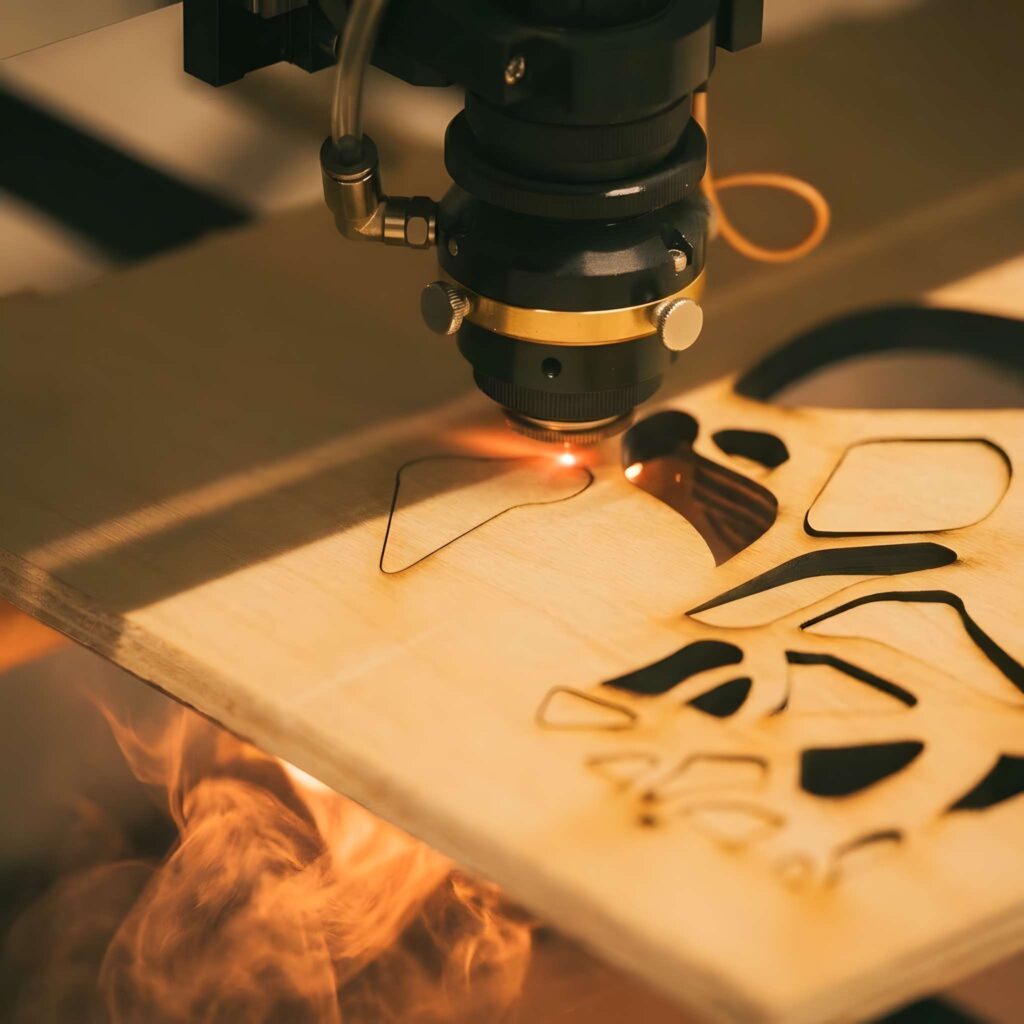
Laser cutting uses a highly focused beam of light to cut completely through a material.
Instead of relying on a physical blade, the laser heats a narrow area until the material melts, vaporizes, burns, or is otherwise removed.
The machine follows a digital design, producing shapes with precise edges and intricate details.
Think of laser cutting as a digital cutting tool that can follow complex patterns without physically touching the material.
It’s particularly useful for projects that require accurate shapes, openings, or interlocking components.
Popular laser cutting projects include:
- Wooden ornaments and holiday decorations
- Acrylic signs and decorative lettering
- Puzzles and miniature furniture
- Jewelry and earrings
- Wooden storage boxes
- Layered wall art
- Architectural models
For example, if you want to create a decorative wooden butterfly, a laser cutter can follow the outline of its wings and cut intricate openings into the design.
Once the cutting process is finished, you have a separate wooden shape ready for painting, assembling, or engraving.
Why People Choose Laser Cutting
One of the biggest advantages of laser cutting is its ability to reproduce detailed designs consistently.
You can make one ornament or produce dozens of matching pieces using the same digital file.
The process is also useful for creating components that fit together, such as wooden boxes with finger joints.
However, cutting performance depends on the material, its thickness, and the capabilities of the machine.
A small hobby laser that cuts thin plywood may not be capable of cutting thick acrylic or metal.
What Is Laser Engraving?
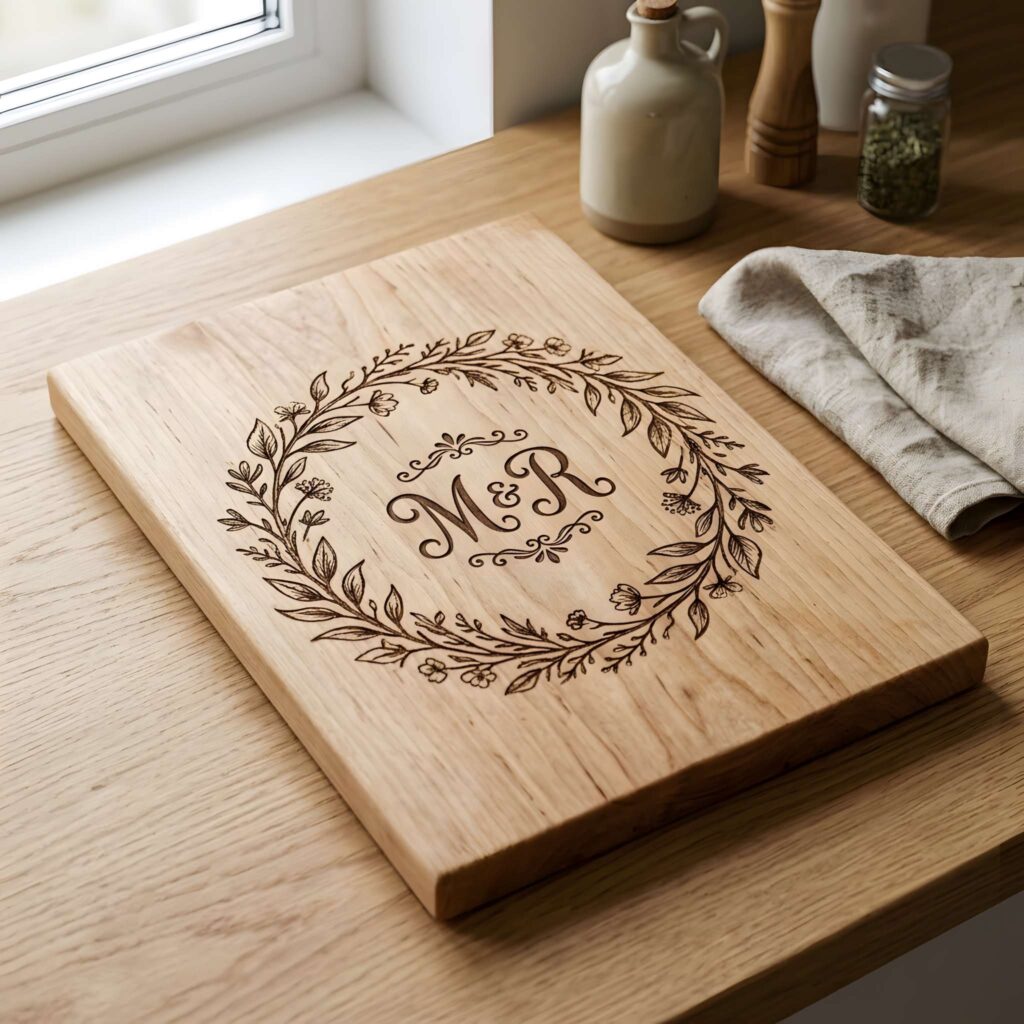
Laser engraving works differently.
Instead of cutting through the material, the laser removes or modifies a controlled portion of its surface to create a permanent design.
The result might be a name, logo, illustration, decorative pattern, or even a detailed photograph.
Imagine a plain wooden cutting board.
Laser engraving can transform that board into a personalized gift by adding a family name, a meaningful date, or a decorative illustration.
The board keeps its original shape. Only the surface changes.
Common laser engraving projects include:
- Personalized cutting boards
- Wooden signs and plaques
- Custom keychains
- Engraved tumblers
- Wedding favors
- Business logos
- Pet identification tags
- Decorative artwork
Engraving is especially popular among makers who sell personalized products.
Customers can choose their own names, messages, or designs, making each item feel unique.
Why Laser Engraving Is Popular
Laser engraving makes customization relatively straightforward.
Once a design is prepared, it can often be adapted for different customers without changing the physical setup.
A single wooden coaster design, for example, can be personalized with dozens of different names.
Engraving also produces durable markings because the design is created directly in or on the material rather than simply printed onto it.
The appearance and durability still depend on the material, engraving depth, and processing method.
Laser Cutting vs Engraving: What’s the Real Difference?
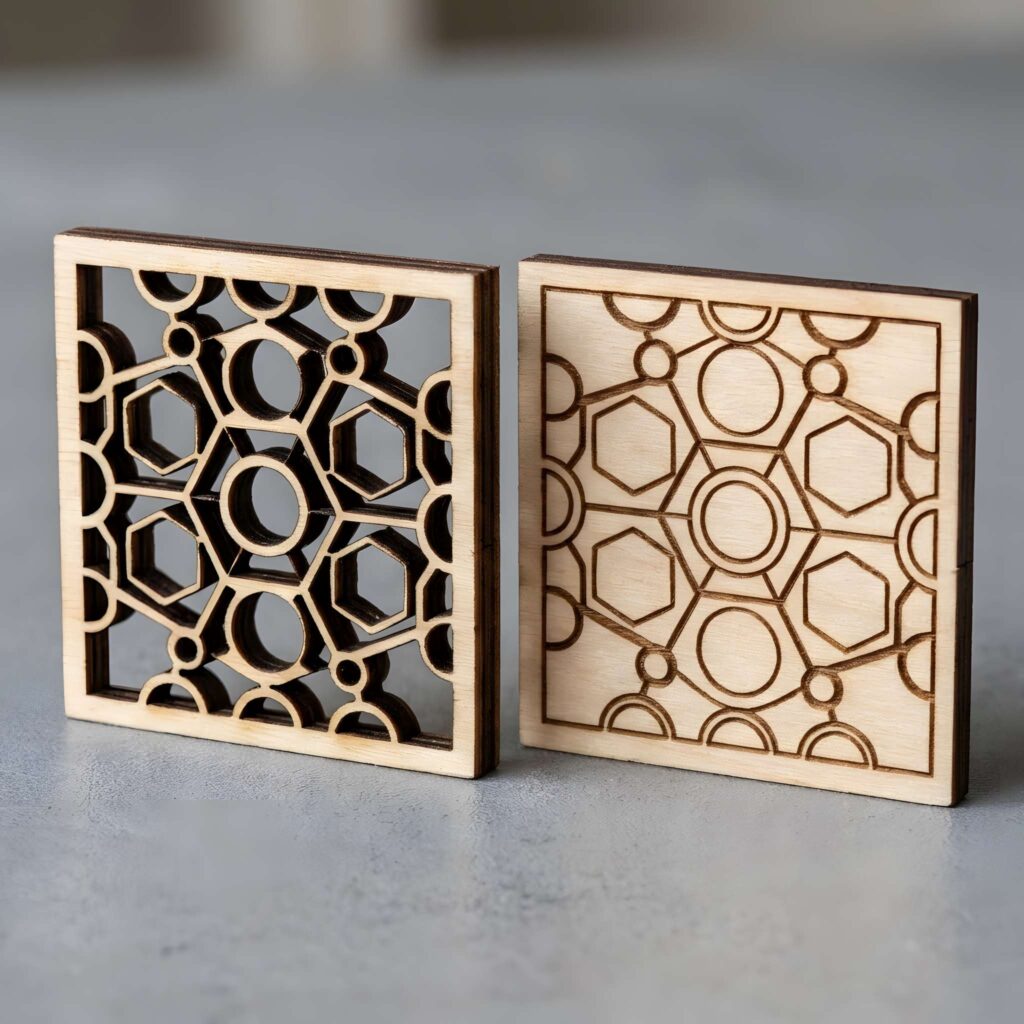
The easiest way to compare the two processes is to look at what happens to the material.
Laser cutting changes the shape of an object. Laser engraving changes its surface.
That difference influences everything from machine settings to project possibilities.
| Feature | Laser Cutting | Laser Engraving |
|---|---|---|
| Main purpose | Create shapes | Add surface designs |
| Material removal | Cuts through | Removes or modifies surface |
| Typical result | Separate parts | Permanent markings |
| Common designs | Outlines and shapes | Text, logos, artwork |
| Popular projects | Boxes, ornaments, signs | Gifts, plaques, labels |
| Material thickness | Major consideration | Usually less critical |
| Laser power | Often higher | Often lower for shallow designs |
These differences aren’t absolute.
A large, detailed engraving may require more processing time than a simple cut. Deep engraving can also require considerable laser energy.
The right settings depend on the machine and material.
How Laser Cutting and Engraving Actually Work
Both techniques begin with a digital design.
You create or import a file into laser software, position the material, and configure the machine.
The difference is how the laser follows that design.
Laser Cutting Follows Paths
Laser cutting typically works with vector outlines.
The laser moves along those paths, cutting through the material to separate the finished shape.
For example, when making a wooden box, the design includes outlines for each panel and the joints that connect them.
The machine cuts those outlines, leaving individual pieces ready for assembly.
Laser Engraving Creates Surface Detail
Laser engraving can follow vector lines or scan across larger areas.
Vector engraving is useful for thin lines, lettering, and simple outlines.
Raster engraving is commonly used for filled illustrations, shaded artwork, and photographic images.
During raster engraving, the laser moves across the surface in closely spaced lines, building the design gradually.
This is why a large engraved image can sometimes take longer than cutting a simple shape.
Do You Need to Create Every Laser Design From Scratch?
Not necessarily. While learning to create your own vector files is a valuable skill, starting with an existing design can help you focus on understanding how your laser machine works.
Ready-made laser cutting files can be especially useful for practicing with ornaments, decorative signs, layered wall art, and wooden boxes. Instead of spending hours drawing every outline, you can explore different project styles and learn how cutting paths and engraved details work together.
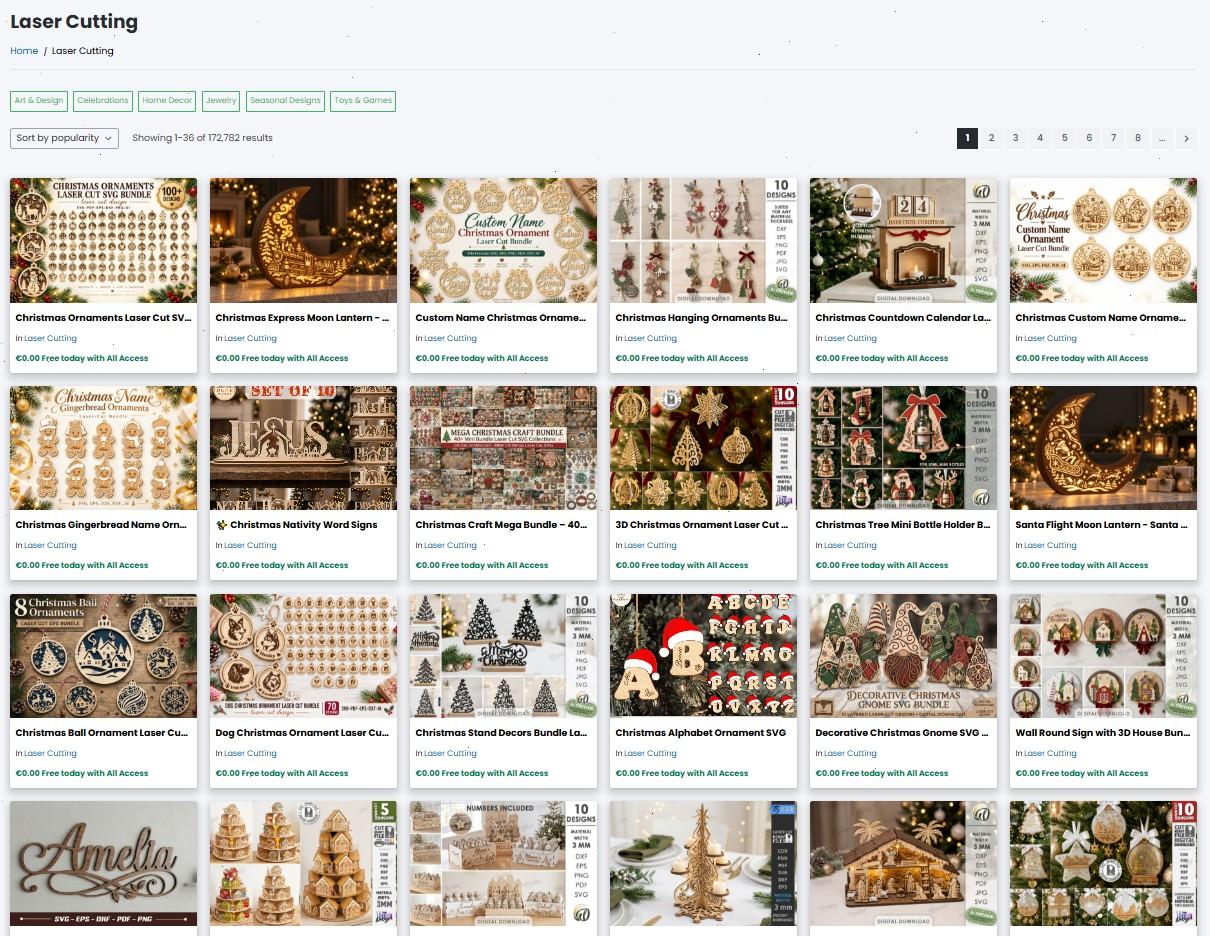
Online design libraries offer a wide range of downloadable laser project files, including SVG and DXF formats. If you’re looking for inspiration, you can explore ready-made laser cutting designs and find projects that match your interests and skill level.
Before starting, always check the file format, recommended material thickness, dimensions, and licensing terms. Even a professionally prepared design may need adjustments for your machine.
Can One Laser Machine Cut and Engrave?
Yes, and this is one of the most useful features of many modern desktop laser machines.
A compatible machine can engrave a design and then cut the surrounding shape without moving the material.
Consider a personalized wooden name sign.
First, the laser engraves decorative details onto the wood. Next, it cuts around the letters or outer border.
You end up with a finished product that combines precise shaping and personalization.
However, not every machine performs both tasks equally well.
Some lasers are designed primarily for engraving, while others are powerful enough to cut thicker materials.
The machine’s laser technology matters just as much as its advertised features.
Which Materials Can You Cut or Engrave?
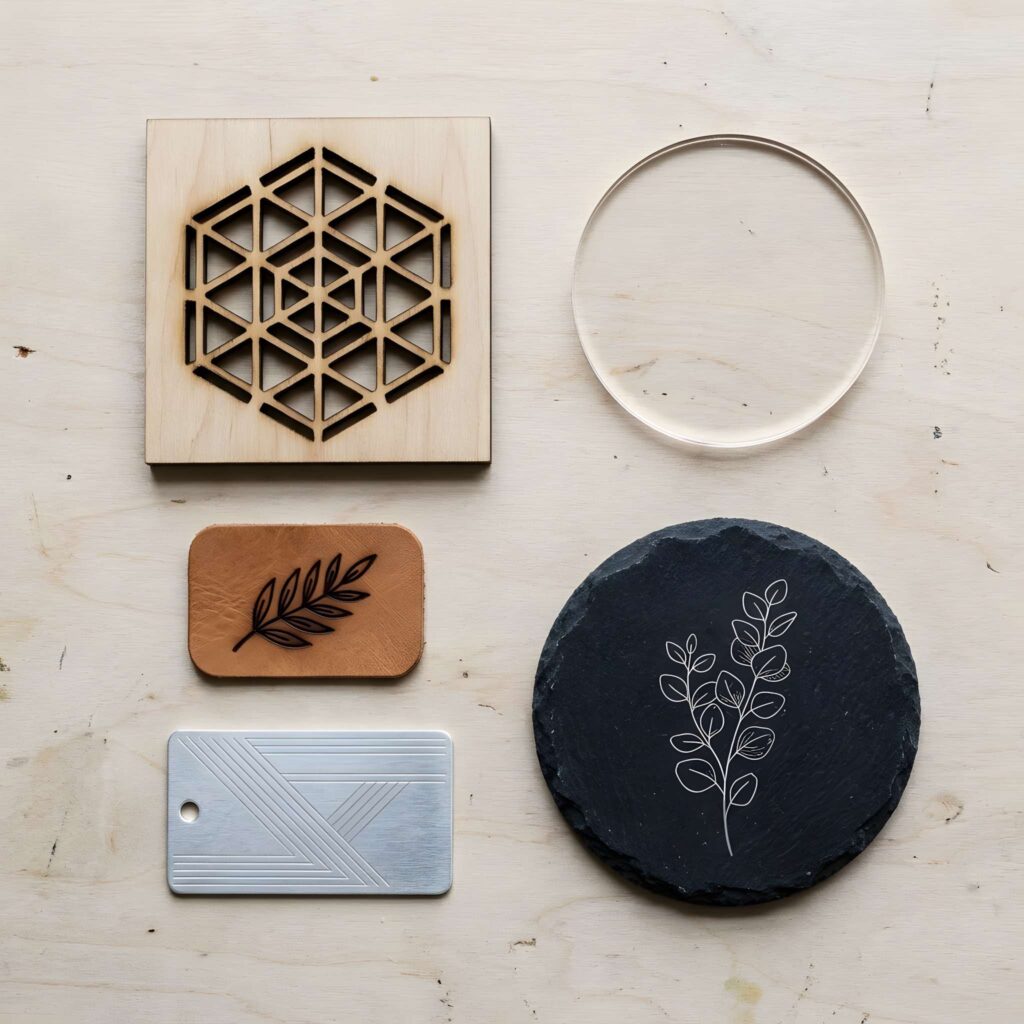
Different materials respond to laser energy in different ways.
Some are suitable for both cutting and engraving. Others are much better suited to one process.
Wood and Plywood
Wood is one of the most versatile materials for hobby laser projects.
You can cut wooden ornaments, decorative shapes, and box components, then engrave names or illustrations onto their surfaces.
Plywood is particularly popular because it comes in convenient sheets and works well for many craft projects.
However, adhesives and internal layers can affect cutting quality. Choose materials approved for laser processing.
Acrylic
Acrylic is widely used for signs, display pieces, ornaments, and decorative products.
CO₂ lasers can cut many types of acrylic, including clear sheets, while also engraving compatible acrylic surfaces.
Visible-light diode lasers generally have difficulty cutting clear acrylic because the material transmits much of their light.
The exact results depend on the acrylic’s color, composition, and the laser wavelength.
Metal
Metal requires more specialized equipment.
Fiber lasers are commonly used to mark and engrave metal products, including jewelry, tools, and identification plates.
Industrial fiber laser systems can also cut metal sheets.
However, a compact fiber marking machine should not be confused with a high-power metal cutting machine.
Glass and Stone
Glass, slate, and stone are often used for decorative laser engraving.
These materials can produce attractive personalized gifts, plaques, and artwork.
They are generally not suitable for conventional cutting with typical hobby laser machines.
Careful settings are important because heat can cause cracking, chipping, or other damage.
CO₂ vs Diode vs Fiber Lasers: Which One Do You Need?
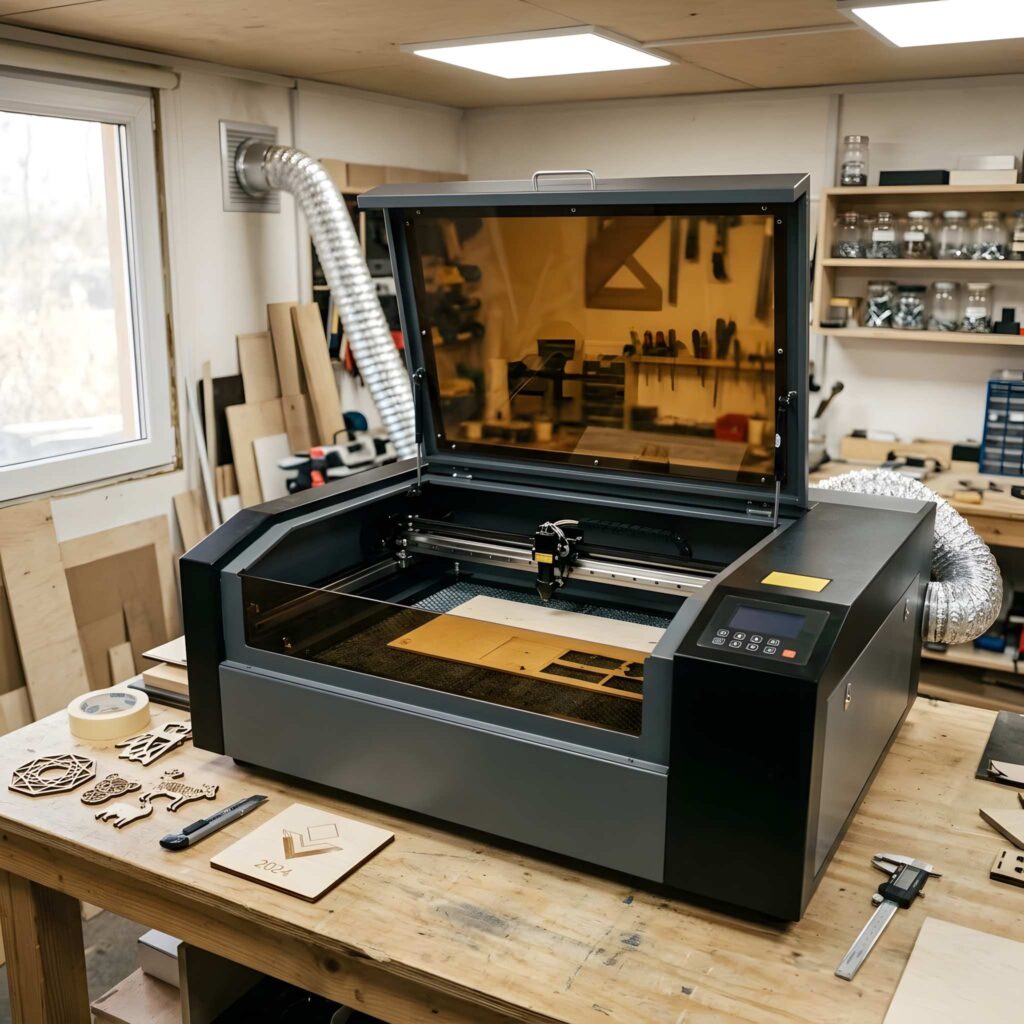
Choosing between laser cutting and engraving also means understanding the main types of laser machines.
CO₂ Lasers: Versatile for Crafts
CO₂ lasers are popular for working with wood, acrylic, paper, and other compatible nonmetal materials.
They can be useful for makers who want to produce a variety of products, from personalized wooden signs to acrylic decorations.
A suitably equipped CO₂ machine can handle both detailed engraving and cutting.
For many craft businesses, this versatility is a major advantage.
Diode Lasers: Accessible for Hobby Projects
Diode lasers are commonly found in compact desktop machines.
They can engrave wood and various compatible materials, while some models can cut thin plywood and certain opaque materials.
Their cutting ability varies significantly by optical output power and design.
Diode lasers can be practical for beginners, but material compatibility should be checked carefully.
Fiber Lasers: Built for Metal Applications
Fiber lasers are widely used for metal engraving and industrial marking.
They are suitable for applications such as serial numbers, logos, jewelry personalization, and tool identification.
Higher-power industrial fiber systems can also perform metal cutting.
For a hobbyist mainly working with wood and acrylic, a fiber laser usually isn’t the first machine to consider.
Is Laser Cutting or Engraving More Expensive?
There’s no universal winner when it comes to cost.
A small engraving job can be relatively inexpensive because it only modifies the material’s surface.
Cutting thicker materials may require more capable equipment, slower processing, or multiple passes.
But engraving a large, highly detailed illustration can also take considerable time.
If you’re planning to sell laser-made products, think beyond the machine’s purchase price.
Consider material costs, processing time, electricity, ventilation, maintenance, and the amount of finishing work required.
For example, a simple engraved wooden keychain might be inexpensive to personalize.
A large layered wooden wall decoration may require several cut pieces, additional materials, assembly, and finishing.
Both can be profitable products, but their production costs are very different.
Which Process Is Faster?
Speed depends more on the design than on the process itself.
Cutting a small geometric outline may take relatively little time.
Engraving a large photograph across a wooden panel can take considerably longer because the laser must scan across the entire image area.
On the other hand, cutting thick plywood may require slow movement or multiple passes.
A useful rule is to estimate production time using your actual material, machine, and design.
Test pieces are far more reliable than general speed claims.
Creative Projects That Combine Cutting and Engraving
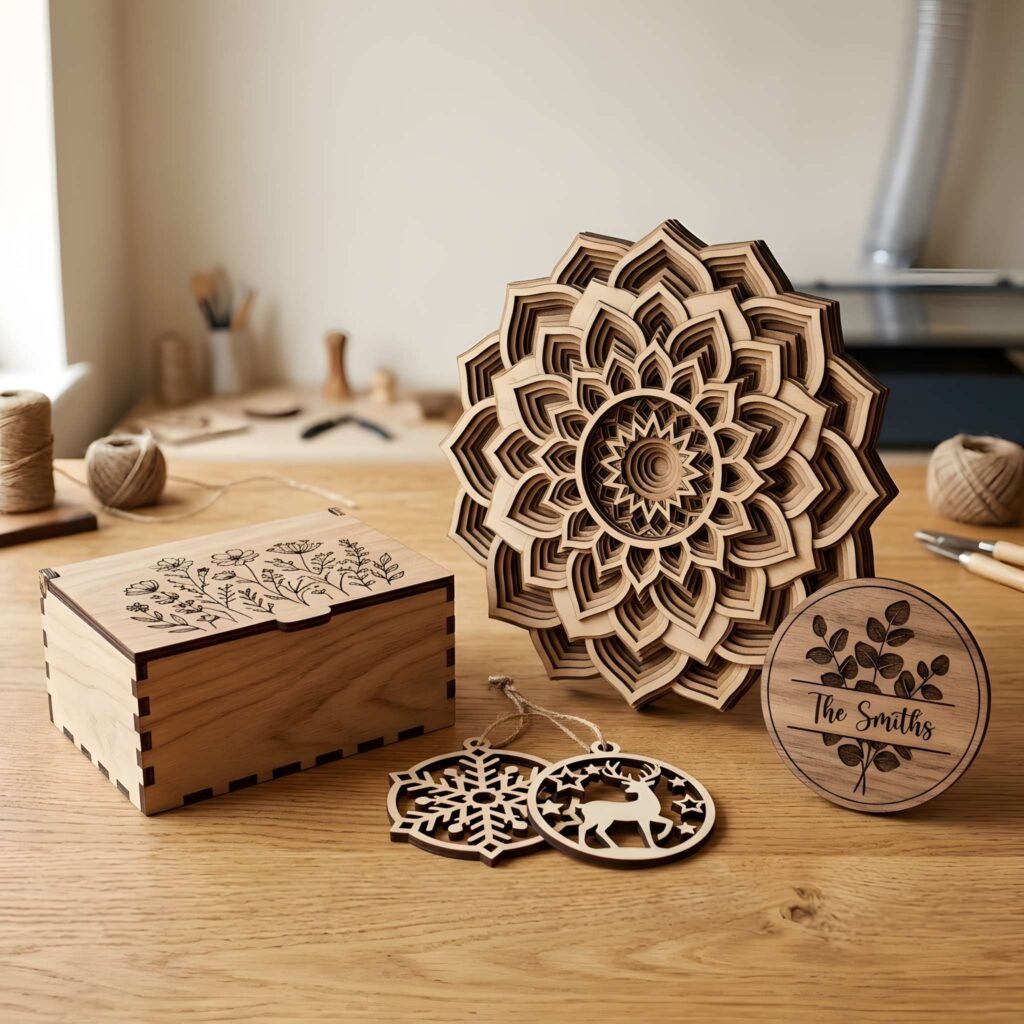
Some of the most appealing laser-made products use both techniques.
A few examples show why the combination is so useful.
Personalized Wooden Ornaments
Start with a sheet of laser-compatible plywood.
Engrave a name, date, or decorative illustration onto the surface.
Then cut the ornament’s outline and hanging hole.
The result is a customized decoration that can be used for holidays, weddings, or special occasions.
Custom Wooden Boxes
Laser cutting creates the panels and interlocking joints.
Engraving adds decorative patterns, initials, or logos.
This combination works particularly well for jewelry boxes, gift packaging, and keepsake containers.
Layered Wall Art
Laser cutting creates the individual layers of a design.
Engraving adds texture, shading, or fine details to selected pieces.
Once assembled, the layers create a dimensional decorative object.
Personalized Signs
A laser cutter can produce a decorative outer shape, while engraving adds lettering and artwork.
This is useful for home signs, business displays, wedding decorations, and personalized gifts.
Which Is Better for Beginners?
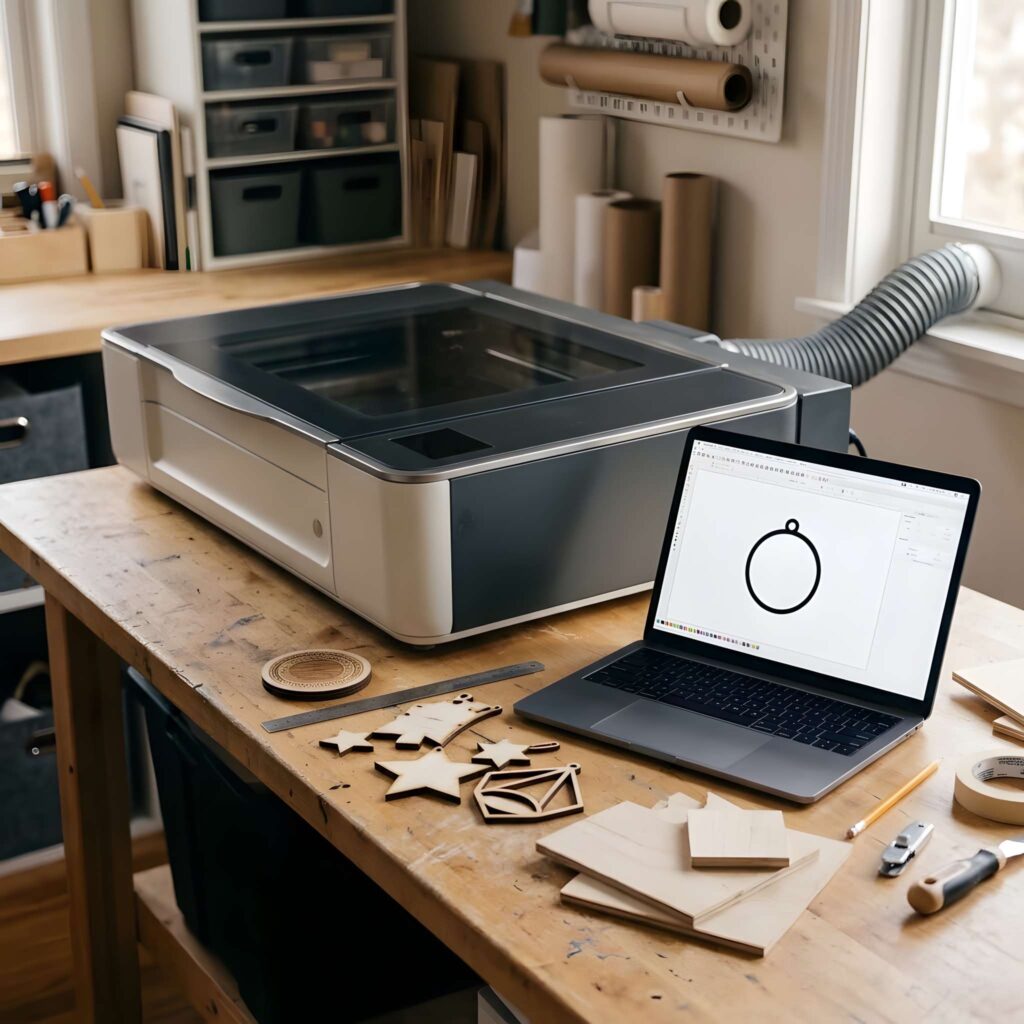
The answer depends on what you want to make.
If you’re interested in adding names, logos, and illustrations to existing objects, laser engraving may be the most practical starting point.
You can experiment with personalized wooden items and small decorative products without needing to create complicated assemblies.
If you want to build objects from sheets of material, laser cutting is the more relevant skill.
It opens up projects such as boxes, puzzles, layered decorations, and miniature models.
For beginners who want to explore both, a machine with reliable cutting and engraving capabilities can provide more flexibility.
Just make sure its actual specifications match your intended materials.
Laser Safety: What Beginners Should Know
Laser cutting and engraving involve intense heat and concentrated light.
Both processes can produce hazardous fumes, smoke, airborne particles, and fire risks.
Not every material is safe to process.
PVC and other chlorine-containing materials, for example, can release hazardous and corrosive gases when heated by a laser.
Always verify the material’s composition before using it.
A safe setup should include appropriate ventilation or fume extraction, a suitable enclosure, manufacturer-recommended protective measures, and accessible fire-safety equipment.
Never leave a running laser unattended.
Safety is an essential part of the process, whether you’re making one small ornament or producing items for customers.
Final Thoughts
Understanding laser cutting vs engraving comes down to one important distinction.
Laser cutting creates the shape of an object. Laser engraving creates the design on its surface.
Neither process is automatically better than the other.
If you want to make wooden ornaments, acrylic letters, puzzles, or decorative components, laser cutting is the technique to explore.
If you’re interested in personalized gifts, engraved artwork, logos, or permanent identification marks, laser engraving is likely the better fit.
And if you want to create products that combine unique shapes with detailed personalization, using both processes can open up even more creative possibilities.
The best place to start is with the projects you actually want to make. Choose suitable materials, learn the machine’s capabilities, and experiment with simple designs before moving on to more complex work.
Great laser projects don’t begin with the most expensive machine. They begin with the right idea, the right material, and an understanding of what the laser can do.
Frequently Asked Questions
Is laser cutting the same as laser engraving?
No. Laser cutting separates material into shapes or components, while laser engraving creates permanent surface designs. Many compatible laser machines can perform both processes.
Can a laser engraver cut wood?
Some laser engravers can cut wood, depending on their laser type, optical power, and the material’s thickness. Not every engraving machine has sufficient cutting capability.
Can you laser cut and engrave acrylic?
Yes. Suitable CO₂ lasers can cut and engrave many acrylic materials. Results depend on the acrylic type, thickness, and machine settings.
Which is better for personalized gifts?
Laser engraving is particularly useful for adding names, messages, logos, and illustrations to existing products. Laser cutting is better when the gift requires a custom shape. Many personalized gifts combine both.
Is laser engraving permanent?
Laser engraving generally produces durable markings by removing or altering material. However, durability depends on the surface, engraving depth, and environmental conditions.
What is the difference between laser engraving and etching?
Laser engraving typically removes material to create a recessed design. Laser etching usually produces a shallower surface modification. The terminology can vary between manufacturers and industries.
Can laser engraving damage materials?
Yes. Excessive laser power, incorrect focus, or unsuitable settings can cause burning, cracking, discoloration, or excessive material removal. Test settings on a sample before processing a finished product.
Do I need different design files for cutting and engraving?
Laser cutting usually uses vector paths, often in formats such as SVG or DXF. Engraving can use vector artwork or raster images such as PNG and JPG. Exact file support depends on the machine software.