ℹ️ Affiliate Disclosure: This article may contain affiliate links. We may earn a commission at no extra cost to you. Thanks for your support! ❤️
Understanding How Laser Cutting Works and Its Applications
Learn how laser cutters turn digital designs into real objects, explore different laser technologies, and discover how to start your first project.
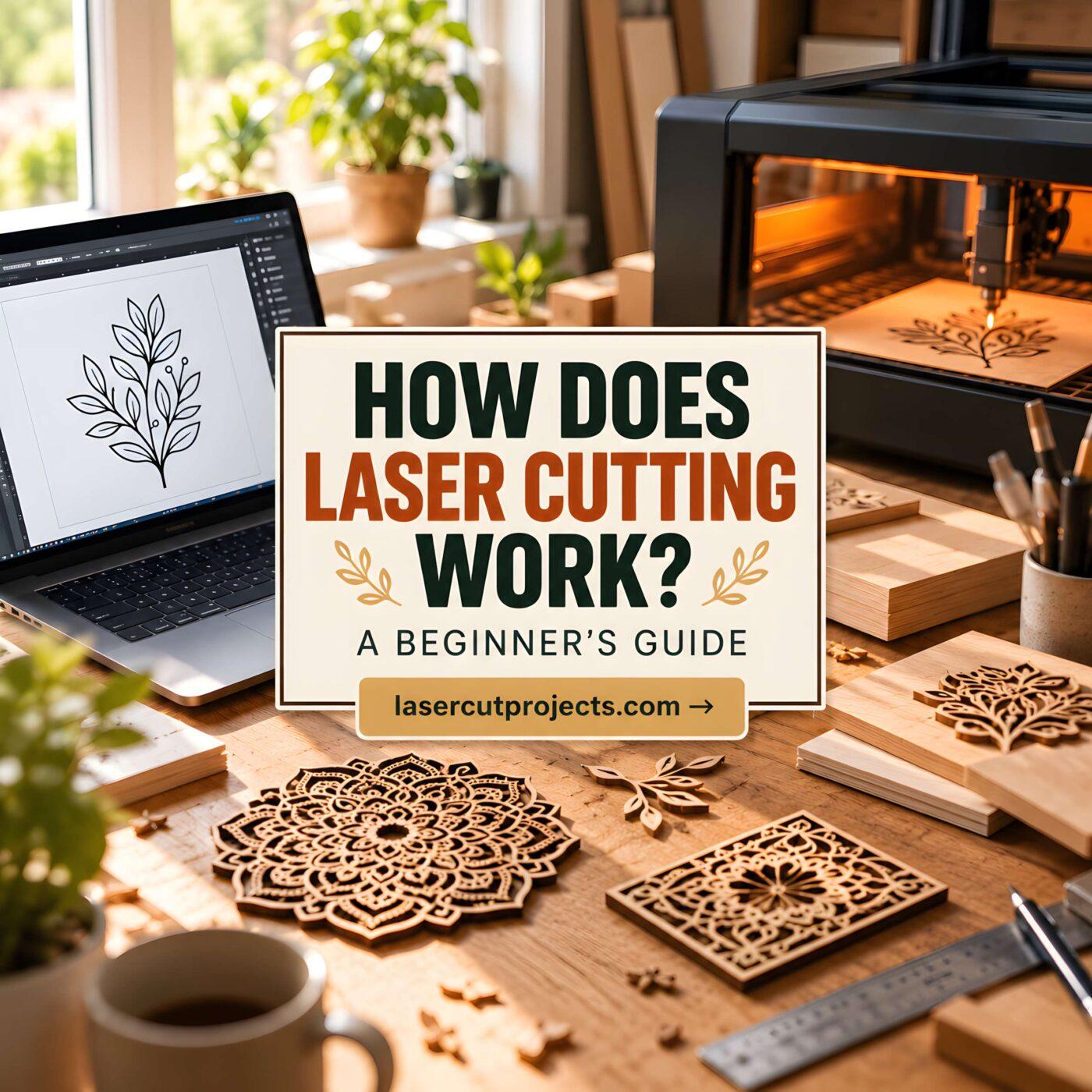
Laser cutting might sound like something reserved for high-tech factories, but today it’s used by hobbyists, crafters, designers, and small businesses around the world.
From personalized wooden signs and intricate acrylic decorations to custom gifts and industrial components, laser cutting makes it possible to create detailed objects with remarkable precision.
But how does a beam of light actually cut through solid material?
And more importantly, can beginners learn to use this technology?
The answer is yes.

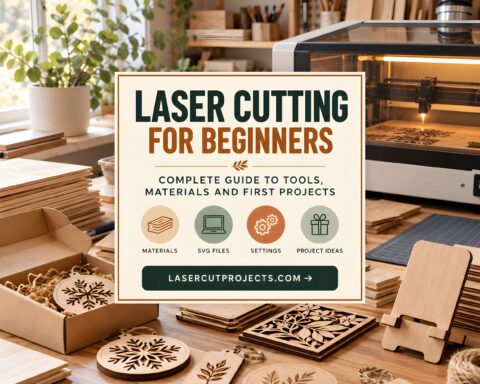
In this guide, you’ll discover how laser cutting works, which machines are available, what materials you can use, and how to get started safely.
What Is Laser Cutting?
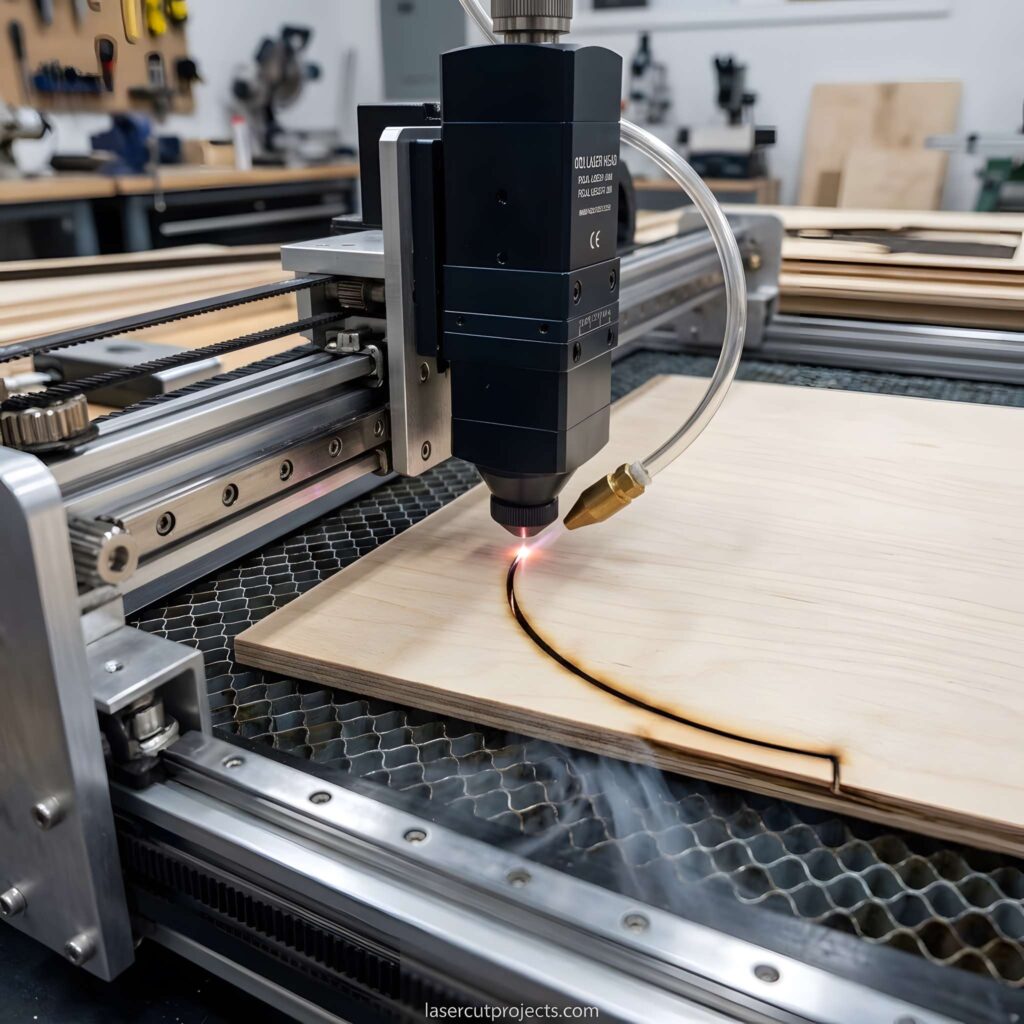
Laser cutting is a manufacturing process that uses a concentrated beam of light to cut materials along a computer-controlled path.
Instead of using a traditional blade or saw, a laser cutter focuses intense energy onto a small area of material.
This energy heats the material until it melts, burns, or vaporizes, creating a precise cut.
Because the laser doesn’t physically touch the material, it can produce intricate shapes and patterns that would be difficult to achieve with conventional cutting tools.
Common laser cutting applications include:
- Wooden signs and personalized decorations
- Acrylic letters and displays
- Paper crafts and wedding invitations
- Leather accessories and patches
- Metal components
- Custom gifts and DIY projects
The possibilities depend on the machine, laser technology, and material being processed.
How Does Laser Cutting Work?
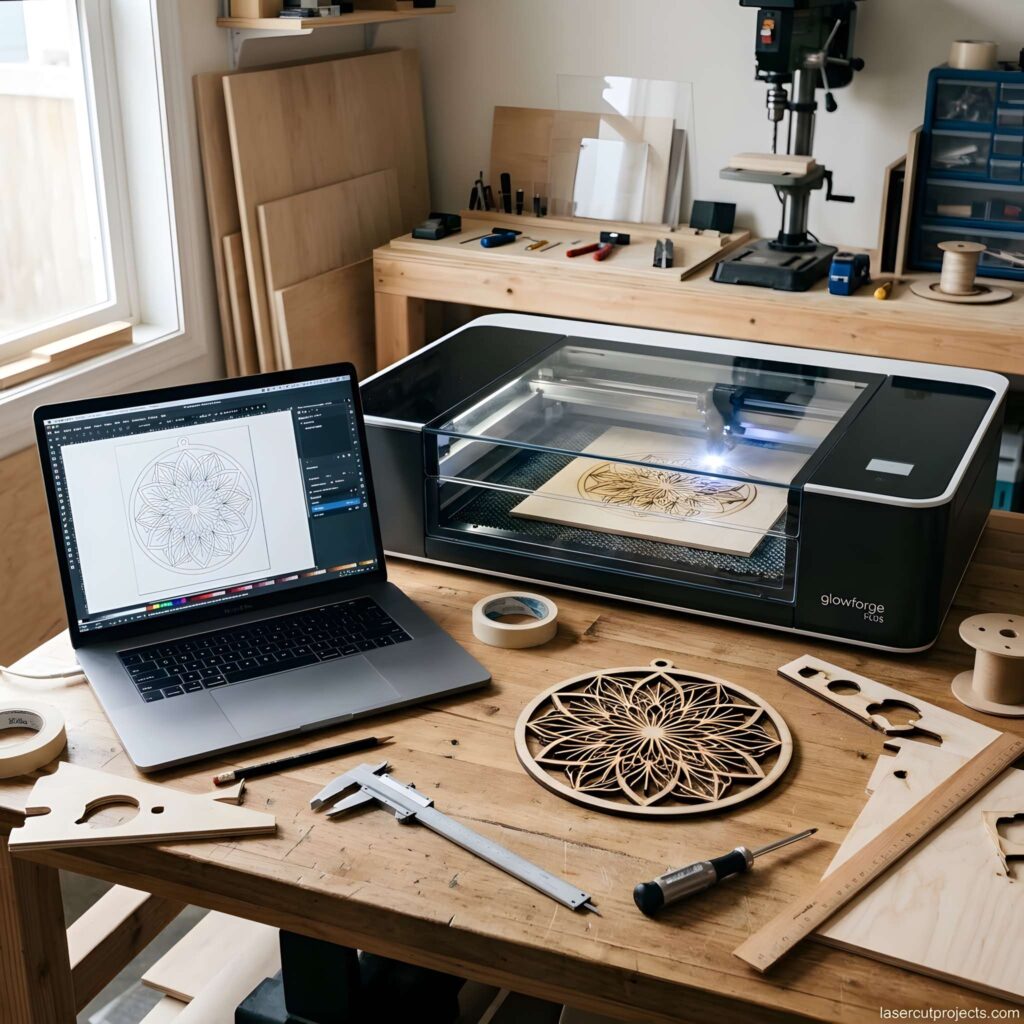
At its core, laser cutting combines three things: a focused laser beam, computer-controlled movement, and heat.
A laser source generates concentrated light, which is directed toward the material through an optical system.
The machine then moves the beam or workpiece along a programmed path, removing material to create the desired shape.
Here’s what happens during a typical laser cutting project.
Step 1: Create a Digital Design
Every laser cutting project begins with a digital design.
You can create your own artwork using vector design software or download a ready-made laser cutting file.
Common file formats include SVG and DXF, depending on the machine and software.
The design tells the laser cutter exactly where to cut, engrave, or mark the material.
Step 2: Generate the Laser Beam
Inside the machine, a laser source produces a concentrated beam of light.
Depending on the laser technology, mirrors, lenses, or optical fibers direct the beam toward the cutting area.
The beam is focused into a tiny spot, concentrating its energy.
Step 3: Heat the Material
When the focused beam reaches the material, it generates intense heat.
Depending on the material and process, this heat causes the surface to melt, vaporize, or undergo controlled combustion.
The laser removes material along a narrow path known as the kerf.
Step 4: Follow the Cutting Path
The machine uses computer numerical control (CNC) to guide the laser along the design.
Motors move the cutting head or material with controlled precision.
Many machines also use air assist or cutting gas to clear debris and improve cutting quality.
Step 5: Remove the Finished Project
Once the cutting process is complete and the machine is safe to open, the finished pieces can be removed.
Some projects require additional finishing, such as sanding wooden edges, cleaning acrylic, or assembling multiple parts.
The result? A physical object created directly from a digital design.
Three Main Types of Laser Cutting Machines
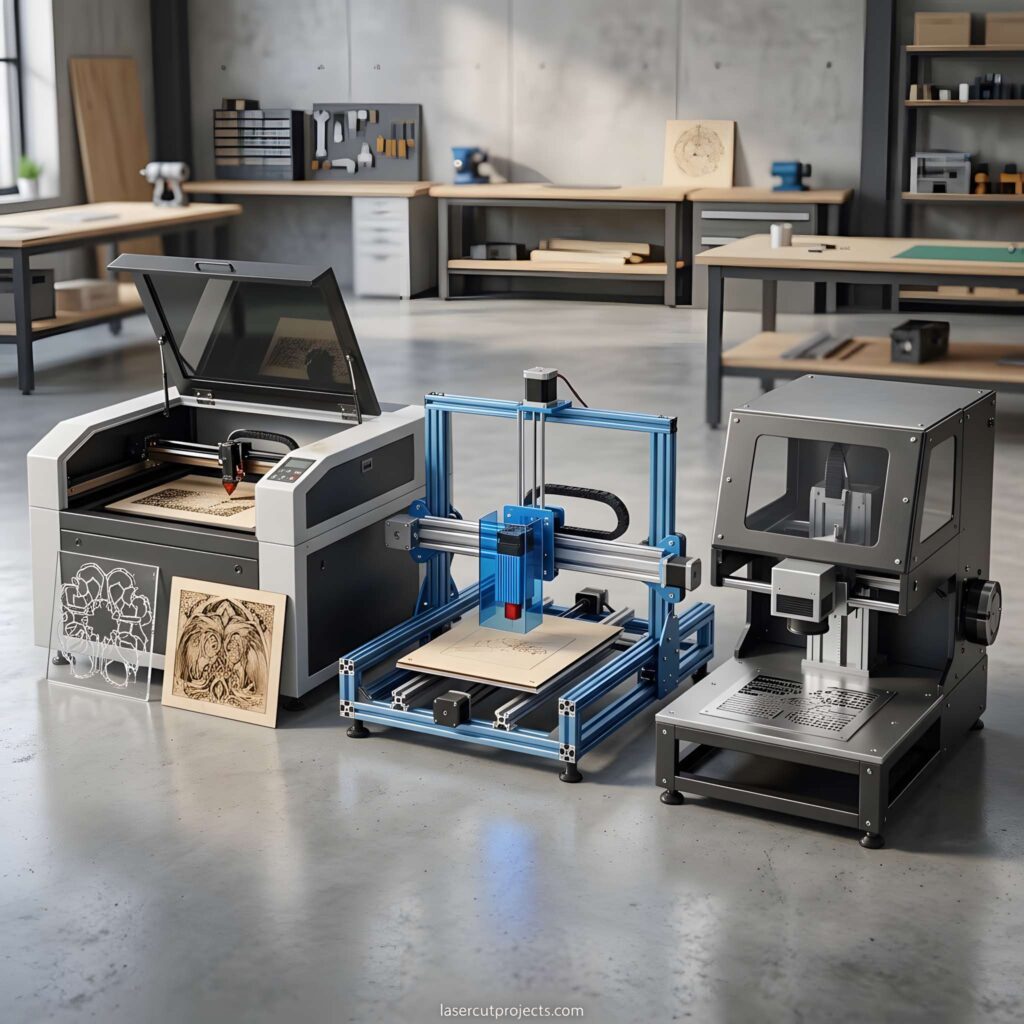
Not all laser cutters work the same way.
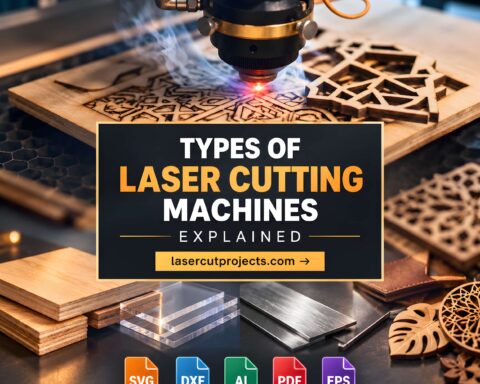
The three technologies most commonly discussed are CO₂, diode, and fiber lasers.
Each has different strengths and applications.
1. CO₂ Laser Cutters
CO₂ laser cutters are widely used for working with nonmetal materials.
They are especially popular for cutting wood, acrylic, paper, and certain fabrics.
Many professional craft businesses use CO₂ lasers because they can produce clean, detailed cuts across a range of compatible materials.
Best for: Wooden decorations, acrylic signs, ornaments, packaging, and craft products.
2. Diode Laser Cutters
Diode lasers are popular among beginners because compact models can be relatively affordable.
They are commonly used for engraving wood and cutting thin, compatible materials.
However, cutting performance depends on the laser’s optical power, wavelength, and material.
For example, many blue diode lasers struggle with clear acrylic because it transmits much of their light.
Best for: Beginners interested in wood engraving, small decorations, and lightweight craft projects.
3. Fiber Laser Cutters
Fiber lasers are commonly associated with metal processing.
Industrial fiber laser cutting systems can cut materials such as stainless steel, carbon steel, and aluminum.
These machines are widely used in manufacturing, automotive production, and metal fabrication.
It’s important to distinguish industrial fiber cutting systems from lower-power fiber marking machines.
Best for: Industrial metal cutting and precision metal fabrication.
CO₂ vs. Diode vs. Fiber Lasers
| Feature | CO₂ | Diode | Fiber |
|---|---|---|---|
| Main materials | Wood, acrylic | Wood, thin materials | Metals |
| Acrylic cutting | Excellent | Limited | Generally unsuitable |
| Metal cutting | Specialized systems | Generally unsuitable | Excellent |
| Beginner accessibility | Moderate | High | Lower |
| Typical equipment cost | Moderate–high | Often lower | High for cutting systems |
For most beginners interested in creative projects, diode and CO₂ laser cutters are the most relevant options.
What Materials Can You Cut With a Laser?
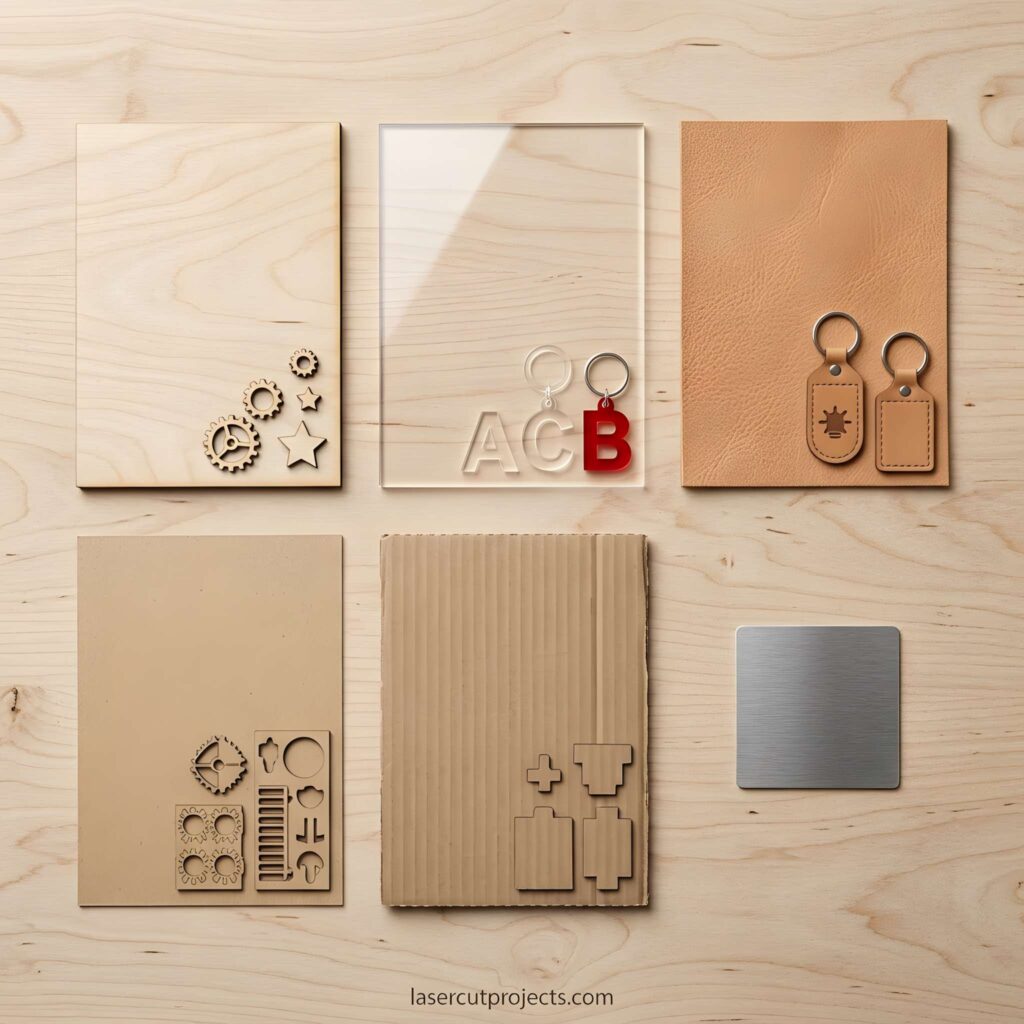
One of the biggest advantages of laser cutting is its versatility.
However, not every material is suitable for every machine.
Wood and Plywood
Wood is one of the most popular materials for laser cutting projects.
It’s commonly used to create ornaments, puzzles, signs, layered artwork, and decorative objects.
Plywood is particularly popular because it’s available in thin sheets and can be used for many craft applications.
Keep in mind that wood species, adhesives, and finishes can affect cutting results.
Acrylic
Acrylic is widely used for signs, displays, jewelry, and decorative pieces.
Suitable CO₂ laser cutters can produce smooth, detailed acrylic cuts.
Different colors, thicknesses, and acrylic formulations may require different settings.
Paper and Cardstock
Laser cutting can produce detailed paper designs that would be difficult to cut manually.
Popular applications include wedding invitations, greeting cards, packaging, and paper decorations.
Because paper is combustible, careful machine settings and fire precautions are essential.
Leather
Certain laser-compatible leather materials can be cut or engraved to create accessories, labels, and personalized products.
Material composition matters, especially when working with coated or synthetic leather.
Always verify that the material is approved for laser processing.
Metal
Metal cutting generally requires specialized equipment.
Industrial fiber laser systems are commonly used for cutting steel, stainless steel, and aluminum.
Most entry-level diode laser machines cannot cut metal sheets.
Important: Never assume a material is safe simply because a laser can mark or cut it. PVC, vinyl, unknown plastics, and certain coated materials can release hazardous fumes or damage equipment.
Laser Cutting vs. Laser Engraving
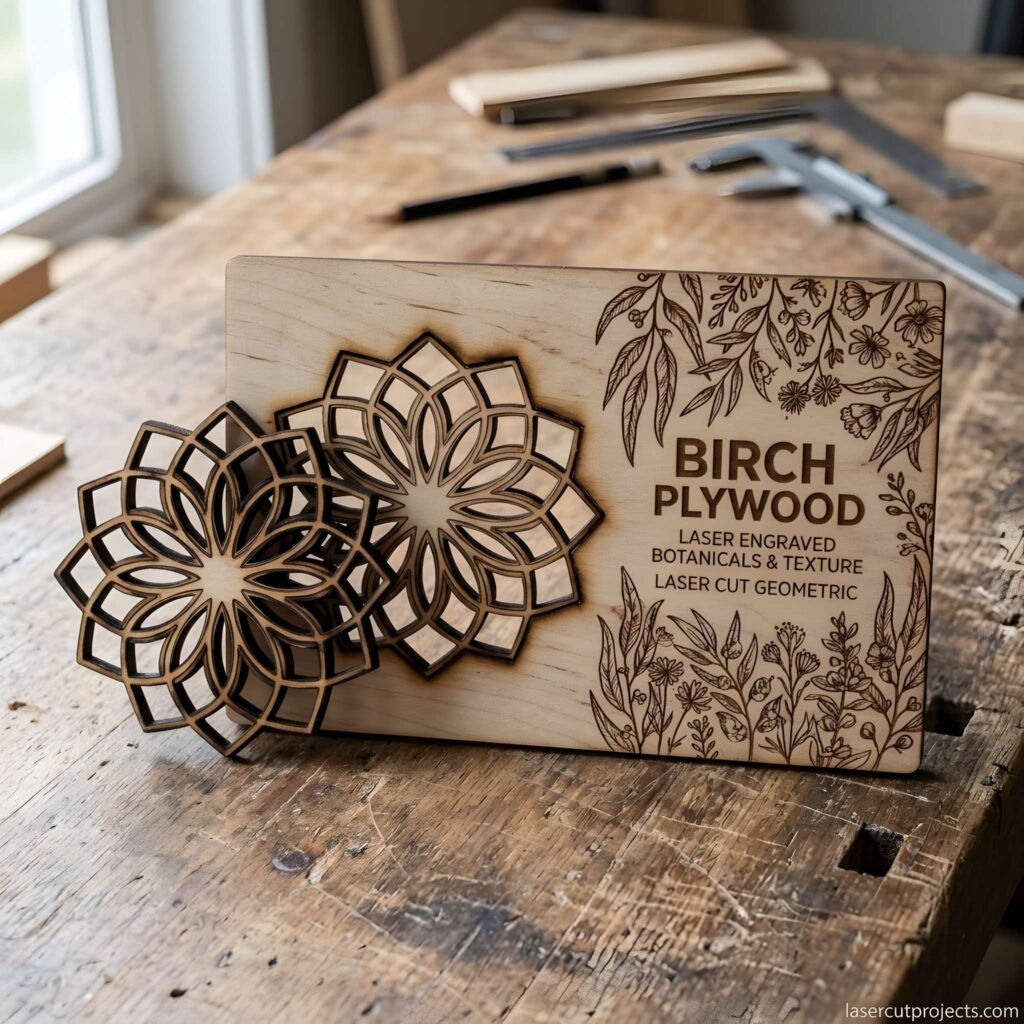
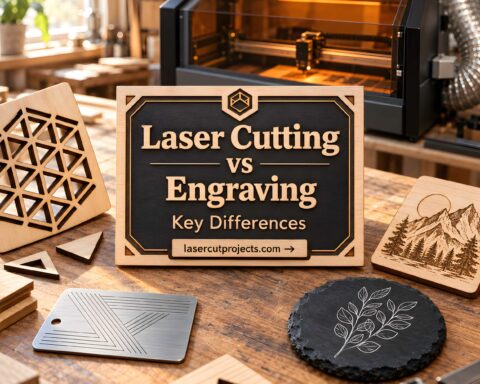
Laser cutting and laser engraving are closely related, but they serve different purposes.
Laser cutting removes material along a path to separate a shape from the surrounding sheet.
Laser engraving changes or removes material at the surface to create text, images, or decorative patterns.
Imagine creating a personalized wooden ornament.
The laser might cut the ornament’s outer shape while engraving a name or decorative pattern onto its surface.
Many laser machines can perform both operations in the same project.
This combination makes laser technology especially useful for customized products.
What Are the Main Parts of a Laser Cutter?
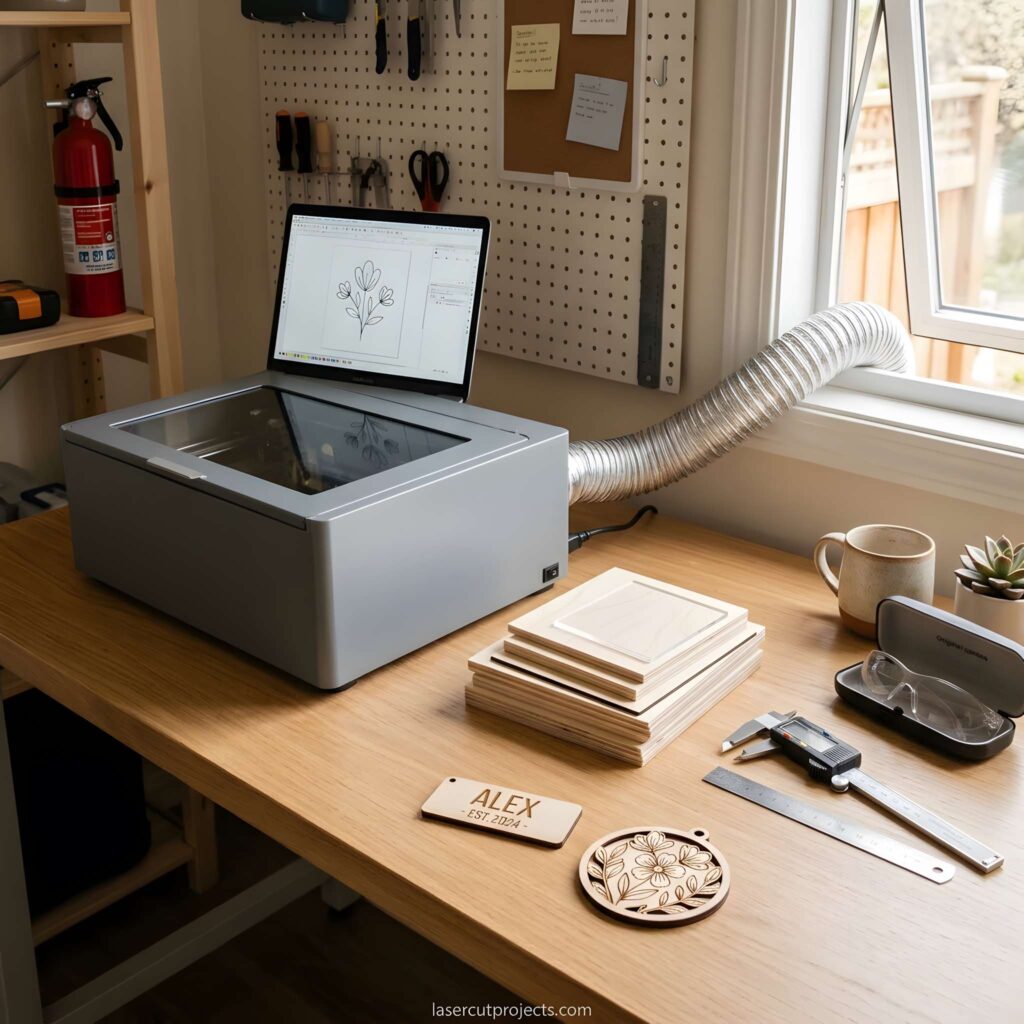
Understanding the essential components helps beginners learn how their machines operate.
Laser source: Produces the concentrated light used for cutting or engraving.
Optical system: Directs and focuses the laser beam onto the material.
Motion system: Moves the laser head or workpiece along the programmed path.
Controller: Interprets cutting instructions and coordinates machine movements.
Work surface: Supports the material during processing.
Air assist and exhaust system: Help remove debris, smoke, and fumes.
Safety enclosure: Helps protect users from hazardous laser radiation and other risks.
Each component plays an important role in producing accurate, consistent results.
Why Is Laser Cutting So Popular?
Laser cutting has become increasingly popular because it offers several practical advantages.
Precision and Detail
A focused laser beam can produce narrow cuts and intricate patterns.
This is particularly useful for decorative designs, detailed ornaments, and small components.
Repeatable Results
Once you’ve prepared a digital design and tested the cutting settings, you can reproduce the same project multiple times.
This makes laser cutting useful for small businesses creating personalized products.
Creative Flexibility
You can use laser cutting for everything from simple geometric shapes to complex layered artwork.
Digital designs can also be resized or modified without creating new physical cutting tools.
Contact-Free Processing
Unlike conventional cutting tools, the laser beam doesn’t physically press against the workpiece.
This can be beneficial when processing certain delicate materials.
Potential for Small Business Projects
Laser cutters can be used to create personalized signs, ornaments, gifts, and decorative products.
However, profitability depends on equipment costs, materials, production time, demand, and pricing.
How to Start Laser Cutting as a Beginner
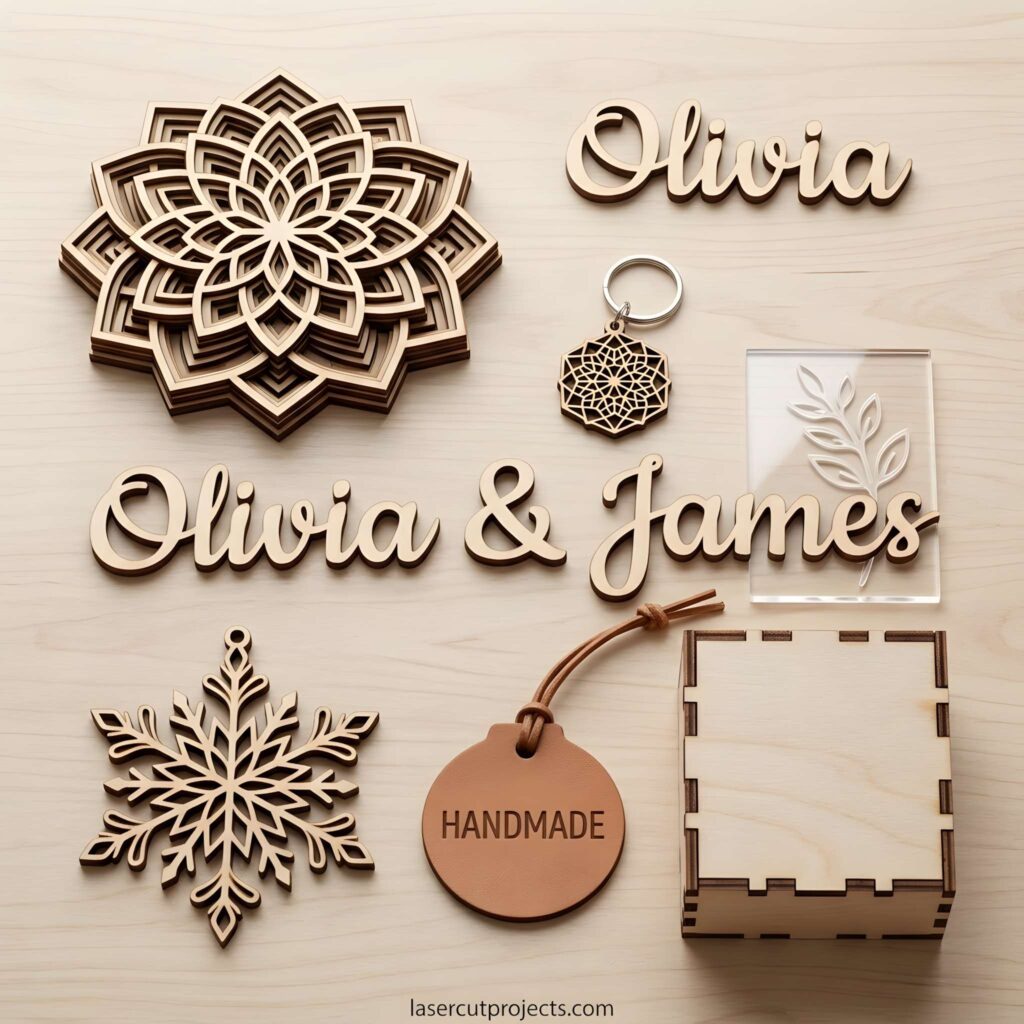
Getting started doesn’t have to be complicated.
The easiest approach is to begin with a simple project and gradually develop your skills.
Choose the Right Laser Cutter
Think about the materials and projects you want to create.
If you’re interested in wooden ornaments and small crafts, a compatible diode or CO₂ laser may be suitable.
If you plan to cut clear acrylic frequently, a CO₂ laser is generally a better option.
Look beyond power ratings. Consider safety features, ventilation, working area, software compatibility, and manufacturer support.
Start With a Simple Design
Choose a beginner-friendly project such as a wooden ornament, name tag, or geometric decoration.
Simple designs make it easier to understand cutting paths, dimensions, and material positioning.
You can create your own design or use a compatible SVG file.
Prepare Your Material
Use material approved by your machine’s manufacturer.
Make sure it is positioned correctly and secured according to the operating instructions.
Avoid unknown plastics, questionable coatings, and materials with undocumented adhesives.
Adjust the Laser Settings
Laser cutting software typically includes several important settings:
- Power: Controls the energy delivered by the laser.
- Speed: Determines how quickly the laser moves.
- Passes: Controls how many times the laser follows the path.
- Focus: Affects the concentration of energy at the material.
- Air assist: Helps clear debris near the cutting area.
Start with manufacturer-recommended settings rather than copying values from unrelated machines.
Perform a Test Cut
Before cutting a large project, test a small sample.
Check whether the laser cuts through the material and whether the edges are clean.
If necessary, adjust the settings within the manufacturer’s approved range.
Finish Your Project
After cutting, inspect the finished piece.
Wood may need gentle sanding, while acrylic may require cleaning or removal of protective film.
For multi-part designs, check the fit before final assembly.
Your first project doesn’t need to be perfect.
The goal is to understand the process and build confidence.
Essential Laser Cutting Safety Tips
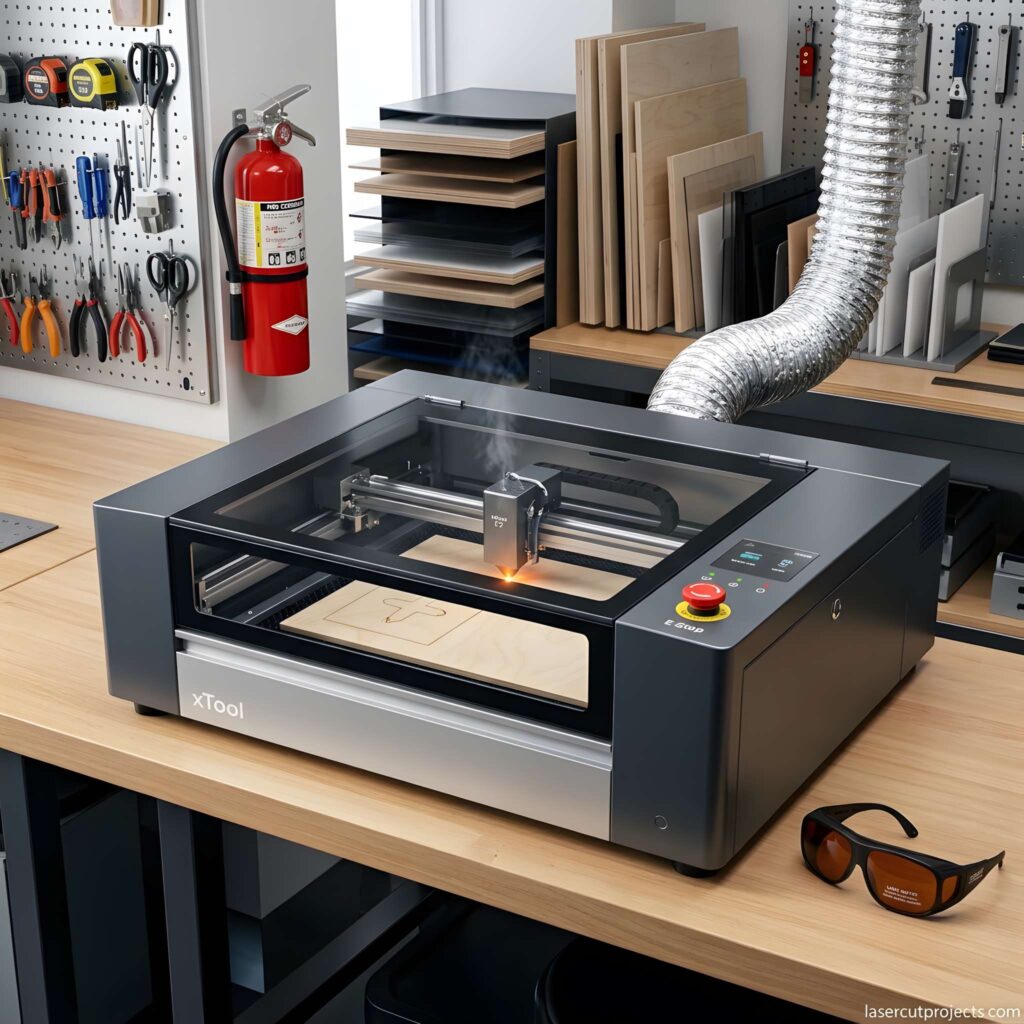
Laser cutting involves high temperatures, concentrated light, moving machinery, and potentially hazardous emissions.
Safety should always come first.
Never leave a laser cutter running unattended. Combustible materials can ignite during processing.
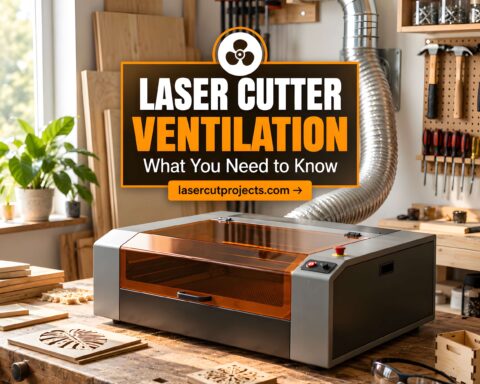
Use appropriate ventilation. Smoke and fumes must be managed using a suitable extraction or filtration system.
Keep safety enclosures and interlocks functional. Never bypass protective equipment.
Use appropriate eye protection when required. Protective eyewear must match the laser wavelength and equipment requirements.
Avoid prohibited materials. PVC, certain plastics, and unknown materials may release harmful decomposition products.
Keep the workspace clean. Accumulated debris can increase fire risk.
Understand emergency procedures. Know how to stop the machine safely and respond to a fire.
Always follow the manufacturer’s instructions and applicable workplace safety requirements.
Common Laser Cutting Mistakes Beginners Should Avoid
Even experienced users occasionally encounter cutting problems.
Understanding common mistakes can save time and materials.
Using Incorrect Power or Speed
Too little energy may produce incomplete cuts.
Too much energy can cause excessive burning or material damage.
Start with recommended settings and make controlled adjustments.
Ignoring Material Thickness
A machine that can engrave thick wood may not be capable of cutting through it.
Always verify the machine’s capabilities before starting a project.
Forgetting About Kerf
The laser removes a small amount of material during cutting.
If you’re creating interlocking parts, this can affect how accurately the pieces fit together.
Test cuts help determine suitable kerf compensation.
Using Poor-Quality Design Files
Open paths, overlapping lines, and incorrect dimensions can cause unexpected cutting results.
Inspect your design before sending it to the machine.
Skipping Test Cuts
Different materials can respond differently, even when they look similar.
Testing a small sample is usually more efficient than wasting an entire sheet.
Final Thoughts
Laser cutting combines digital design, focused light, and computer-controlled movement to create precise physical objects.
Whether you’re interested in making wooden ornaments, personalized gifts, acrylic decorations, or more advanced projects, understanding how laser cutting works gives you a foundation for exploring this technology.
Start with a suitable machine, learn the basics of your software, choose safe materials, and practice with simple designs.
As your confidence grows, you can experiment with more detailed projects and creative techniques.
The most important step is to start small, work safely, and keep learning.
Frequently Asked Questions About Laser Cutting
Is laser cutting difficult to learn?
Basic laser cutting can be learned by beginners, especially with user-friendly software and simple projects. However, safe machine operation, material selection, and proper settings require training and practice.
Can laser cutters cut metal?
Yes. Industrial fiber laser cutting machines are widely used for processing metals such as steel and aluminum. Most beginner diode laser cutters are not designed to cut metal sheets.
How thick can a laser cutter cut?
Cutting thickness depends on the machine, laser power, material composition, and processing conditions. Always consult the manufacturer’s specifications.
Can you use a laser cutter at home?
Yes, provided the equipment and workspace meet appropriate safety requirements. Proper ventilation, fire precautions, electrical safety, and protection from laser radiation are essential.
What software do laser cutters use?
Popular design tools include Inkscape, Adobe Illustrator, and CAD applications. Some laser machines work with LightBurn, while others require manufacturer-specific software.
What is the difference between laser cutting and CNC routing?
Laser cutting uses concentrated light to remove material. CNC routing uses a rotating physical cutting tool. Each process has advantages depending on the material, thickness, and project requirements.
Can laser cutters engrave photographs?
Many laser engraving machines can reproduce photographs on compatible materials. Image preparation, machine settings, and material properties influence the final result.
What is the easiest laser cutting project for beginners?
Simple wooden ornaments, name tags, and geometric decorations are good starting projects because they require relatively straightforward designs.